

What is the best alternative to Canva?
Canva offers pre-designed templates for creating professional graphics online, but it has some limitations. That’s where Linearity Curve comes in.
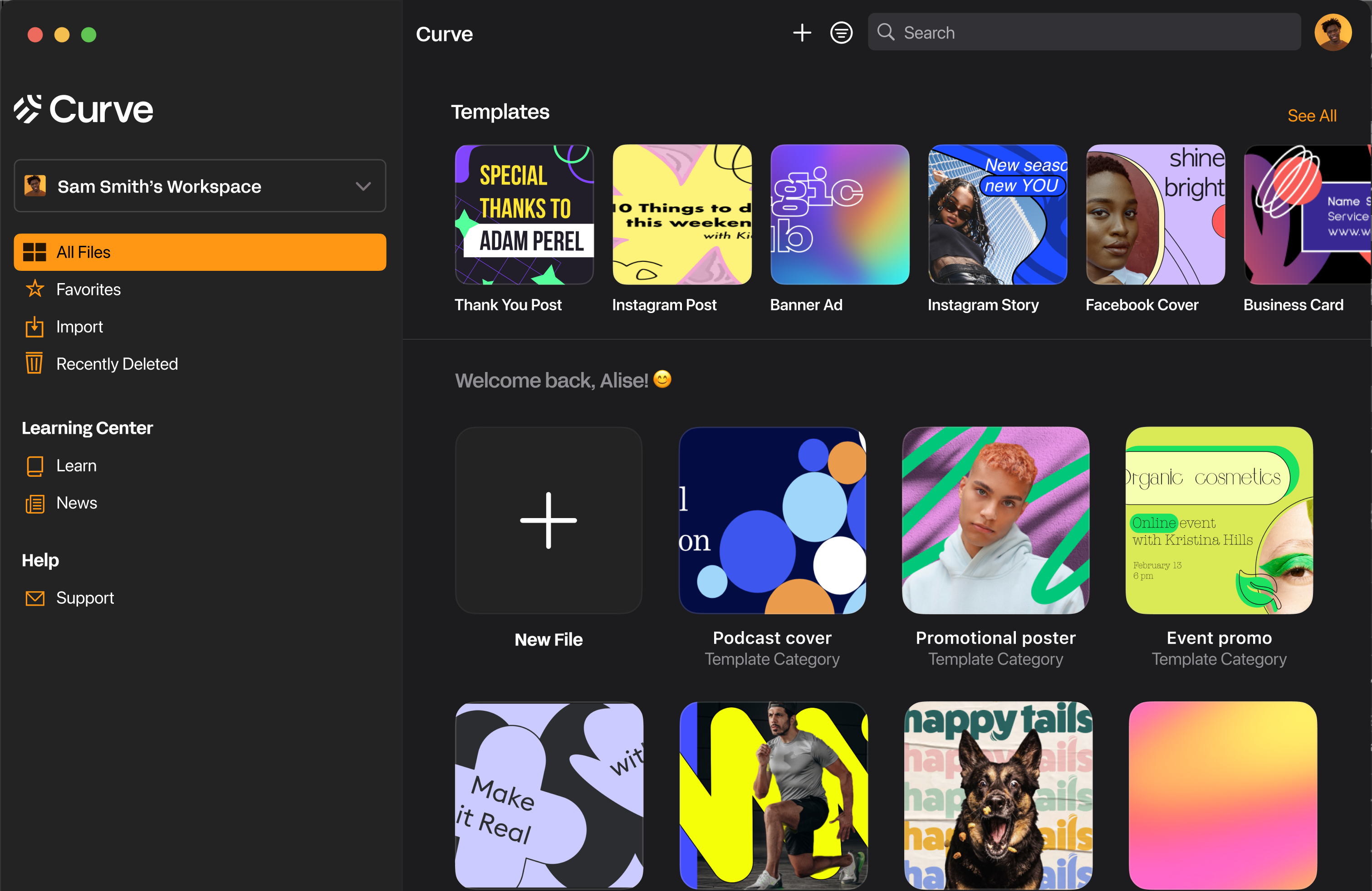
Vector-based tools beat raster
Canva features an impressive library of templates, free-to-use photos, and graphic elements. However, its users are limited to raster tools. That means anything you create in Canva will become grainy when scaled up.
But your team won't have to worry about size and resolution in Linearity Curve. Our intuitive, vector-based graphic design platform includes a library of 2000+ free, customizable templates that can be endlessly tweaked and scaled to any size. With Linearity Curve, you and your team have total creative freedom.
Features | Canva | |
|---|---|---|
Templates | ||
Cloud storage | ||
Free images and icons | ||
Background removal | ||
Auto Trace | ||
Figma and Sketch import | ||
Animation integration (coming soon) |
Design up to 30% faster
with features like our Quick Actions bar, Shape Builder, and templates.
Optimize with AI-powered tools
like Auto Trace, Background Removal, and coming soon, AI-generated text and images.
Collaborate with your team
in one shared workspace. And coming soon, collaborate with each other in real time.
Superior templates
Linearity Curve is the user-friendly software that allows me to design illustrations on the go.

Graphic designer

Next level marketing

Bring your stories to life with Linearity Curve
Feel at home in the Apple ecosystem
Linearity Curve has the modern, clean, intuitive, and simple design of a native Apple application.
The UI offers a beautiful interface with the powerful functionality for an optimal workflow. Linearity Curve is built to look and feel like an Apple product, and to integrate seamlessly into your team's workflow.

Endless third-party importing options
Since Linearity Curve is built by designers for designers, we’ve experienced the pain of bad import and export options in other tools before as well.
That's why we built a software that can be used completely standalone and in combination with other tools.




Templates
Background Removal
Auto Trace
Templates
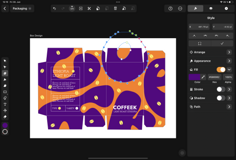
Save time and effort with more than one thousand free templates. Each one is fully customizable, giving you complete control over your design. You can adjust colors, fonts, and layout to suit your specific needs, making each template your own.






Frequently Asked Questions
Many creatives claim that vector-based software programs are hard to learn, but we designed Linearity Curve (formerly Vectornator) to be easy. Our tools are extremely intuitive and designed to be used on Mac, iPad, or even your iPhone.
Check out our Academy and YouTube Channel for tips on how to use Curve.
You sure can! We even have a bunch of pre-made templates waiting for you to open and begin designing. Just open the app, hit "New Document," and tap "Social Media" to explore different-sized templates for Facebook, Instagram, Twitter, YouTube, and Linkedin. Linearity Curve is especially useful for Social Media Marketers who want to design fun visuals.
Canva is super easy to use, but if you need some help navigating the popular online tool, there are plenty of video tutorials available that explain its range of features.
If you're a professional designer, you might prefer to use a design tool like Linearity Curve. We have a range of templates and a wide array of vector-based tools to help you create all kinds of visuals. Find out how easy it is to use Linearity Curve via our Academy.
Canva is an online editor that automatically saves your designs as you work.
All your designs will be in the "Your Projects" folder in the Canva homepage, And when you're ready to export them, you can download and save your designs to your device.
You could then store them in Google Drive, iCloud, or however you like!




:quality(75))
:quality(75))