Export your Figma designs with the Linearity plugin
Seamlessly export, refine, and add motion to your Figma projects.
Bring Files from Figma into Curve or Move
With this plugin, exporting your Figma files becomes very easy, allowing you to bring them to life with our suite of design and animation tools.

Animation for Figma
The Linearity plugin makes exporting Figma files to Move easy.
✨ In Figma, select the layers or frames you want to export
✨ Export and paste them into Linearity Move, or send them directly with “Open in Move”.
✨Add motion to individual shapes and objects
✨Add in shapes, text, video, images, sound.
✨ Export as an MP4, Mov or GIF.
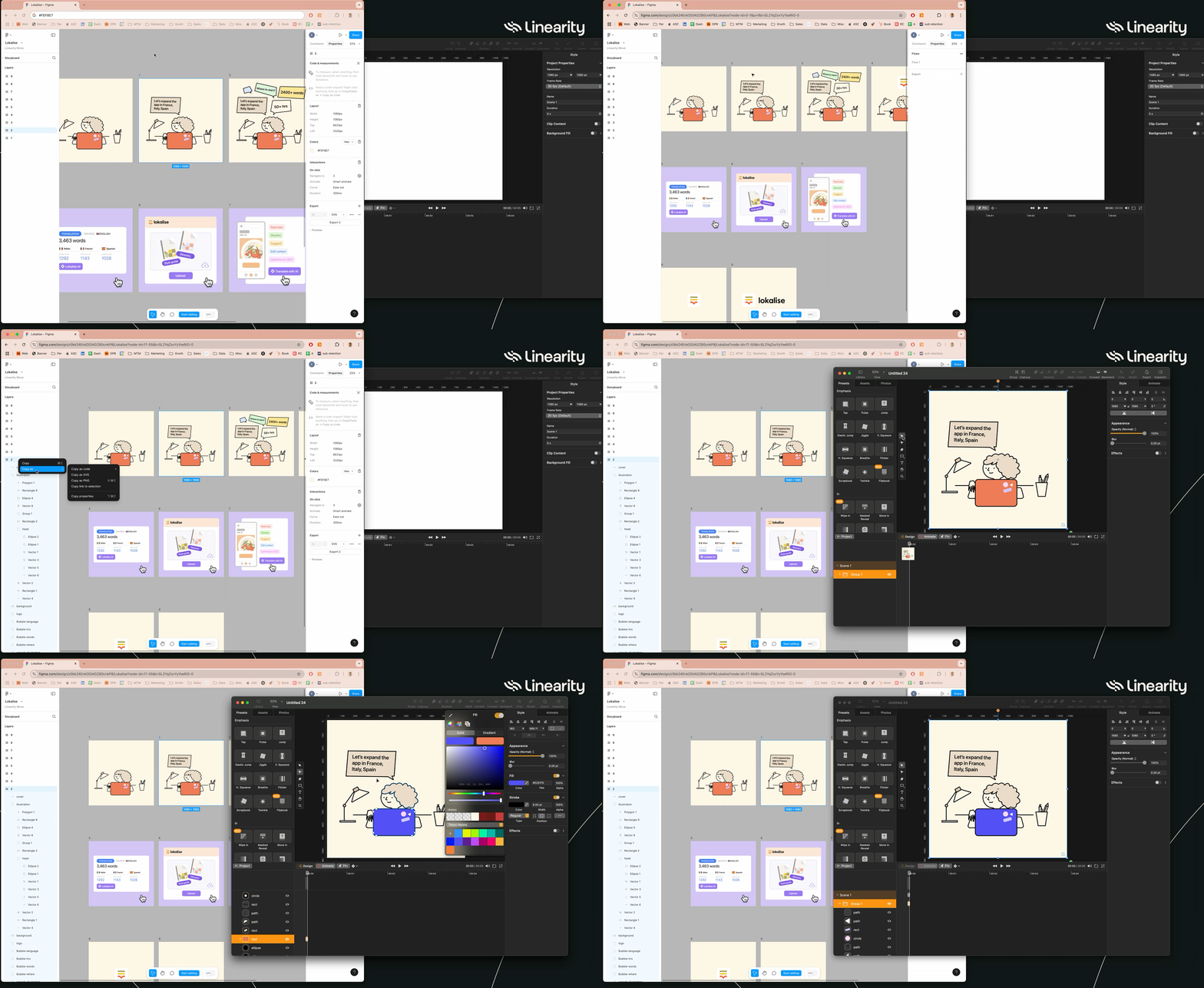
While the plugin is more powerful you can also copy and paste directly into Move from Figma.
Just click Copy as SVG and paste.
You will still have access to layers and individual objects, just not text.
:quality(75))
🎨 Export your files to Linearity Curve
Figma is packed with fantastic features, but it does have its limitations when it comes to design and illustration tools. Exporting your Figma files to Linearity Curve opens up a world of design possibilities, including features like Auto Trace, Background Removal, the Brush Tool, and more.
With the Linearity plugin, exporting your Figma designs to Linearity Curve for further refinement is as easy as a few clicks.

Explore other Linearity tools
Linearity's powerful suite of tools is ideal for designers and animators of all levels.
Auto Animate
Turn your illustrations into moving images in seconds.
Background Removal
Remove photo backgrounds with the tap of a button.
Pen Tool
Define precise vector points and create custom paths with Bèzier curves.
Brush Tool
Freely draw editable vector paths.
Shape Builder
Quickly sculpt complex designs from multiple shapes
Design and Animate Mode
Seamlessly toggle between designing and animating.

App Store Awards Finalist

G2 Reviews

App Store Reviews

Over 6 Million Designs Created

Capterra Reviews
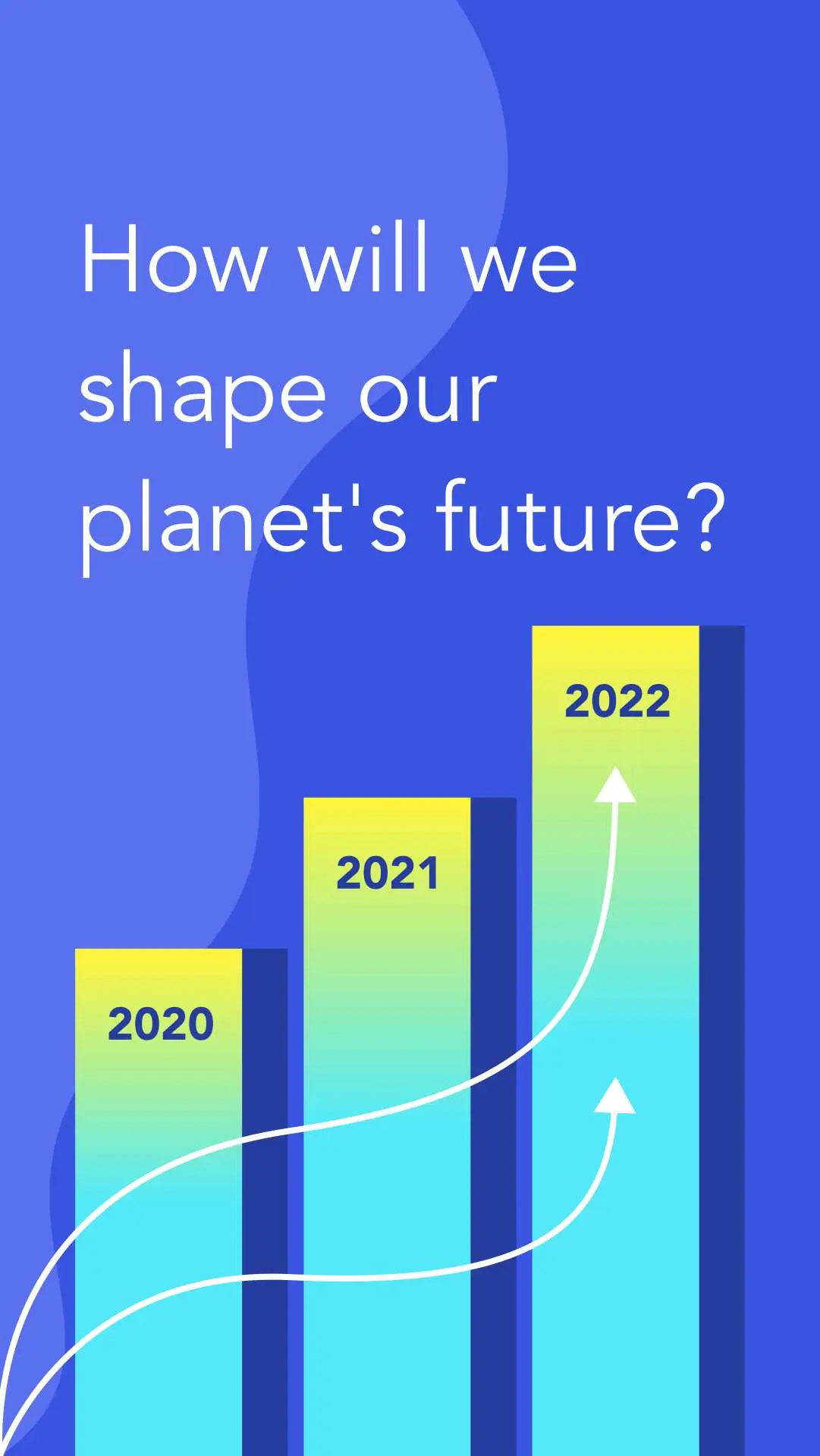
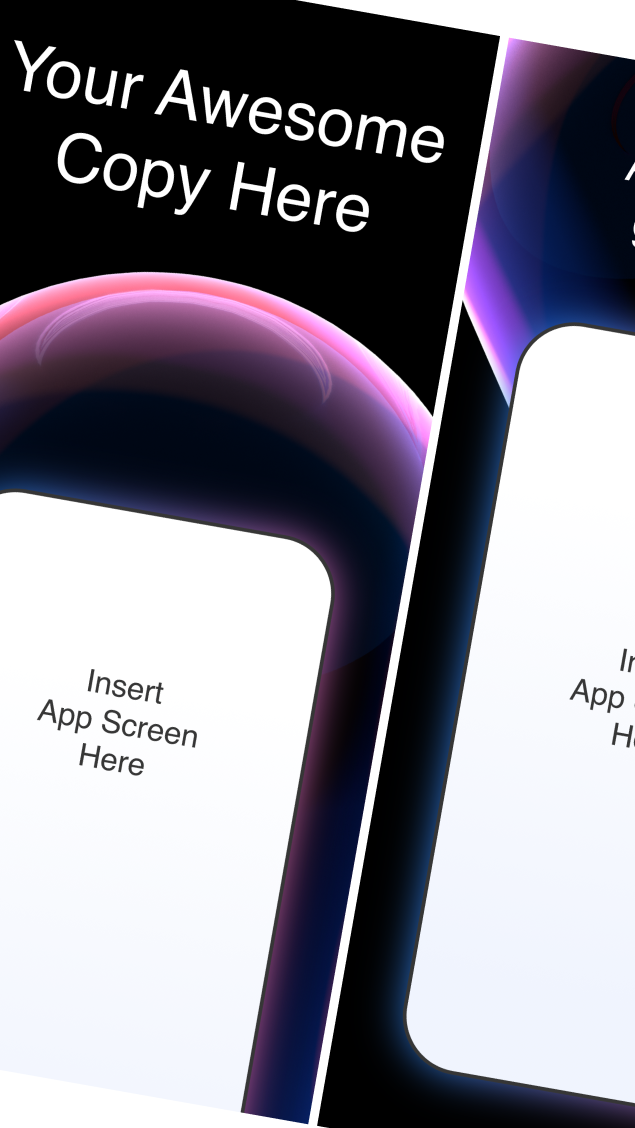
Hit the ground running with animated and static templates
No learning curve here. Choose between 3k+ free templates designed to supercharge your creative process.















Frequently-asked questions
Figma all-in-one platform equipped for UX and UI designers, graphic designers, and interaction designers.
Each powerful feature is vector-based, making it a great prototyping tool for UX design. Vector based program allows you to build interactive prototypes for your app designs and websites, no matter what design project you're working on as a user experience designer or user interface designer.
Independientemente del estilo de animación digital, en Linearity Move, podrás importar una amplia gama de archivos diferentes, incluidos .curve, .vectornator, .sketch, .pdf y .ai. También puedes importar archivos Figma a Linearity Move accediendo a tu cuenta Figma a través de nuestra función Importación Figma (Figma Import) y seleccionando un archivo existente en tu espacio de trabajo Figma.
Por otro lado, en tu espacio de trabajo de Linearity Move verás tus archivos en alta resolución con la extensión .curve. Puedes abrir estos archivos en Move haciendo clic sobre ellos. Esto creará una copia del archivo con la extensión .move. El archivo original no se modificará en este programa de animación.
:quality(75))