Use Case
Logo design made simple
Create logos in minutes with the power of our sophisticated design software Linearity Curve.
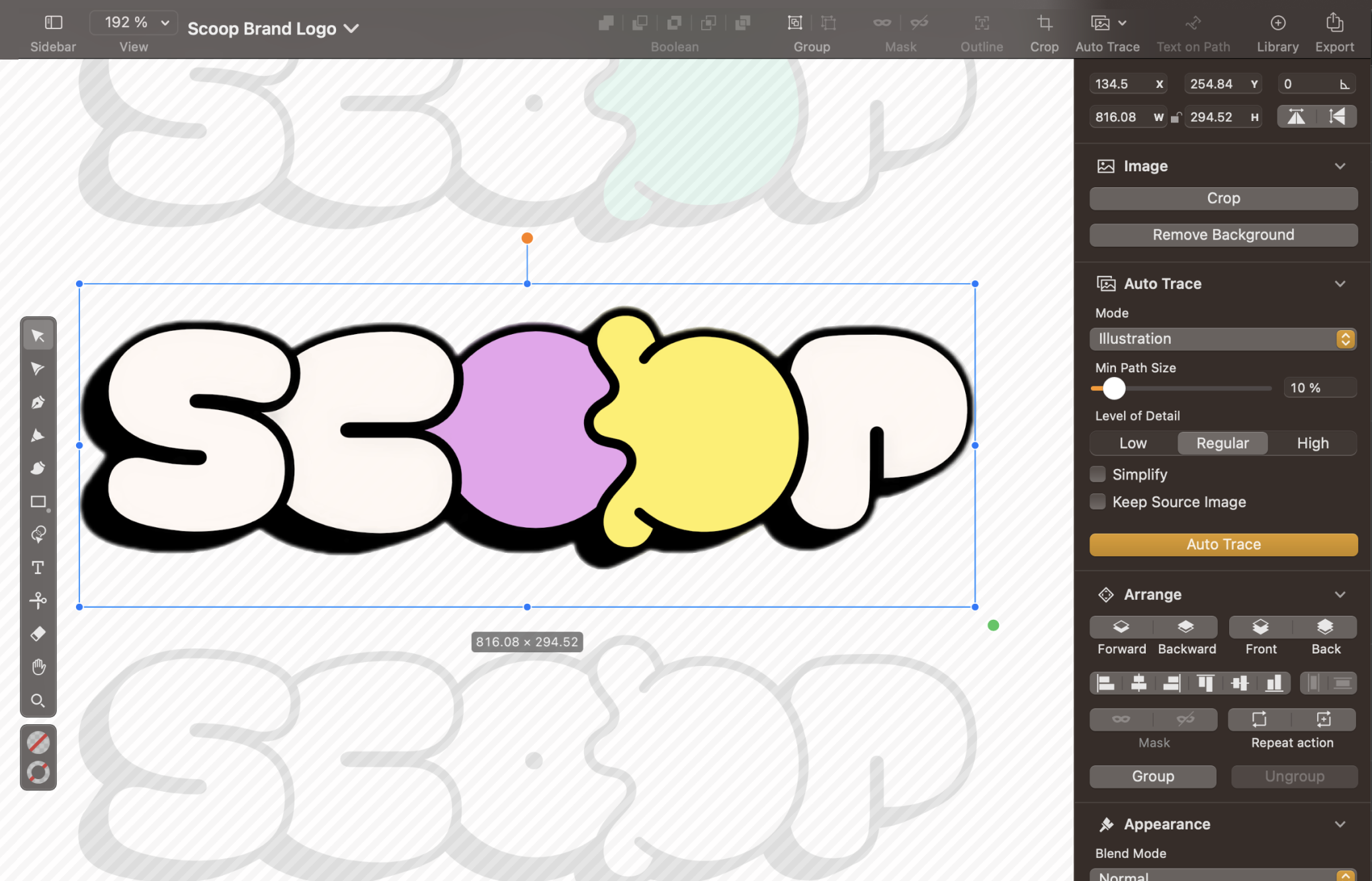
Making it easy to design professional logos
Solidify the visual cornerstone of your brand's identity. Eliminate time-consuming processes, overwhelming expenses, and the need for outsourcing a design agency. Linearity Curve's features outperform traditional software and online logo makers, offering a sophisticated solution to your most challenging design hurdles.
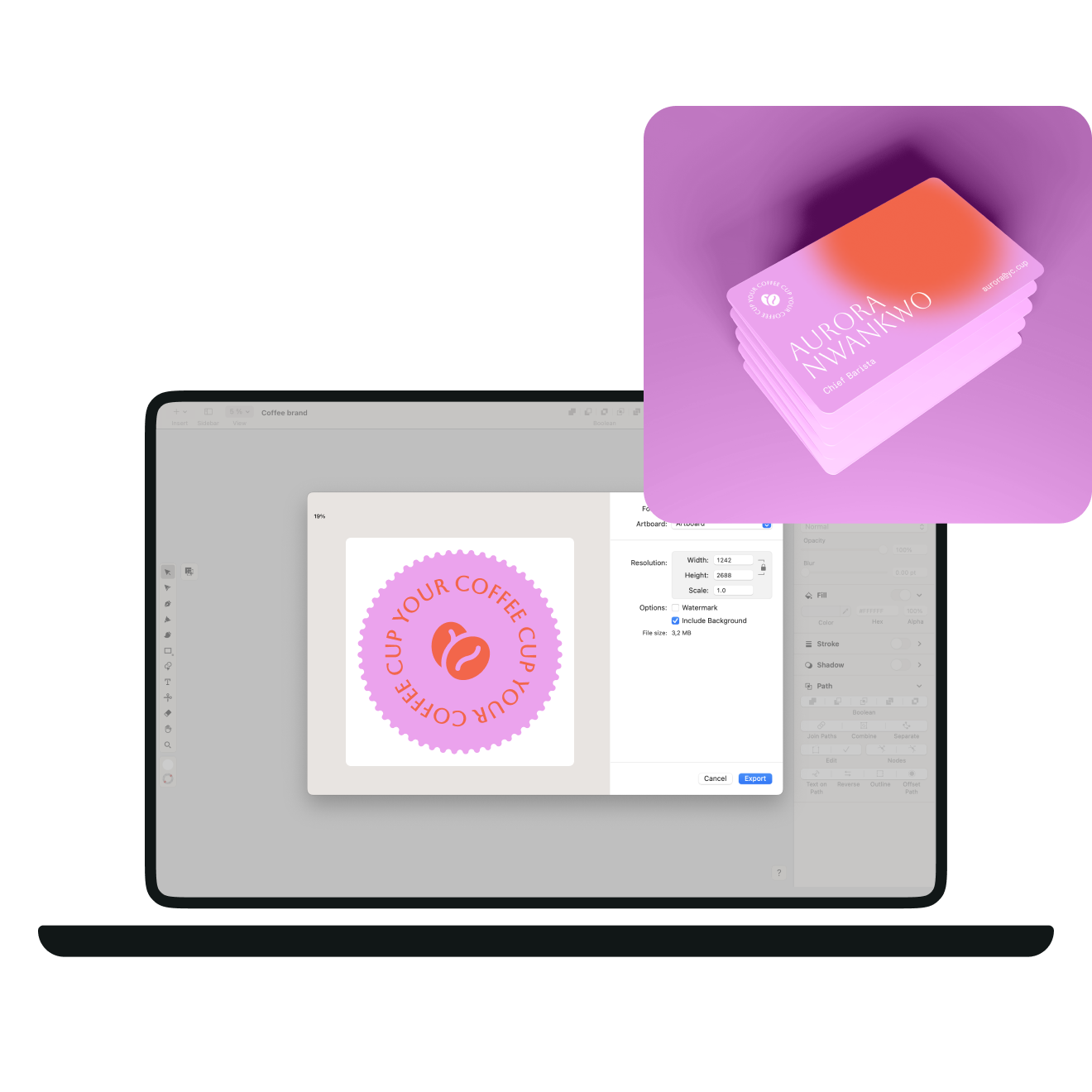
Create professional logos swiftly and affordably by leveraging our intuitive and user-friendly design software. Leaving a lasting impression on target audiences across multiple platforms and marketing materials, such as business cards and promotional products, is as easy as one click.
- Access ready-made designs and royalty-free assets

Produce pixel-perfect logos
Designing impressive logos is a breeze with Linearity Curve's easy-to-use vector-based design software. Our platform offers a range of powerful features that streamline the design process.
- Instantaneously vectorize images with Auto Trace
- Customize layouts, fonts, colors, images
- Combine shapes with the Shape Builder
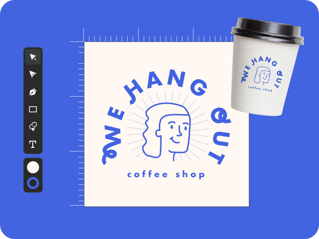
How to design a logo
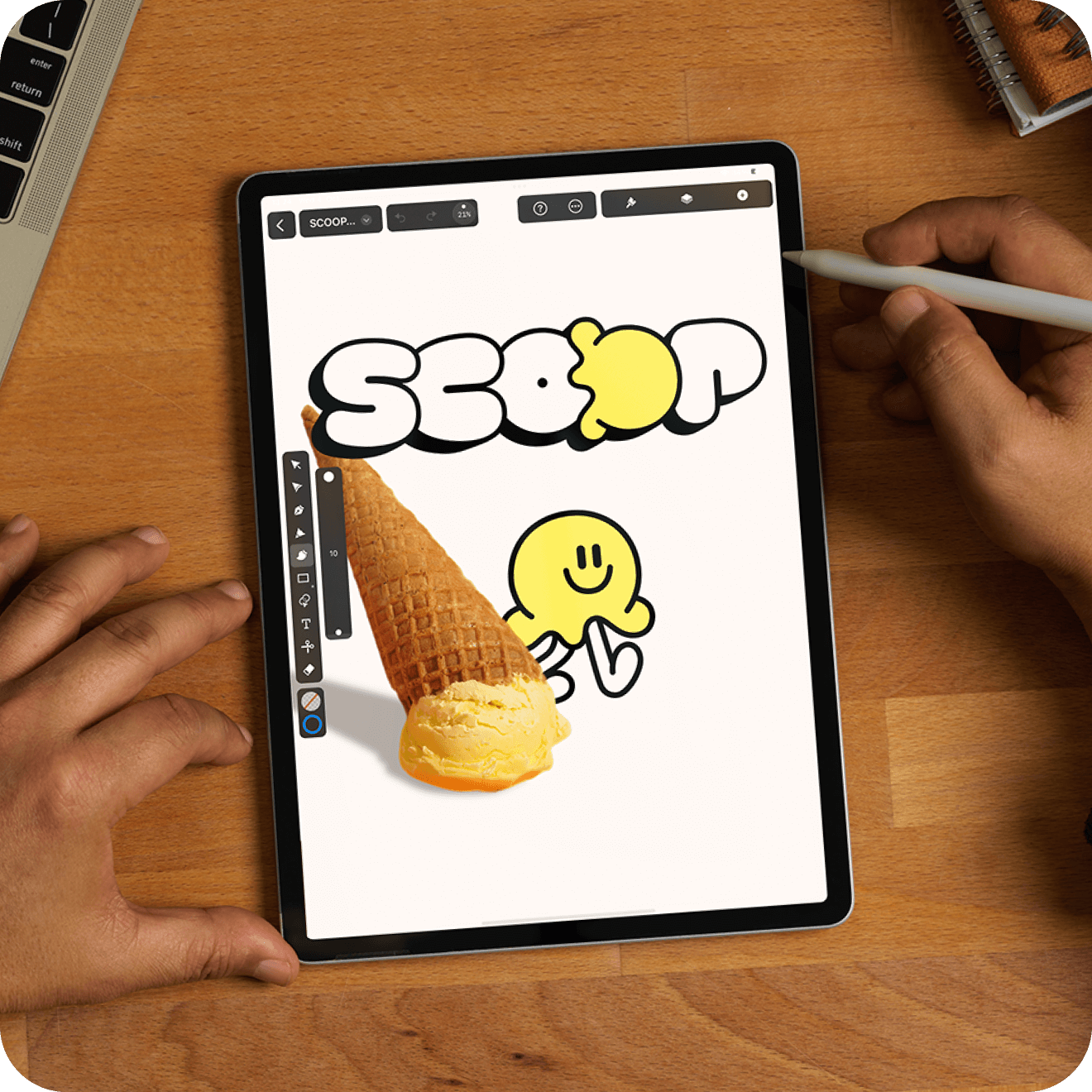
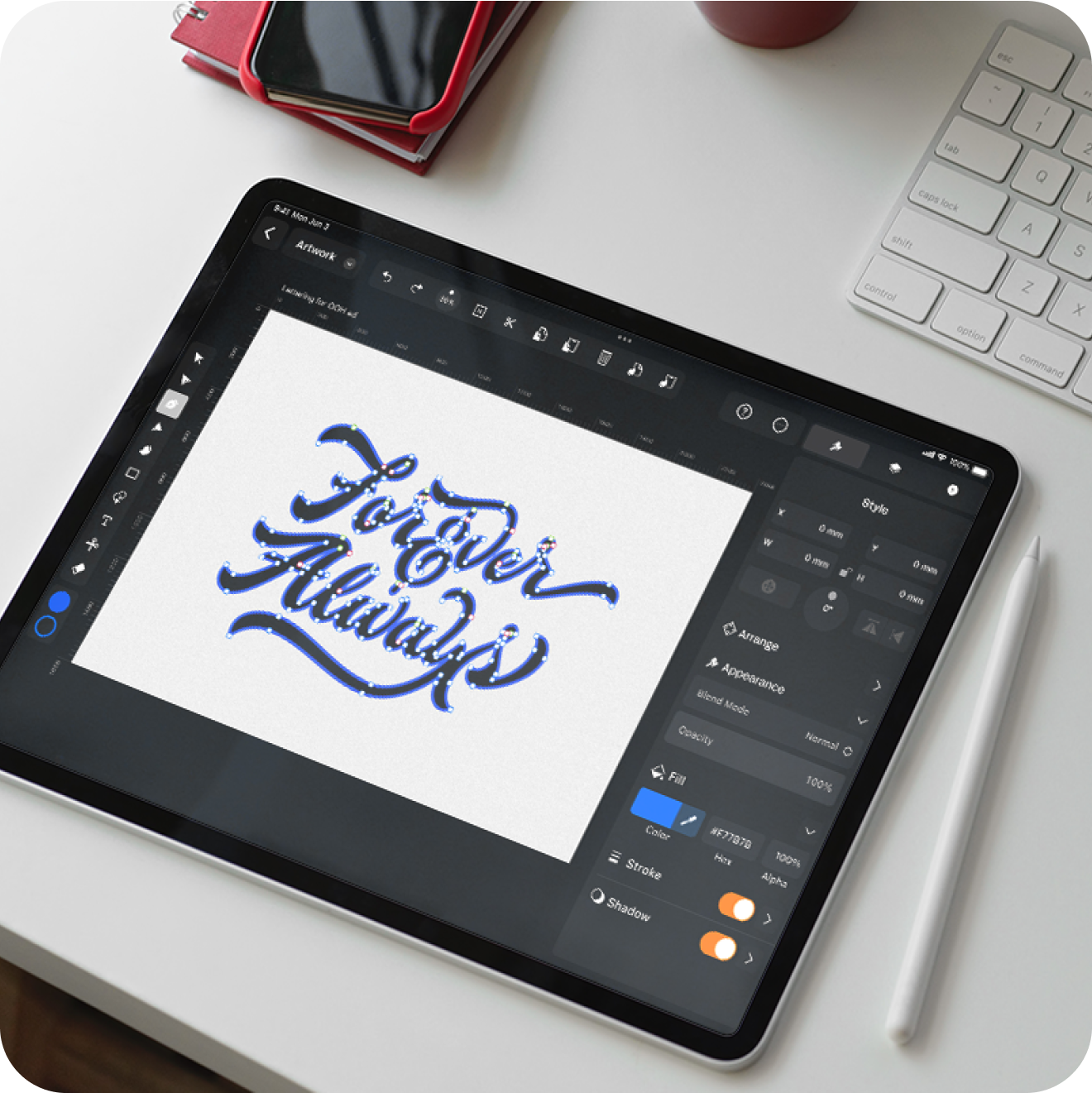
Get started with the Auto Trace tool for quick sketch-to-vector conversion.
Modify the raster image into a versatile vector illustration with one of three functionalities - Sketch, Photography , and Illustration . Even if you're unsure which mode suits your image best, our CoreML Machine Learning model can lend a hand. It analyzes your image and automatically selects the most appropriate design options for your specific needs.
Unleash your logo potential
Did you know that a professionally designed logo positively influences consumer confidence by 75%?
Tap into Linearity Curve's extensive libraries of royalty-free images , icons , and design elements to craft a professional logo that stands out. Choose from our collection of images, which can serve as a foundation for your logo. Or customize any design with a variety of icons and design elements.
To maintain brand consistency, select a color palette from our extensive range of options. Experiment with different types of logos, from wordmarks to pictorial marks, and seamlessly combine them with your chosen design elements.
With Linearity Curve's resources at your fingertips, craft your logo with confidence and flair.

No design skills required!
Pro or novice, Linearity Curve empowers you with powerful tools to bring your branding vision to life.
Experienced graphic designer? Get access to a comprehensive toolkit that can be leveraged to efficiently create any branding materials.
Just getting started? Linearity Curve's user-friendly interface and intuitive features empower you to craft professional-quality logos and materials without the steep learning curve typically associated with design software.
Select a plan that's best for you, and get started with Linearity Curve today!
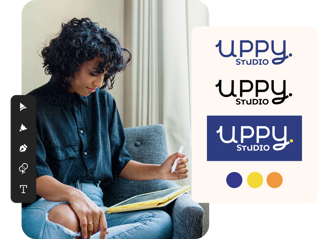
Turn photos into logos with the power of Auto trace
Whether you're designing captivating brand visuals, eye-catching business cards, or innovative marketing illustrations, Linearity Curve helps you push the boundaries of your creativity.
Auto Trace allows you to instantly transform raster images into beautiful vector assets.
Speed up your design process with AI
With Linearity Curve's AI-assisted tool like Auto Trace , mundane tasks are a thing of the past.
Use these tools to accelerate your design process, giving you more time to ideate, create, and share your design victories.
Have more questions?
Emplea tu logotipo en una amplia gama de medios y puntos de contacto para mejorar la identificación de tu marca. Incorpóralo a tus tarjetas de visita para dar una imagen profesional a tus clientes potenciales. También puedes incrustarlo en tu sitio web, perfiles de redes sociales, materiales de marketing y artículos de venta para crear una presencia de marca sólida e impactante.
Debes recibir el diseño de tu logotipo en los formatos de archivo más utilizados: JPEG, PNG y SVG.
Linearity Curve no solo potencia tus habilidades de diseño, también dispone de varias opciones de exportación para preservar la calidad del diseño de tu logo, y también te permite utilizarlo fácilmente en diversas plataformas, medios digitales e impresos.
:quality(75))
:quality(75))
:quality(75))
:quality(75))