On-brand AI designs
you can edit.
Describe a post, an ad or a slide. Linearity's AI design generator returns a real file in your brand, not a flat image. Every layer stays editable.
Free to start. No credit card required. Book a demo
Used by teams at


From one sentence to a finished design.
Try the four moves the product is built on. This one is live: click around.
Solstice
Autumn blend is here.
Small-batch roast, back for a limited time.
Order now
Describe it. One sentence in, a finished design out: your logo, fonts, colors and tone, already applied.
A file you can edit. Not a picture you can't.
Every headline, photo and shape lands on its own layer. Fix the typo, swap the image, move the logo. No regenerating and hoping.

Kiln & Co
Throw your frist pot.
- A typo you cannot fix
- Not your font
- Not quite your orange
It already knows your brand.
Paste your website. Linearity pulls in your logo, colors, fonts and tone of voice, then designs with them from that point on.
- About five minutes from URL to brand kit
- Add a brand book as a PDF for more detail
- Set in your real brand fonts, not look-alikes

Aa Roobert
Developer-first, precise, confident

It learns the rules, not just the logo.
HV Capital's brand has one signature device, a pixel stretch, and a rule for it: how far the stretch runs tells you a company's funding stage. Linearity picked that up from the brand guide. Change one word in the prompt and the design follows the rule.


LinkedIn post for HV, investing into a cat café.
Make it once. Ship it everywhere.
Tick the formats you need and pick a language. Every version is its own editable file, and the original stays untouched. See resizeSee translate
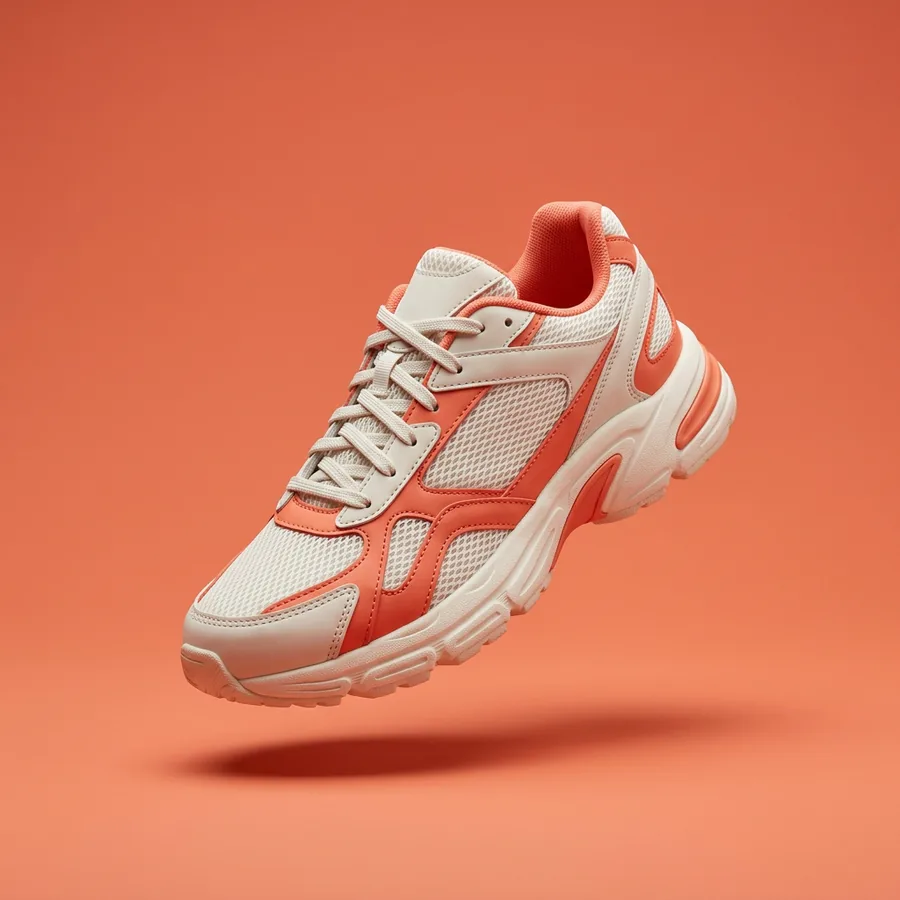
Stride
Summer drop
The Aero 2 is here.
Shop now
Stride
Summer drop
The Aero 2 is here.
Shop now
Stride
Summer drop
The Aero 2 is here.
Shop now
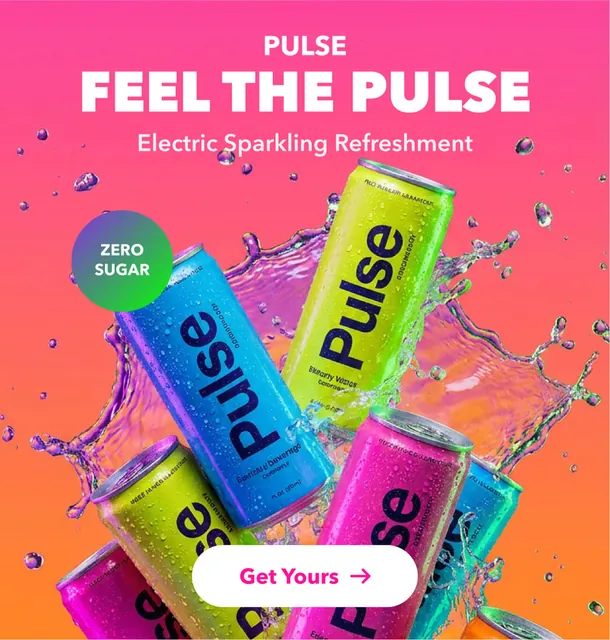
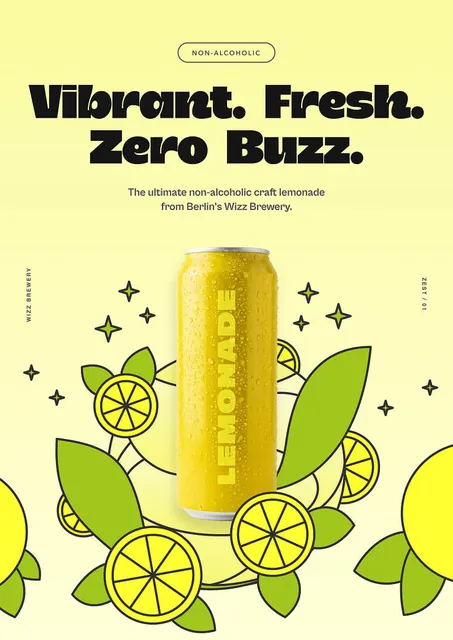
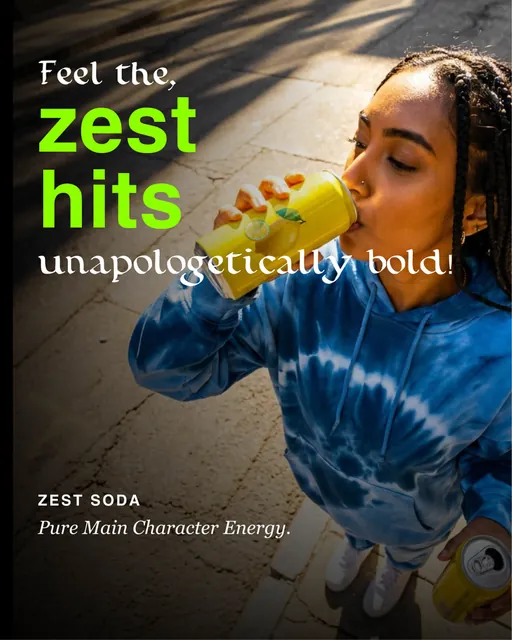
Made with Linearity
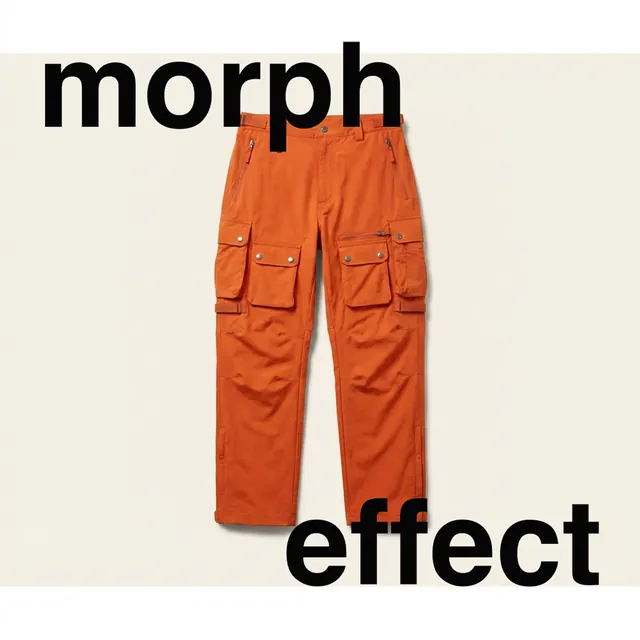
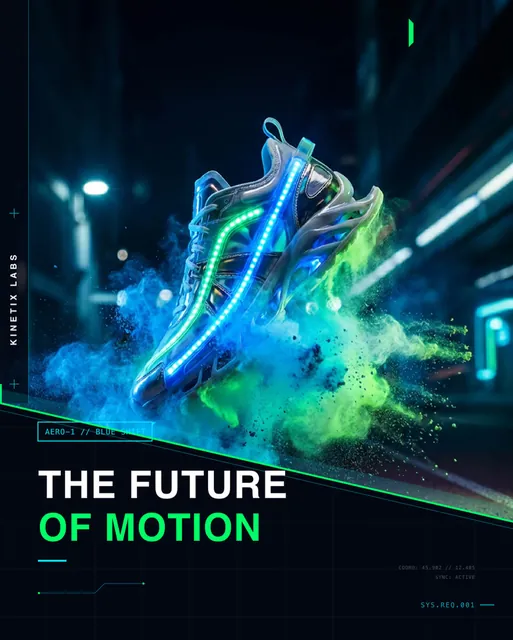
Real outputs from one prompt each. Every one is an editable file.






Ask for a design where you already work.




Tag Linearity in Slack, or call it from Claude, ChatGPT, Cursor and Codex. It answers with a file your team can open and edit.
How the connection works# marketing
Maya
@Linearity hiring post for a senior designer, LinkedIn size
Linearity App
Here is a first version in the Fieldnote brand.
Fieldnote
We're hiring
Senior Designer
Berlin or remote
Apply now
Maya
make the headline shorter
Linearity App
Done. Shortened the headline and kept the layout.
The best models, already inside.
Linearity Vector 1 lays out the design. For images and vector art, pick a model per job or leave it on automatic. Everything lands on the canvas, ready to edit.
Meet the vector model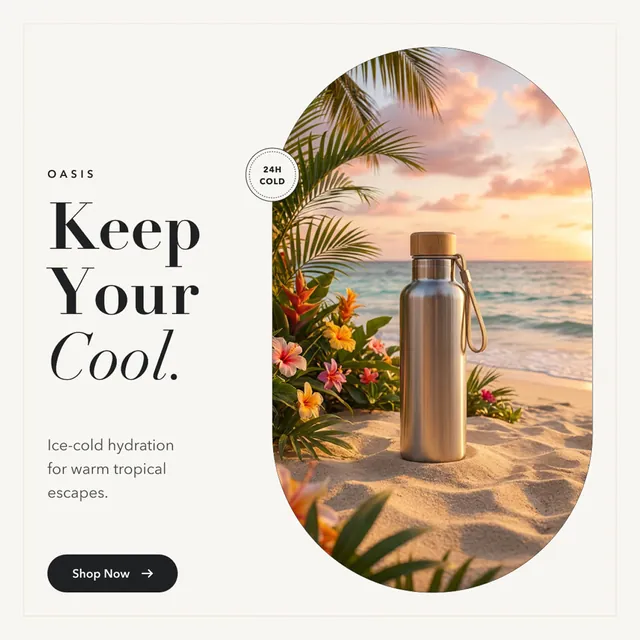
Made with Linearity Vector 1
Every approved asset, one search away.
A shared library for logos, photos, product shots and icons. Linearity tags each asset by what is in it, so you search the picture, not the filename, and designs are made from approved material.
See asset management Iced coffee
- Sneaker
- Logo
 Illustration
 Icon
- Ceramics
- Logo
 Illustration
 3D render
 Icon
Ready to use in any design
And the rest of the toolkit.
Image to layers
Split any picture into separate, editable layers.

Remove background
Cut out a subject in one click.

Upscale
Sharpen small images for print and large screens.
Vector graphics
Icons, logos and illustrations as clean SVG paths.

Export
PNG, JPEG, PDF and SVG, at the size you need.

Templates
Start from a layout and make it yours.

Workspaces
Projects and shared brand kits for the whole team.

Edit any PDF
Import a PDF and its text, images and shapes become editable. SVG, PNG, JPEG and WebP too.
Everyone creates. The brand holds.
 SOC 2 Type I
 GDPR compliant
- Hosted in the EU
- Built in Europe
Shared brand kits, workspaces and projects, so marketing, sales and HR can make their own assets without waiting on design. SSO and roles on Enterprise.
Questions, answered
Anything else? Write to hello@linearity.io
What is Linearity?
Linearity is an AI design generator for marketing teams. You describe what you need, such as a social post, an ad or a slide, and Linearity designs it in your brand as a fully editable file. You can then resize it for every channel and translate it into other languages.
How is Linearity different from AI image generators?
Image generators return a flat picture you cannot change. Linearity creates an editable design file with separate text, image and shape layers, so you can fix a headline, swap a photo or move a logo without starting over.
Is Linearity a Canva alternative?
Yes, but built around AI. Canva gives you templates you adjust by hand. Linearity's AI design generator creates the design for you from a prompt, keeps it on brand, and still lets you edit every layer.
How does Linearity learn my brand?
Enter your website and Linearity imports your logos, colors, fonts, imagery and tone of voice into a brand kit, usually in about five minutes. You can also upload a brand book as a PDF. Every design you generate follows that brand kit.
Which AI models does Linearity use?
Linearity pairs its own layout model, Linearity Vector 1, with leading models: GPT Image 2.6, Seedream 5.5 and Nano Banana for images, and Arrow 2 by Quiver for icons and illustrations. You pick the model, or let Linearity choose.
Can Linearity resize and translate designs?
Yes. One design can be resized into social, ad, presentation, print and App Store formats, and translated into 97 languages. Each version is a new editable design, and your original stays untouched.
Can I use Linearity inside Claude, ChatGPT or Slack?
Yes. Linearity connects to Claude, ChatGPT, Cursor and Codex, so those tools can generate designs from your brand kit. In Slack, you can create and edit designs with the Linearity agent on Business and Enterprise plans.
Do I need to be a designer?
No. Linearity is built so anyone on a team can create professional, on-brand designs. Designers can still fine-tune every layer in the editor.
Is Linearity built for teams?
Yes. Linearity has team workspaces, projects, shared brand kits and roles, with SSO and advanced permissions on the Enterprise plan.
What file formats can I export?
You can export PNG, JPEG, PDF and SVG.
Can I edit a PDF in Linearity?
Yes. Import a PDF and Linearity turns it into an editable design: you can change the text, swap images and move shapes, then export it again as a PDF or any other format.
Does Linearity use my real brand fonts?
Yes. Designs are set in the fonts from your brand kit, including custom fonts you upload, not in a similar-looking substitute. The text stays live, so you can keep editing it.
Do you train on my designs?
No. We do not use your private designs to train our models.
Can I use outputs commercially?
Yes. You have full ownership and commercial rights to everything you export from Linearity.
What happened to Vectornator and Curve?
Vectornator became Linearity Curve. Curve and Linearity Move are still available as native design and animation apps for Mac, iPad and iPhone.