

What is the best alternative to Figma?
While Figma is a widely-used web application for collaborative interface design, Linearity Curve offers marketing design teams a more comprehensive solution.
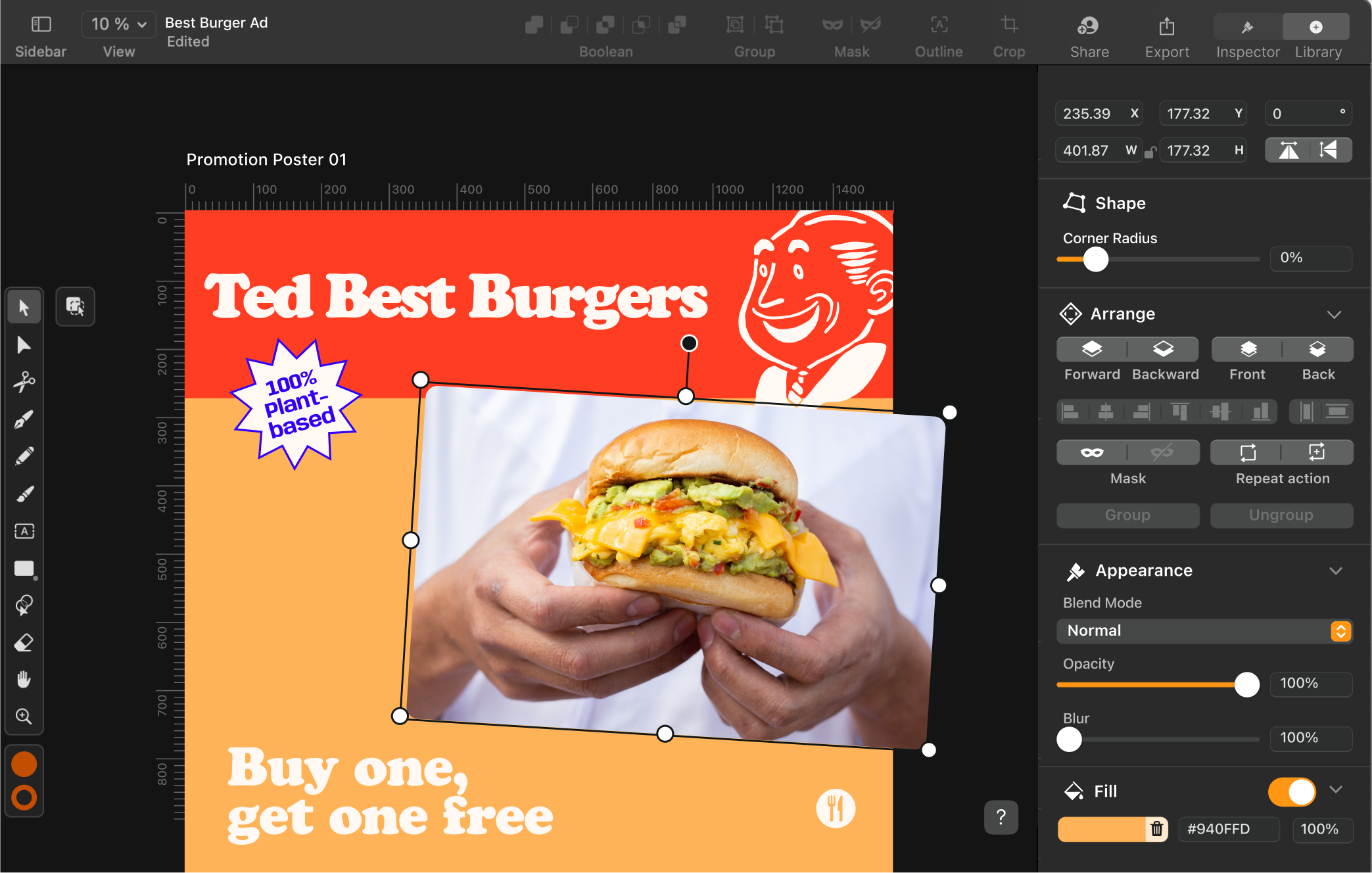
Why choose Linearity Curve over Figma?
Linearity Curve allows your team to create marketing assets that are much more complex and sophisticated than what Figma can deliver. Also, it’s easy to switch.
You can open any Figma file inside Linearity Curve. Since both programs are vector-based, you can continue editing and refining your Figma files using our tools.
And if real-time collaboration is Figma’s main draw for your team, stay tuned: RTC is coming soon to Linearity Curve.
Features | Figma | |
|---|---|---|
Templates | ||
Pen Tool | ||
Cloud storage | ||
Animation integration | ||
Auto Trace | ||
Shape Builder | ||
Background removal | ||
3m+ free images | ||
80k+ free icons |
Design up to 30% faster
Optimize with AI-powered tools
Collaborate with your team
From sketch to vectors instantly
A superior Pen Tool
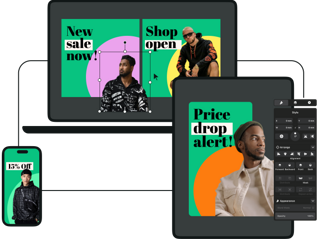
Multi-device application
Figma is a web-based tool, meaning it can be accessed on any device through your browser. However, once you import your Figma files in Linearity Curve, your team will have the ability to work offline. Linearity Curve is free to download and use on any iOS-supported device.
Our mobile apps for iPhone and iPad are touch-friendly, offering an efficient experience on the go. And for marketing teams looking to design on a larger canvas, our desktop app is the perfect choice. Plus, you'll soon be able to effortlessly share files from your workspace, fostering seamless teamwork and real-time feedback.
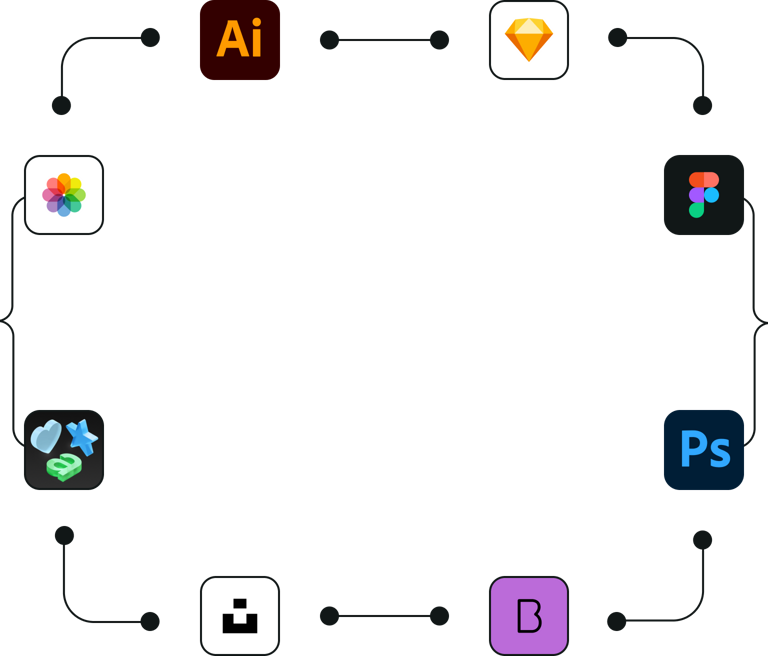
Endless third-party importing options
Since Linearity Curve is built by designers for designers, we’ve experienced the pain of bad import and export options in other tools before as well. That's why we built a software that can be used completely standalone and in combination with other tools.











Integrated Library
Auto Trace
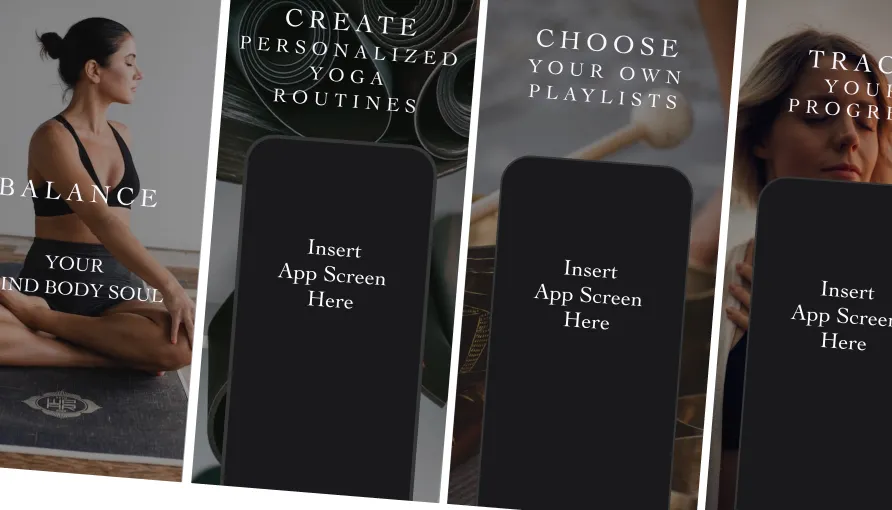
Templates
Library of over 80k free integrated assets
With Linearity Curve, you can access over 80k royalty-free icons and Apple SF Symbols to use in your designs. Plus, your team can even use our in-app Unsplash integration to import royalty-free images directly in the software.
Frequently Asked Questions
Figma 有四个定价级别:免费入门级,专业级别、团队和企业级别。 无论选择哪个等级,您都可以使用Figma创建无限数量的商业和个人项目,包括使用原型设计功能为网站和应用程序制作设计模型和内容感知布局。
根据需求的不同,相应的设计软件和协作工具可能价格不菲。 如果您的预算紧张,不妨将目光投向同样功能强大且免费的工具。 Curve就是替代Figma的不错之选,我们的软件可以在所有的 iOS 设备上免费使用! 在使用 iPhone 和 iPad 等移动设备时,用户能充分享受我们的触控友好型功能。 Curve(原Vectornator)的桌面版为使用绘图板或键盘和鼠标的用户提供了出色的用户体验。
Figma的一体化平台专为UX和UI设计师、平面设计师和交互设计师配备。 每项强大功能都是基于矢量的,使其成为用户体验设计的绝佳原型制作工具。 无论是用户体验设计师或相关用户界面设计师,Figma都能助你为应用程序设计和网站构建交互式原型。
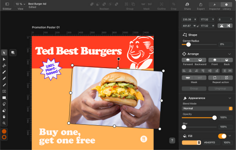
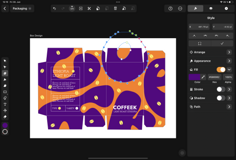


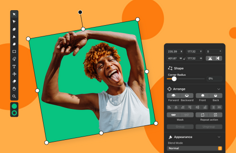
Vectornator runs on iPadOS 14 & iOS 14 and later, or macOS Big Sur and later (with native M1 support).
:quality(75))