Simplify your workflows with our new Auto Trace
Instantly transform raster images into beautiful high-quality vector assets.
From raster to vector in a tap
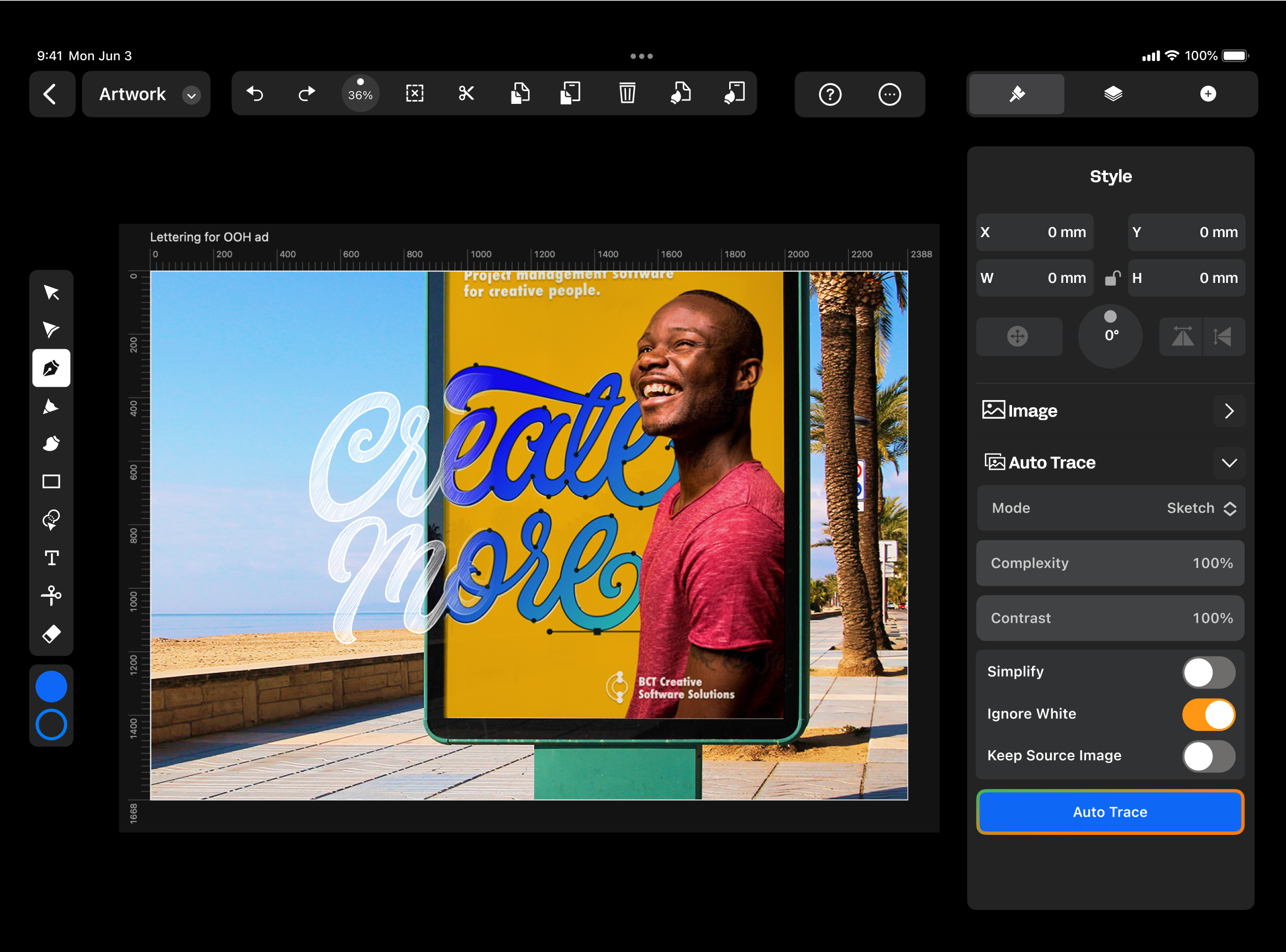
Auto Trace uses a custom algorithm to turn sketches and photos into endlessly editable vector graphics. Rather than spend hours tracing over images with the Pen Tool, let Auto Trace work its magic. Then, spend your time refining the details by creating or deleting paths and nodes, changing colors, and more.
Tailored for every image
Auto Trace has four modes: Photo, Sketch, Illustration, and Basic Shapes. Each one is specially designed for different types of images.
- Photo Mode: Watch as pixels in your photos instantly become editable vector shapes.
- Sketch Mode: Turn your pen and pencil drawings into sleek vector paths.
- Illustration Mode: Transform raster illustrations into stunning full-color vector graphics.
- Basic Shapes Mode: Simplify low-detail images with minimal vector shapes.

What sets Linearity's Auto Trace apart
With just a tap, Auto Trace utilizes a custom algorithm to transform raster images and photos into editable vector graphics. Whether you’re converting sketches or photos, this AI-powered tool streamlines the process.
Compared to other tools, you'll spend less time on tedious manual tracing, and will have more time to spend on refining details.
- AI precision
- Easy + instant transformation
- Custom algorithm for different image types

Fine-tune the results
Each Auto Trace mode comes with customizable sliders, giving you precise control over the results:
- Detail Level: Crank it up for intricate detail or dial it down for a sleek, simplified look.
- Color Accuracy: Perfect your colors with precision for vibrant, true-to-life hues.
- Gradient Smoothness: Smooth out those gradients with flawless transitions by tweaking the steps and layers.
Explore other Linearity tools
Linearity's powerful suite of tools is ideal for designers and animators of all levels.
Auto Animate
Turn your illustrations into moving images in seconds.
Background Removal
Remove photo backgrounds with the tap of a button.
Pen Tool
Define precise vector points and create custom paths with Bèzier curves.
Brush Tool
Freely draw editable vector paths.
Shape Builder
Quickly sculpt complex designs from multiple shapes
Design and Animate mode
Seamlessly toggle between designing and animating.

App Store Awards Finalist

G2 top 50 design products

App Store Reviews

Over 6 Million Designs Created

Capterra Reviews
:quality(75))
:quality(75))
:quality(75))
:quality(75))
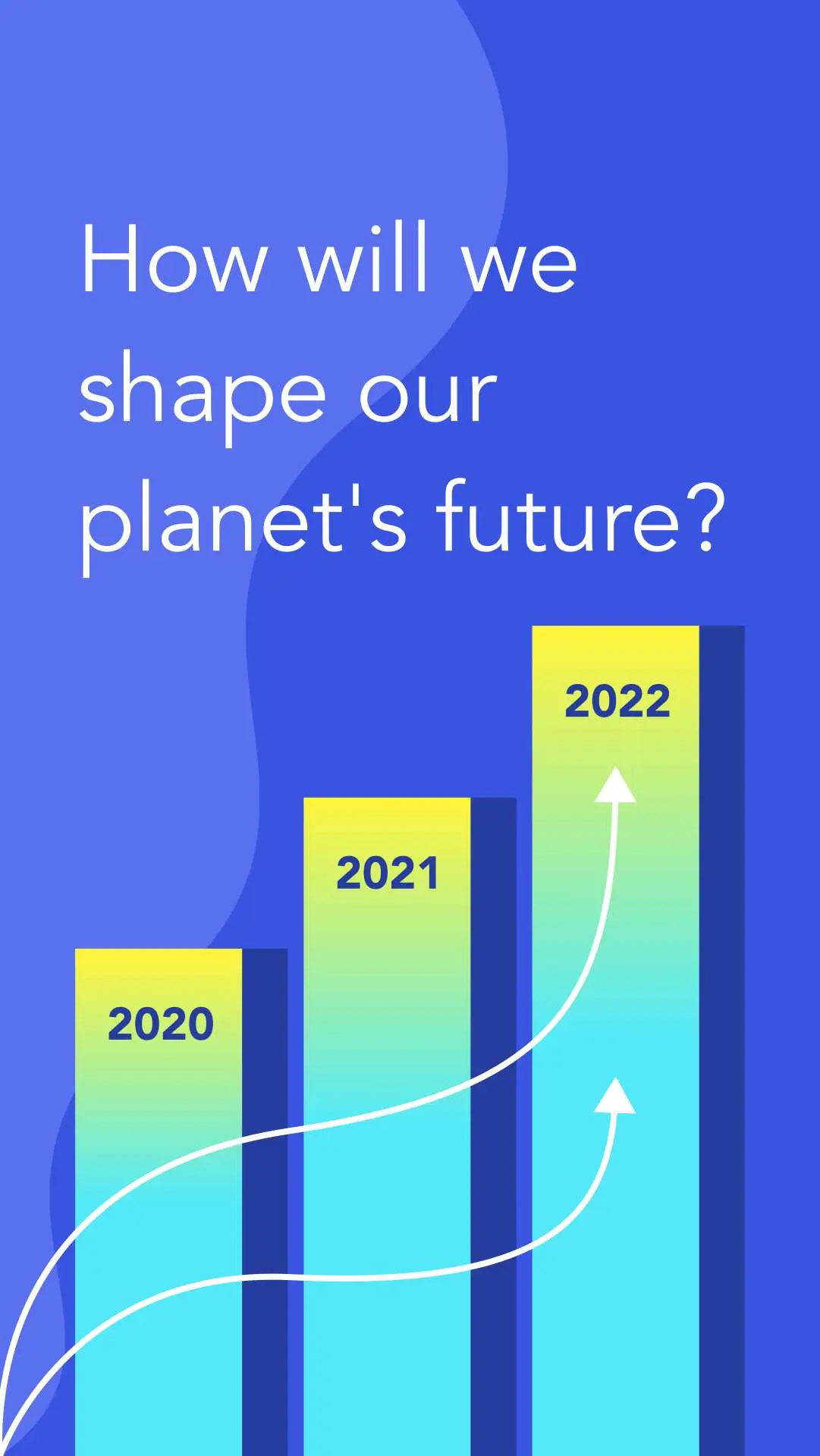
Hit the ground running with animated and static templates
No learning curve here. Choose between 3k+ free templates designed to supercharge your creative process.















Frequently-asked questions
超级容易。 只需导入图像,并选择适应图像的涂鸦或照片功能,然后在 “快速操作” 选项中选择 “自动追踪” 即可。 我们的软件将自动分析您输入的图像,并在管理菜单的 “类型” 选择器部中确认是 “草图“ 或是 “图片”。 接下来,您可以使用跟踪选项进行复杂度和对比度设置,以帮助您的作品得到完美的细节呈现。 最后,点击自动跟踪按钮,见证您的光栅图形在几秒钟内变成高分辨率图像! 完成后,您可以使用 Curve 中的其他选项和工具来完善您的设计。
:quality(75))