Design with Curve
Create a brand design system
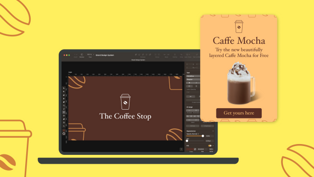
In this tutorial, we’ll create a brand design system using Linearity Curve. We'll start with a logo, create brand values, the brand color palette, decide on the typography, create a brand pattern and finally, we'll use the brand design system to make a mockup ad. Follow along with the process of crafting a brand design system in Linearity Curve!
What you’ll learn
In this tutorial, you'll learn how create a brand design system in Linearity Curve.
Educational value
In this tutorial, we'll explore major aspects of crafting a brand design system. Our guide, Mursalleen, will walk you through the intricate details, from deciding brand values, color palette selection, and typography choices, culminating all the steps into creating a final mockup, incorporating all the elements of the design system.
We'll be exploring the following aspects of brand design:
Brand values:
Understand the principles behind using your brand values to guide your design system.
Color palette:
Explore the process of selecting a cohesive color palette inspired by the brand's core themes.
Typography choices:
Delve into the world of typography, and the logic behind choosing fonts that follows your brand voice and guidelines.
Brand pattern creation:
Develop a repeatable and visually engaging brand pattern using existing design elements.
Mock-up integration:
Understand how to seamlessly integrate your brand elements into a practical application.
Published on:
Tell us what you liked the most to help us improve.