
Linearity 6.7: A major update for everyday work
:quality(75))
Linearity Curve 6.7 is a large update focused on day-to-day work. It restores key functionality, refines core tools, and fixes a list of issues reported by users and QA, with the aim of making the application feel more reliable and consistent in real use.
Node alignment is back
Node alignment options are available again. This restores a previously supported capability that is essential for precise vector editing, especially when refining complex paths or working with technical illustrations.
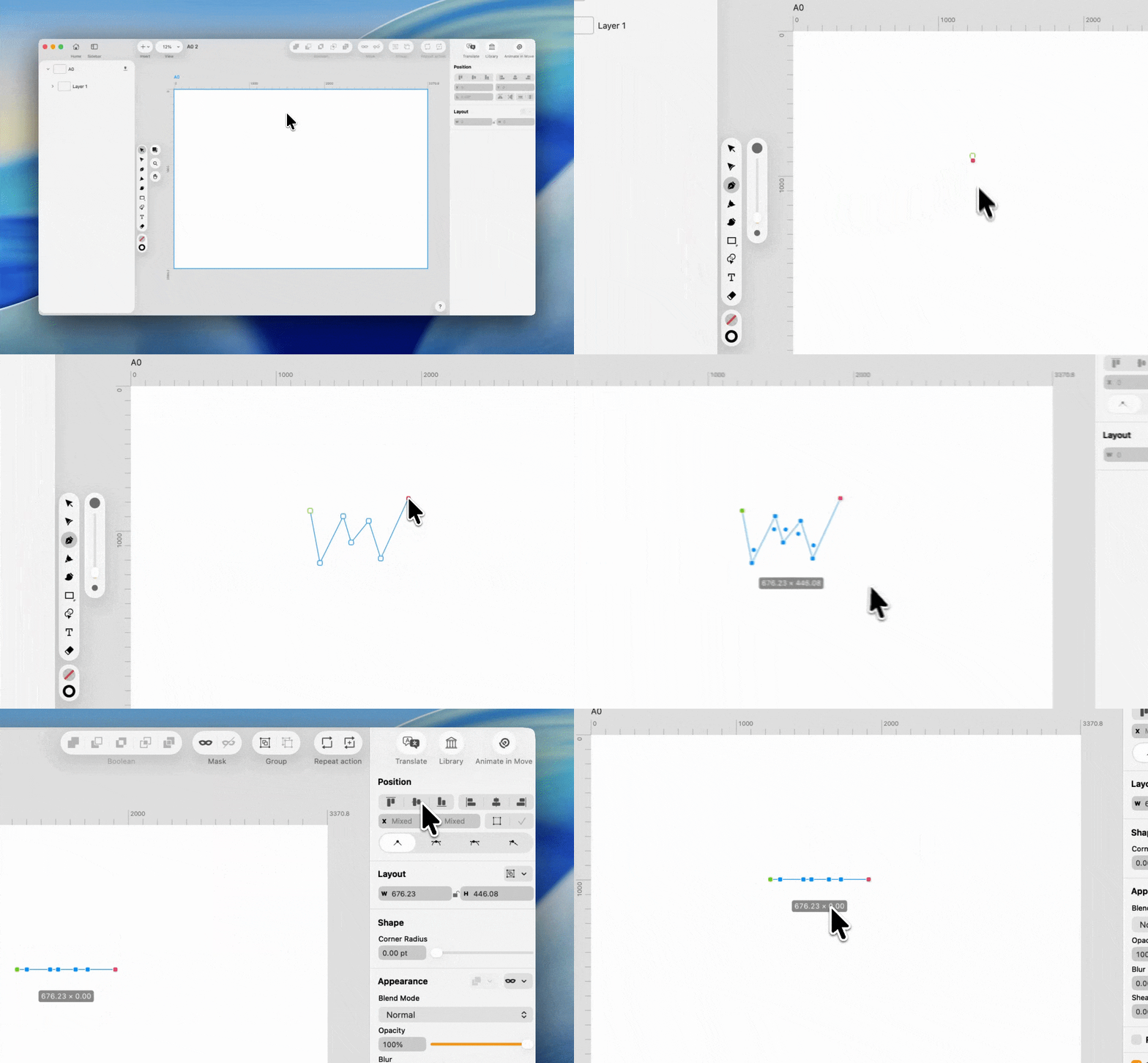
Pen tool: smart guides and snapping on hover
The Pen tool now shows smart guides and snapping while hovering, starting from the very first node. This means you can preview alignment and snapping before committing to a point, making path construction more deliberate and reducing the need for later corrections.
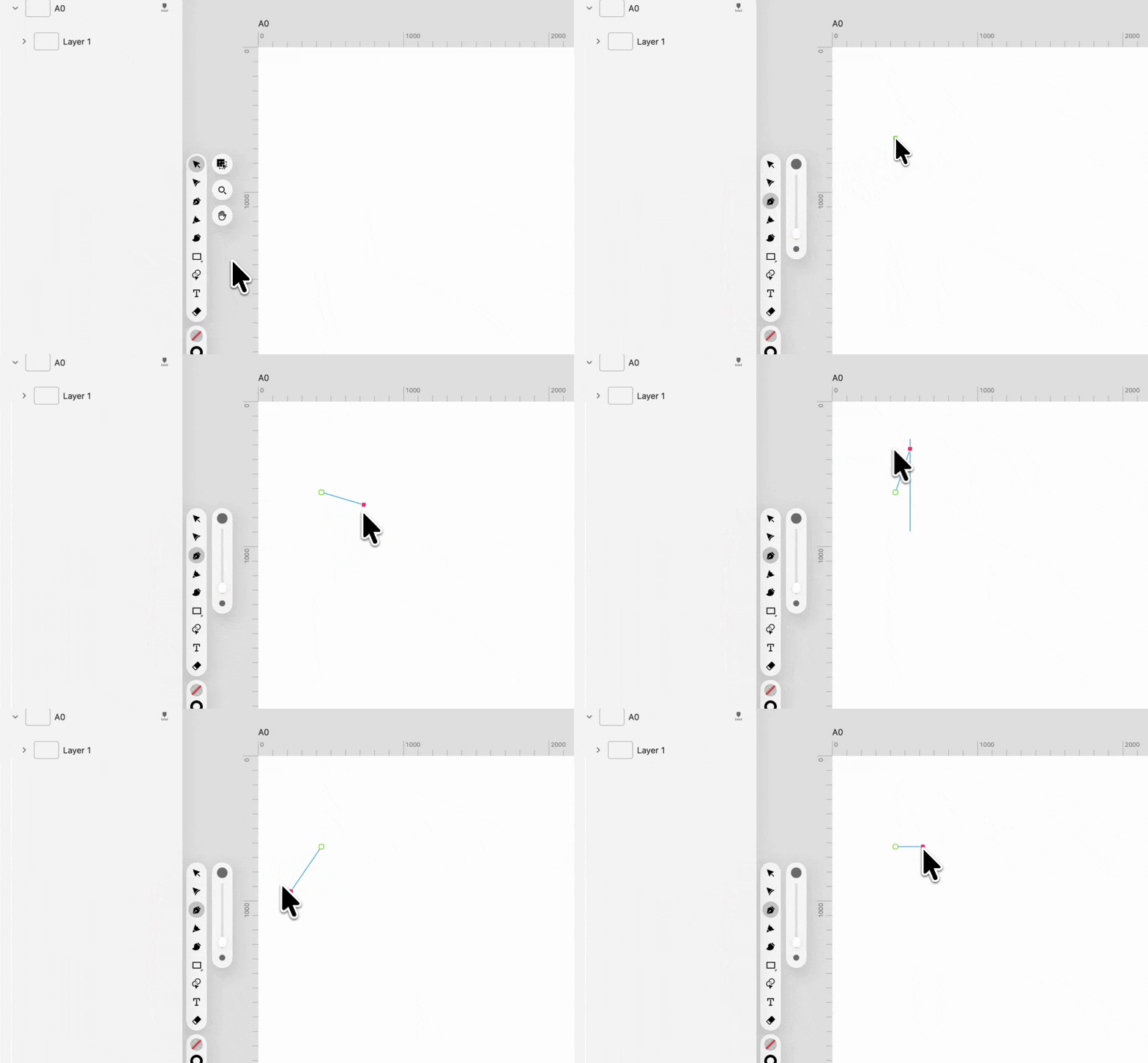
Cleaner text style behavior
Text styles no longer accidentally carry over properties like blend modes or opacity. Applying or switching text styles now affects only text-related attributes, making results more predictable.
New default color for new documents: black
New documents now start with black text and neutral shape colors instead of blue.
Text tool UX improvements
Double-clicking a text box now automatically resizes it to fit its content, switching to auto width or height as needed.
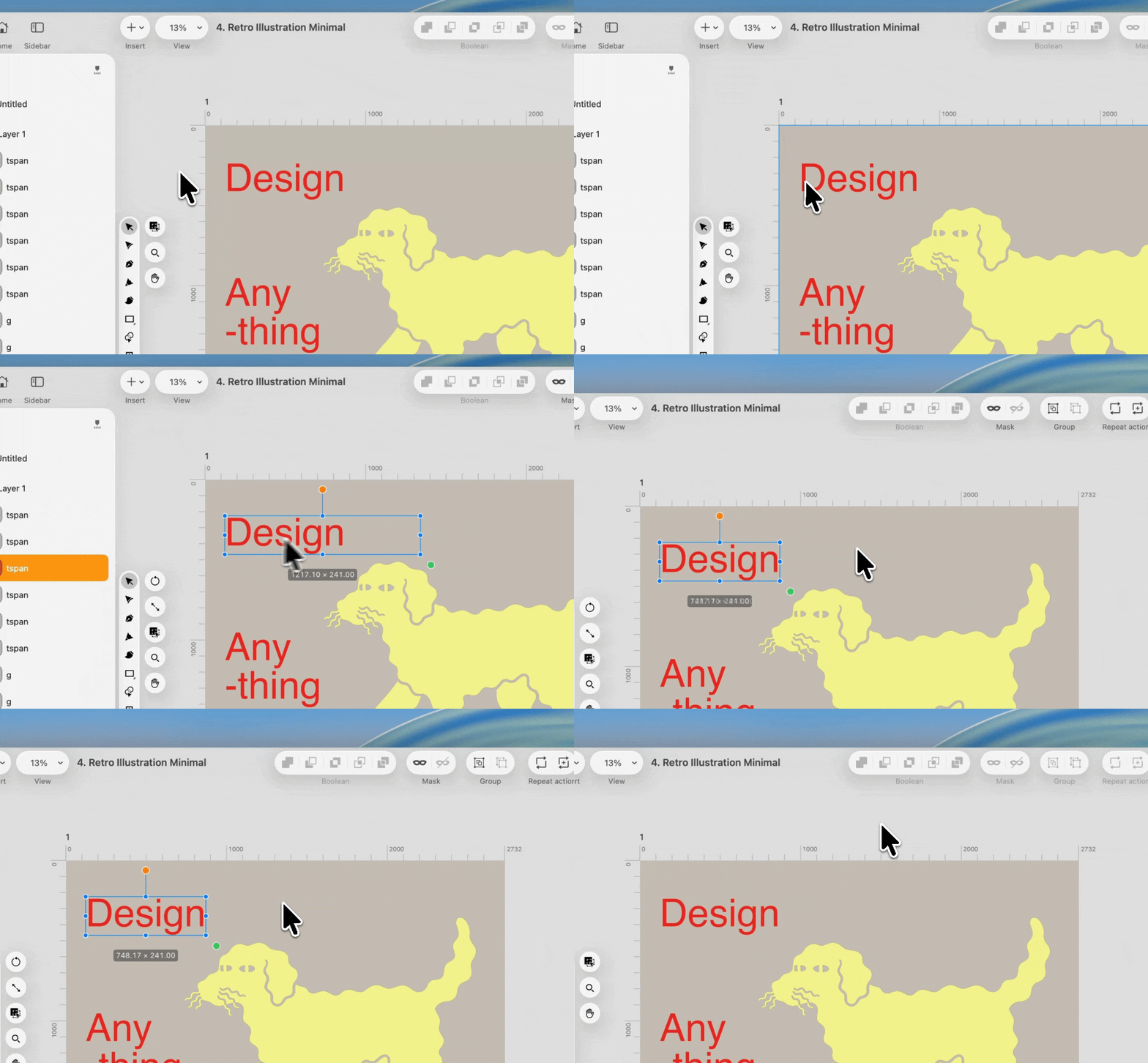
Improved artboard duplication behavior
Duplicating an artboard now copies only the elements that are actually inside it. This is an important improvement for working on an infinite canvas, where off-artboard elements should not be pulled into duplicated layouts unexpectedly.
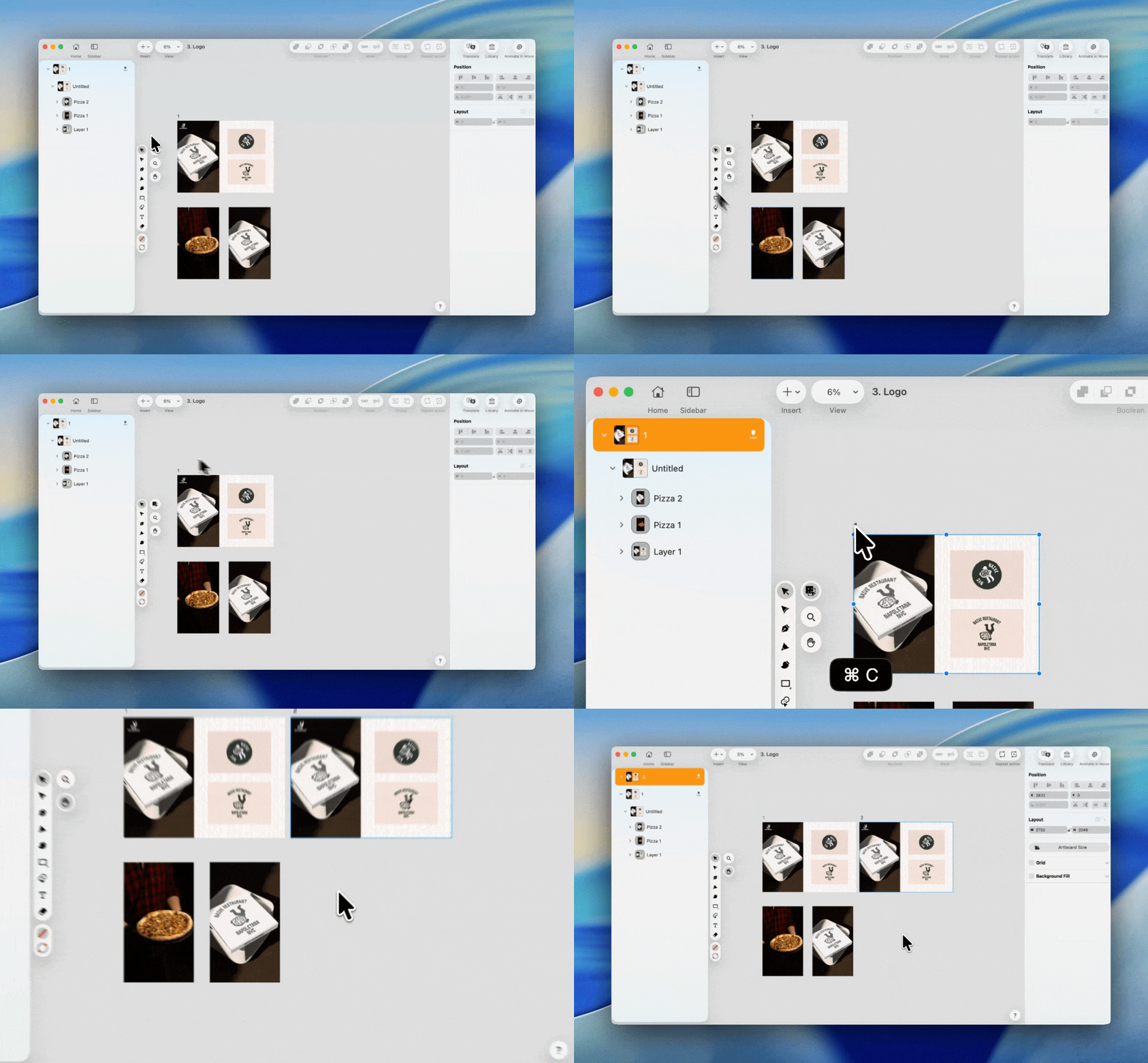
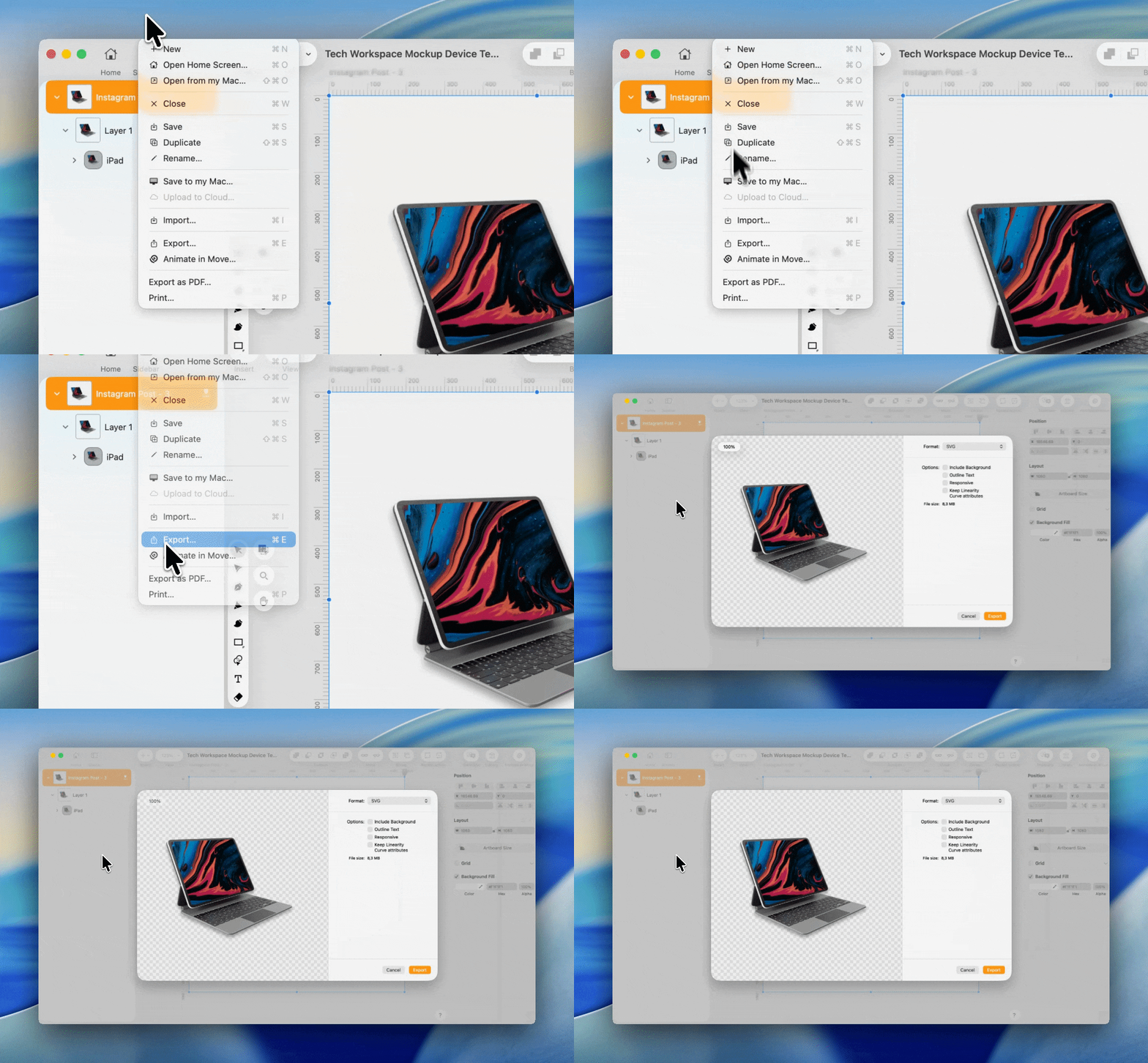
Export preview checkerboard background
Export previews now display a checkerboard background.
Transparency is immediately visible before exporting, which helps catch mistakes early and avoids trial-and-error exports.
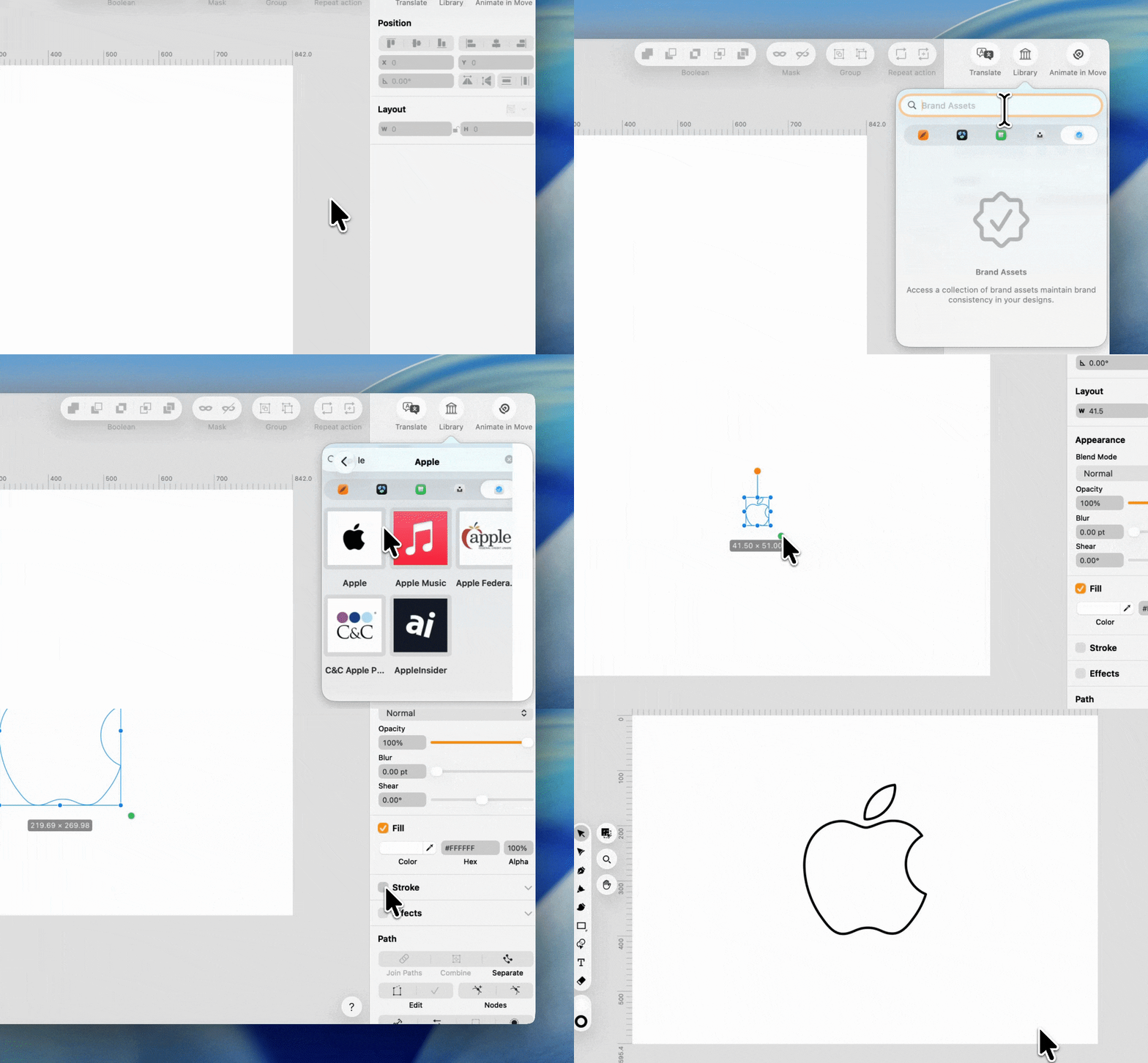
Brand assets
You can now search for a brand by name and instantly access related assets, such as logos, directly from the Library. For example, typing “Apple” shows available brand assets you can use in your design, helping you stay consistent without leaving the application.
UX and UI refinements
This release includes a wide range of smaller improvements focused on clarity, consistency, and discoverability:
- Export options now adapt to what you have selected. When you select one or more elements, the context menu clearly shows that you are exporting only the selection. When an artboard is selected, or nothing is selected, the label reflects that you are exporting the whole artboard.
- Alignment options added to the right-click context menu
- Improved artboard renaming behavior
- A custom cursor for Text on Path
Bug fixes and stability improvements
Linearity Curve 6.7 fixes a list of workflow-breaking issues, including:
- App crashes on launch when the system language is set to some specific languages (e.g. Norwegian)
- Copy, paste and delete issues after renaming items
- Rendering glitches as well as broken guide rendering on rotated canvases
- and more
Overall stability has improved across editing, navigation, and export.
Linearity Move: Lottie export improvements
Lottie export is now available in Linearity Move 🎉
You can now export your animations as Lottie files and use them directly in websites, web apps, or mobile apps. Lottie preserves vector quality while keeping file sizes small, making animations crisp, scalable, and ready for interactive use without relying on video formats.
This opens up new ways to take animations created in Move and ship them straight to production environments.
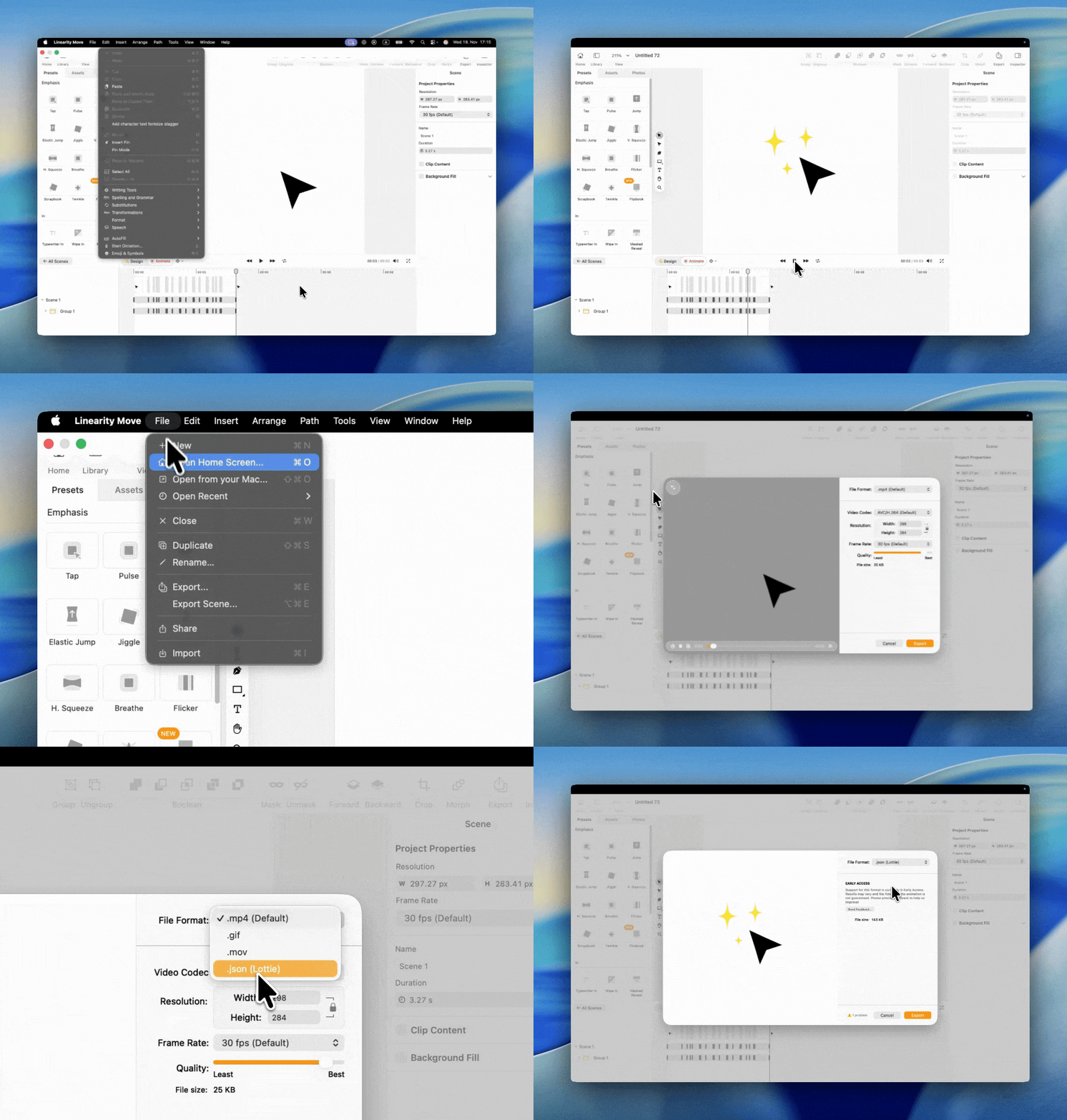
Read more about exporting Lottie files in Linearity Move: Lottie Files Export
As always, thank you for using Linearity Curve and for sharing feedback that helps guide these improvements.
Happy designing and animating!
:quality(75))
:quality(75))
:quality(75))

App of the Day
6.1K ratings
Get Started for free

Design in Curve.
Create sharp, scalable designs with intuitive tools for logos, illustrations, and professional branding.
Download Now
Animate in Move.
Effortlessly create animations for social media, online ads, and motion graphics.
Download NowTrusted and used by leading brands


