Lightning Fast Motion Design
You don't need to be an expert to transform your illustrations, brand promotions or social media assets into dynamic motion graphics.


A simpler and faster After-Effects
The intuitive features make professional animation accessible to every designer, including beginners
Instantly apply complex movements to elements on your canvas using animation presets
Customise everything. Full control with layers, node editing and pinning
Export MP4, MOV, GIF, & transparent background. Coming Soon: Lottie Export.
Drop animation costs by 90%
Boost production with fast turnarounds
Stop outsourcing and bring it in-house
Jump in without a learning curve
Create stunning animations on-the-fly
Learn more about Linearity Move.
Easily convert static assets into beautiful animations in seconds
Import your static graphics from Linearity Curve, Figma, or Adobe Illustrator, and let Auto Animate generate transitions between artboards
Import your MOV and MP4 files and apply powerful effects
Compatible with Apple MacOS and iPad platforms
Coming Soon Lottie File Export!
Convert your animations directly into Lottie format for scalable animations for web and mobile
Your all-in-one graphics and animation suite
Edit and animate design properties in a unified interface with Linearity Move’s dual modes—Design and Animate. No more switching softwares for small changes.
Smoothly morph one of two selected objects into the other by pressing the “M” key.
Craft animations right on your canvas by moving or tweaking elements directly. Each adjustment triggers an automatic keyframe in the timeline.
Easily animate your designs by pinning start and end points within your chosen time range.
Try the impressive DPI options, which make it the ideal tool for vector-first designs.
Animations are the future. Don’t miss out.
Motion graphics don’t just look cool, they have a high ROI and drive results.
30%
CTR Increase
80%
CVR Increase
50%
CPC Saved
Eye-catching animations. Jaw-dropping detail
Get access to over 6 million royalty-free, high resolution Unsplash images.
Export vector-native videos and animations in up to 8K resolution in; Figma, Adobe, and SVG formats.
Precisely control the pace and directions of your transitions with custom timing curves.
Export your videos and animations keeping their sounds.
Choose your preferred language from: English, Spanish, Turkish, French, German, Japanese, Italian, Russian, Portuguese, Korean, Traditional and Simplified Chinese.

App Store Awards Finalist

G2 Top 50 design products

App Store Reviews

Capterra Reviews

Over 6 Million Designs Created
Scale your branded content, without sacrificing quality or budget
Turn ideas into posts in minutes. Our templates are easily customizable for every project.














The learning curve has been great. I started with limited animation experience and in a few hours was able to deliver multiple animated ad sets"

Dawn
Senior Brand Designer at Sumup
I love Linearity Move, it makes everything super easy and fast! I am a UI/UX designer and mostly use linearity to animate screens and certain interface elements for Instagram and LinkedIn posts"

Julija
UI / UX Designer at Eleven Space
Animating in Adobe After Effects feels like maths compared to Linearity Move”

Cristoffer
Art Director at YadiYada
Easy Workflows
Effortlessly import, drag, or copy and paste your Linearity Curve files into Linearity Move as animation-ready scenes
Enhance your precision and productivity with Apple Pencil support
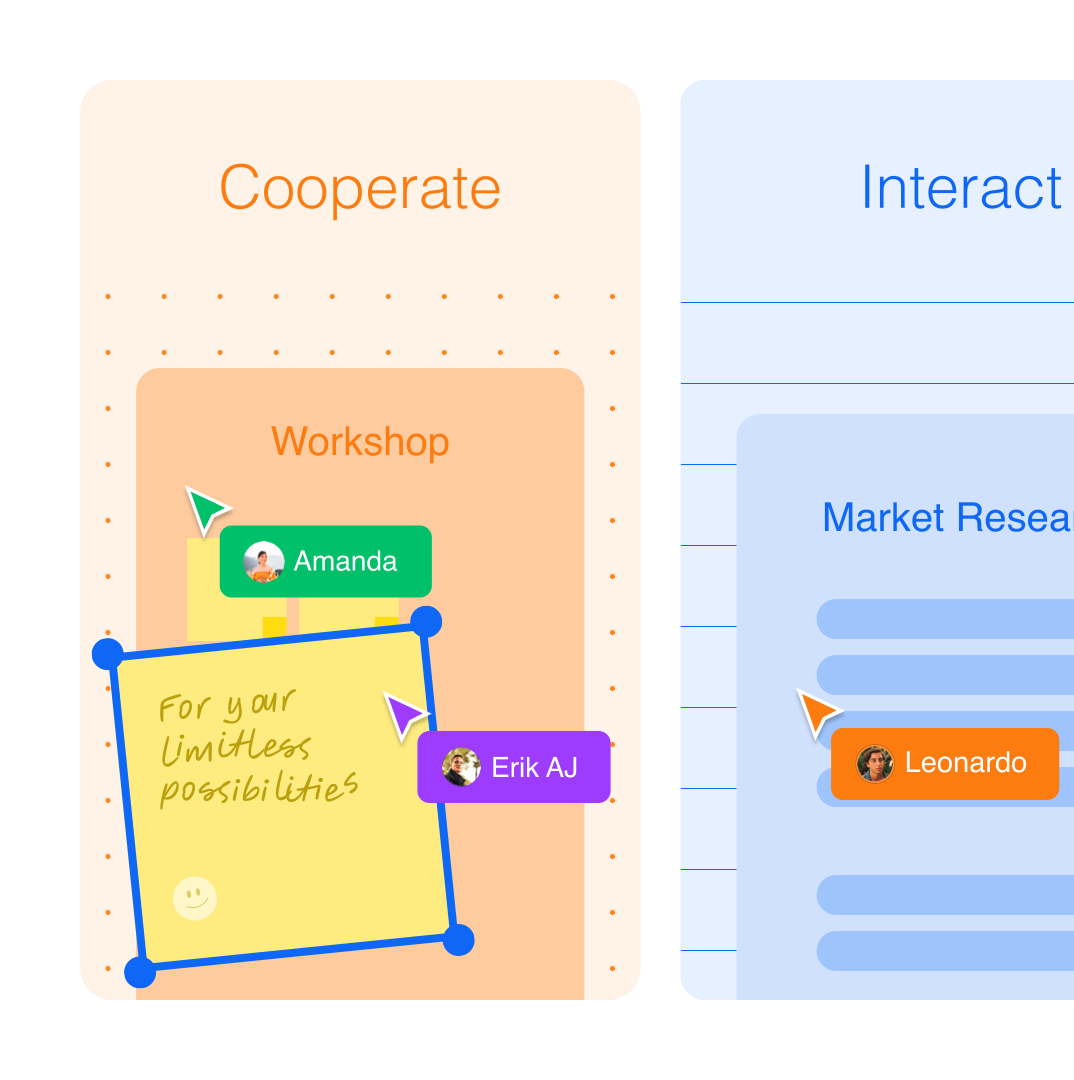
Collaborate on animation projects with shared Workspaces
Linearity Move’s toolbar features key tools such as the Selection Tool, Node Tool, Shape Tool, and Text Tool
Seamlessly add motion to your Figma projects using the Linearity Figma plugin
Get an instant boost with free tutorials
Use your your Linearity Move account to access dozens of video tutorials. Increase your abilities and boost productivity. With the same account download Linearity Curve to never have to switch softwares again.




Integrations
Linearity Move is compatible with Adobe After Effects and Sketch. Install our Linearity Figma Plugin to seamlessly import and animate your assets in Move.
Available on App Store
Enjoy a seamless experience on both iPad and Mac. Need to really get into the details? Grab your Apple Pencil for extra precision. Linearity Move is only available for Apple devices.

Frequently-asked questions
No, your work remains exclusively yours.
We do not use any of your files for AI training unless you explicitly opt-in within the application. The only way to opt-in is by using the Auto Trace, Background Removal, or AI Backgrounds feature and then interacting with the feedback modal displayed afterwards. If you haven't seen this alert and haven't interacted with it, you can be confident that we are not using your files for training.
Right now, Linearity Move supports .MP4, .MOV, and .GIF, with and without transparent background. You can customize your exports by changing the resolution and the frame rate.
In Linearity Move, you can import many different file types, including mov, MP4, .curve, .vectornator, .sketch, .pdf, and .ai. You can also import Figma files into Linearity Move by logging into your Figma account through our Figma Import feature and selecting an existing file in your Figma workspace.
In your Linearity Move workspace, you’ll be able to see your .curve files. You can open these files in Move by clicking on them. This will create a copy of the file as a .move file. The original file won’t be changed.
You can import or copy and paste .mov, MP4, .curve, .figma, or .ai files.
Linearity Move allows your creative agency to produce a broad spectrum of animations. From simple motion graphics to complex keyframe animations and 2D animations, it allows you to meet diverse client needs.
:quality(75))