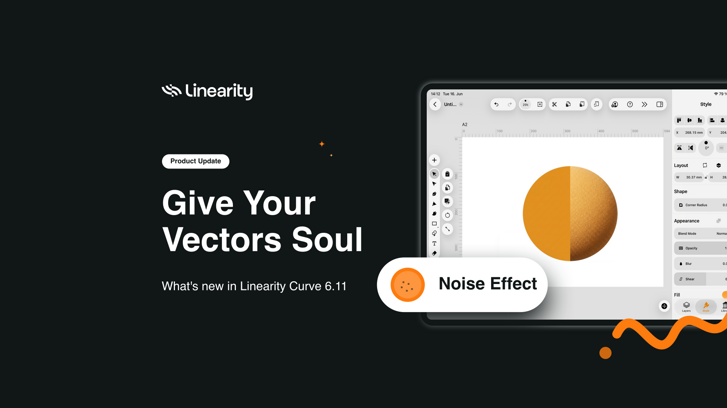
Linearity Curve 6.11: Noise effect, SVG and performance improvements.
Hey everyone 👋
Flat is fine. But sometimes a design needs to breathe a little, a hint of texture, something that makes it feel less like a file and more like something made.
6.11 adds that. The Noise Effect is now in the Style tab. SVG import also got a meaningful overhaul: better text handling, named layers and gradients that work. And the canvas feels faster on complex files. Let's get into it.
Get started with Linearity today.
Noise effect
Noise is now available as an effect in the Style tab. It's useful for adding texture to illustrations, softening flat fills or giving your vector work a bit more character before you ship it.
Three modes give you different levels of control:
- Mono: single colour grain. Adjust size, density, and colour. Good for subtle texture on flat fills.
- Duo: two-colour grain. Set Color 1 and Color 2 independently alongside size and density. Useful when you want the texture to shift between two tones.
- Multi: full noise with size, density, and opacity controls. The most flexible mode, dial in exactly how present the texture feels.
All three modes work on any vector shape and raster images, so you can apply different noise treatments to different elements in the same illustration.
Get started withnLinearity today.
SVG improvements
SVG import and export got a significant overhaul in 6.11. If you work with SVG files regularly, bringing assets in from Figma, Illustrator or other tools, this one matters.
Better text handling on import.
Text in imported SVGs now renders more accurately. Line height, font rendering and text length are handled more reliably. <Tspan> elements are now supported correctly. If you've had text arrive looking wrong, shifted, scaled strangely or broken across lines, this should be noticeably better.
Layers named on import.
When you import an SVG, layers and elements are now named automatically based on the file structure. No more unnamed or generic layer stacks to sort through, the hierarchy comes in clean and ready to work with.
Gradients now supported correctly.
Gradients now display reliably, Previously they could drop out or render incorrectly depending on the file. That's fixed, what you import is what you see.
More accurate stroke and fill mapping.
Stroke and fill properties are now mapped more consistently when opening SVG files, so elements arrive looking closer to the source.
Performance improvements
This release includes canvas rendering improvements that make editing feel smoother and more responsive.
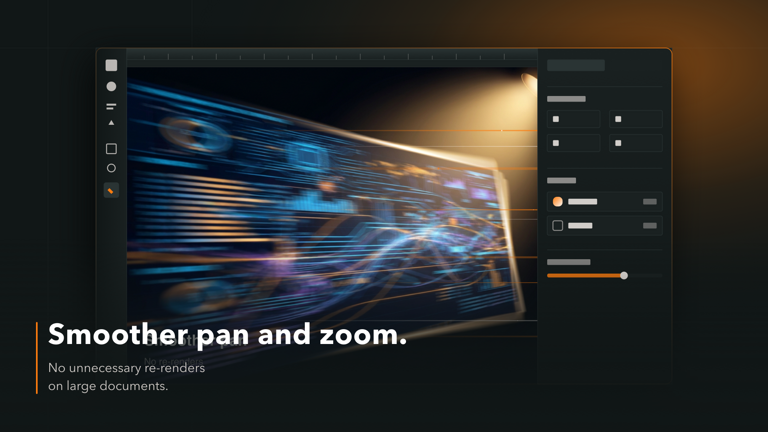
Smoother pan and zoom.
Moving around the canvas feels noticeably more fluid, especially on large documents. Pan and zoom no longer trigger unnecessary re-renders, so navigating a complex file is much smoother.
Faster rendering with large images.
Documents with multiple high-res images stay more responsive during editing. Background removal on large images is faster too, resizing and thumbnail generation no longer feel heavy.

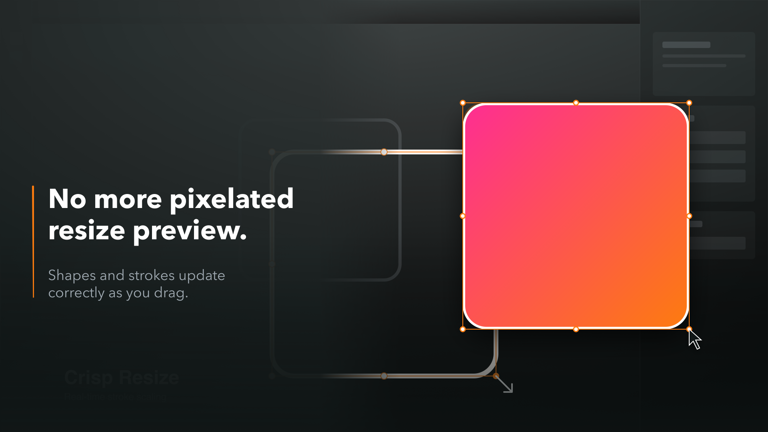
No more pixelated preview when resizing elements.
Resizing shapes and elements now looks correct as you drag. No more pixelated preview or strokes behaving strangely mid-resize.
Snapping no longer slows down large files.
And if you work on large, complex files, snapping is significantly faster. It was the single biggest performance bottleneck on busy documents, and it's fixed.

Fixes & improvements
6.11 also includes a round of other bug fixes and under-the-hood improvements. Update to get everything.
What's coming next
And what comes after that is even bigger. Next month we're releasing something we believe will change how designers work, keeping creativity front and center, but removing everything that slows it down. We have a handful of invites.
If you want to stay close to what we're building, the Discord community is where we share things first.
Get the latest update
Update to 6.11 through the App Store or from within the app.
Ready to go Pro?
Unlimited files, exports, AI tools, local files and same-day support. Everything you need to create without limits.
Plus updates every month. And if this release is anything to go by, the next ones are worth being here for.
If you've been thinking about upgrading, now's the moment. Get 50% off Pro — this offer expires at the end of June.
See you on the Pro side?
Thanks again for being part of the Linearity community! Happy designing and animating 🧡

App of the Day
6.1K ratings
Get Started for free

Design in Curve.
Create sharp, scalable designs with intuitive tools for logos, illustrations, and professional branding.

Animate in Move.
Effortlessly create animations for social media, online ads, and motion graphics.
Trusted and used by leading brands


