

What's the best Canva alternative?
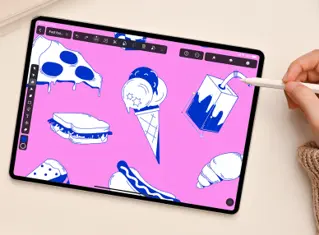
If you’re looking for the best Canva alternative, Linearity Curve is a top pick because it offers professional vector tools while still staying easy to use, unlike Canva. On iPad, it feels especially natural to use with Apple Pencil.
Design and animate without limits
Unlike Canva's limited raster tools, Linearity offers powerful vector-based tools, eliminating worries about size and resolution. Design and animate effortlessly for anything from Instagram stories to giant billboards.
Plus, we've got your back with photo editing tools, including handy features like photo import, background removal, and AI Backgrounds.
- Experience the advantages of both vector and raster tools.
- Create versatile designs and animations for social media, billboards, and more.
Features | Canva | |
|---|---|---|
Templates | ||
Cloud storage | ||
Free images and icons | ||
Background removal | ||
AI Backgrounds | ||
Animation presets | ||
Animation timeline | ||
Auto Animate | ||
Vector drawing tools | ||
Auto Trace | ||
GIF export | ||
Figma plugin |
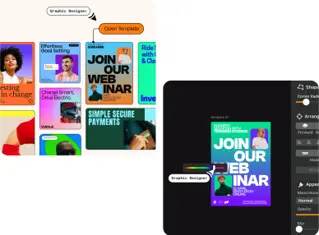
Templates you'll actually use
Linearity has allowed us to innovate our workflows to deliver faster to clients.
Agency owner
Easy tools, professional results
Free assets for every project
Animate in a click
Remove backgrounds instantly

Everything you need, all in one place
Access a vast library of free assets like icons, Unsplash images, fonts, and more
Store your favorite elements, text, and colors easily with the Assets Tab
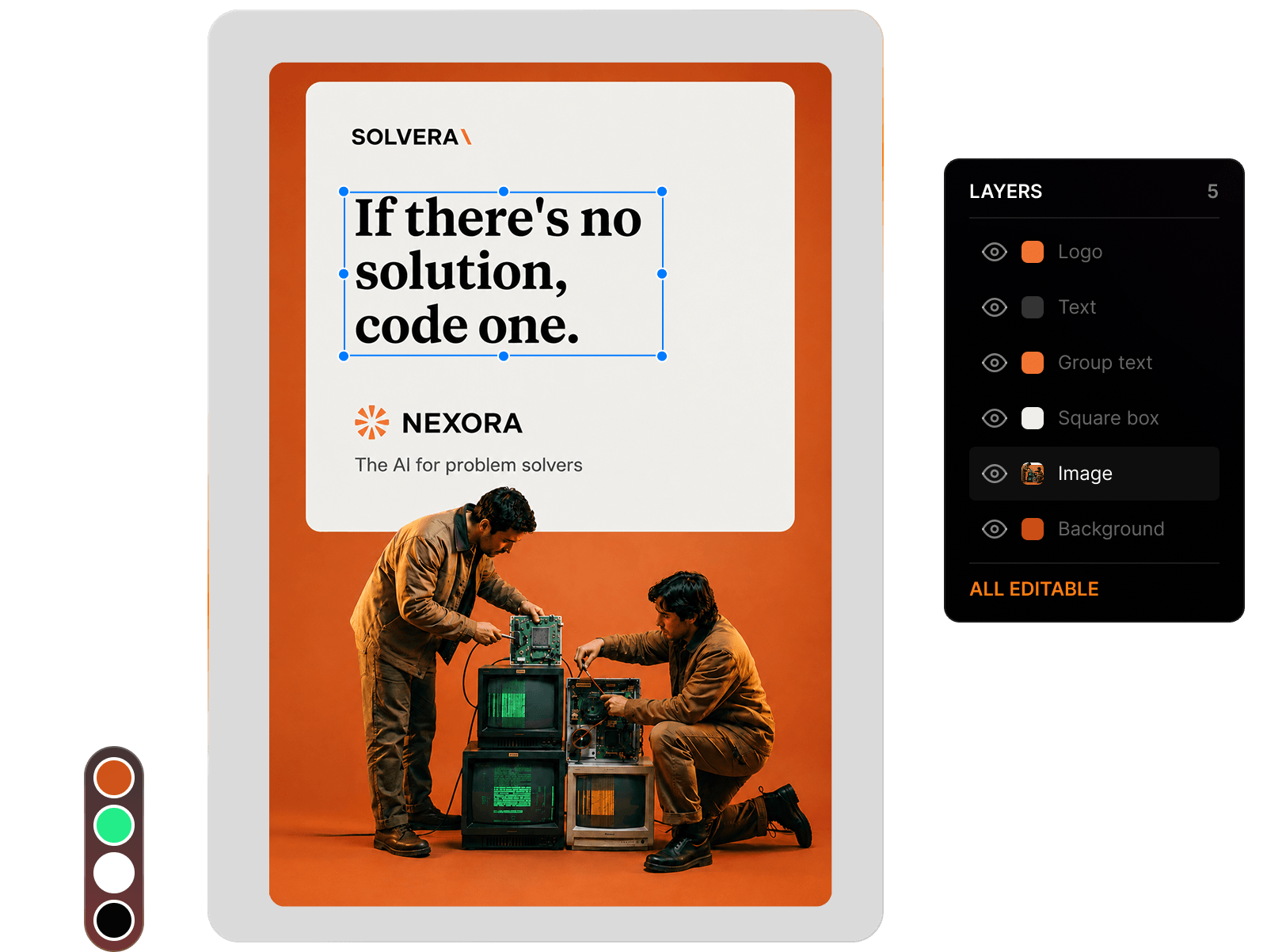
Explore thousands of free, ready-to-customize design and animation templates
Switch to Linearity Move to easily create stunning animations from your static assets
Linearity tools at a glance
Linearity's suit of advanced features is ideal for designers and animators of all levels.
Auto Animate
Turn your illustrations into moving images in seconds.
Background removal
Remove photo backgrounds with the tap of a button.
Pen Tool
Define precise vector points and create custom paths with Bèzier curves.
Brush tool
Freely draw editable vector paths.
Shape Builder
Quickly sculpt complex designs from multiple shapes
Design and Animate mode
Seamlessly toggle between designing and animating.
Bring your stories to life with Linearity Curve
Flexible design process
Designers in marketing teams use different devices and methods. That's why we made Linearity Curve and Linearity Move for iPad and Mac. Work whenever, wherever you want. Your projects sync automatically, so you can pick up where you left off anytime.
- Design and animate on iPad or Mac.
- Team workspaces coming soon!
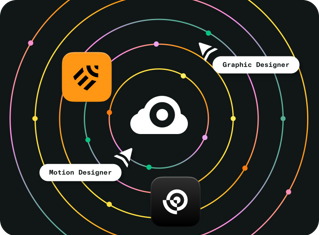
Endless third-party importing options
Since Linearity Curve is built by designers for designers, we’ve experienced the pain of bad import and export options in other tools before as well.
That's why we built a software that can be used completely standalone and in combination with other tools.




Templates
Background Removal
Auto Trace
Templates
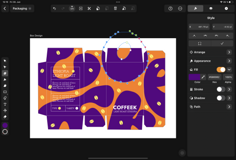
Save time and effort with more than 3,000 beautiful templates. Each one is fully customizable, giving you complete control over your design. You can adjust colors, fonts, and layout to suit your specific needs, making each template your own.






Frequently Asked Questions
Absolutely! Linearity Curve is an excellent choice for creating photo collages, especially due to its background removal feature. This time-saving tool allows you to effortlessly remove backgrounds from your photos, enabling you to seamlessly blend images together in your collages.
You sure can! We even have a bunch of pre-made templates waiting for you to open and begin designing. Just open the app, hit "New Document," and tap "Social Media" to explore different-sized templates for Facebook, Instagram, Twitter, YouTube, and Linkedin. Linearity Curve is especially useful for Social Media Marketers who want to design fun visuals.
Canva is an online editor that automatically saves your designs as you work.
All your designs will be in the "Your Projects" folder in the Canva homepage, And when you're ready to export them, you can download and save your designs to your device.
You could then store them in Google Drive, iCloud, or however you like!
The Linearity Template Hub is home to an extensive library of over 3,000 professional-quality design and animation templates crafted for social media and beyond. Our templates are designed to seamlessly fit the ever-evolving landscape of social media, ensuring you stay on-trend and perfectly sized for every platform. Whether you're updating your Instagram feed or refreshing your Facebook page, our collection has what you need to make a statement. Plus, they're all free to download and customize, so you can make them your own effortlessly.
Many creatives claim that vector-based software programs are hard to learn, but we designed Linearity Curve (formerly Vectornator) to be easy. Our tools are extremely intuitive and designed to be used on Mac, iPad, or even your iPhone.
Check out our Academy and YouTube Channel for tips on how to use Curve.
When it comes to whipping up awesome social media content, social media marketers love tools that offer a bunch of ready-to-go templates. And that's where Linearity shines! We've got a ton of design and animation templates perfect for all your social media image needs. Whether you're updating up your Insta feed or YouTube channel, Linearity Curve makes it super easy to create eye-catching graphics that'll have your audience hitting that like button in no time!
Canva is super easy to use, but if you need some help navigating the popular online tool, there are plenty of video tutorials available that explain its range of features.
If you're a professional designer, you might prefer to use a design tool like Linearity Curve. We have a range of templates and a wide array of vector-based tools to help you create all kinds of visuals. Find out how easy it is to use Linearity Curve via our Academy.
In the Template Hub, discover a wide selection of infographics tailored for data visualization. From sleek graphs to engaging charts, our templates transform data into compelling visuals, perfect for captivating your audience.
No, your work remains exclusively yours.
We do not use any of your files for AI training unless you explicitly opt-in within the application. The only way to opt-in is by using the Auto Trace, Background Removal, or AI Backgrounds feature and then interacting with the feedback modal displayed afterwards. If you haven't seen this alert and haven't interacted with it, you can be confident that we are not using your files for training.


:quality(75))
:quality(75))