Promotional posts
Create campaign imagery for offers, launches, features, events, and calls to action.
An AI post generator turns a short creative brief into editable visual concepts for social and digital campaigns. This guide focuses on designed posts—not automated caption writing—and shows how to refine generated imagery or vectors into a branded communication asset.
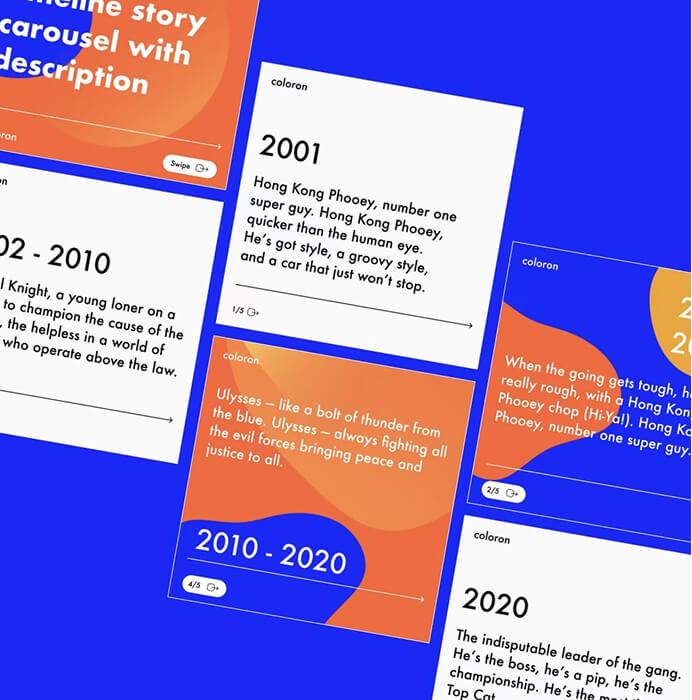
The phrase AI post generator can refer to either text generation or visual design. Here it means a visual workflow: generating imagery or vector artwork, combining it with real typography, and preparing the composition for a social or digital placement.
The output should support a message rather than invent it. Begin with an approved communication goal and final copy, then use AI to explore the visual expression around that content.
Start with one clear message, then let the approved rules in Linearity’s Brand Management system guide the generated design. Fonts, colors, logos, imagery, and layout rules can stay consistent even when different people create campaign assets.
Bring approved images, illustrations, logos, and templates into the same workflow through the digital asset management library . DAM gives the team one organized source for the files it should reuse instead of searching old folders or uploading duplicates.
Linearity AI knows common social and digital formats and can resize the approved design while maintaining the right layout. After generation, designers can still edit the typography, images, palette, vector shapes, and individual nodes, then translate or adapt the campaign for another market.
Create campaign imagery for offers, launches, features, events, and calls to action.
Support an insight, quote, statistic, or article with a distinctive editorial direction.
Use the same brand rules and reusable DAM assets for new subjects while preserving recognition.
Resize and translate one approved concept for several social and digital placements without flattening the design.
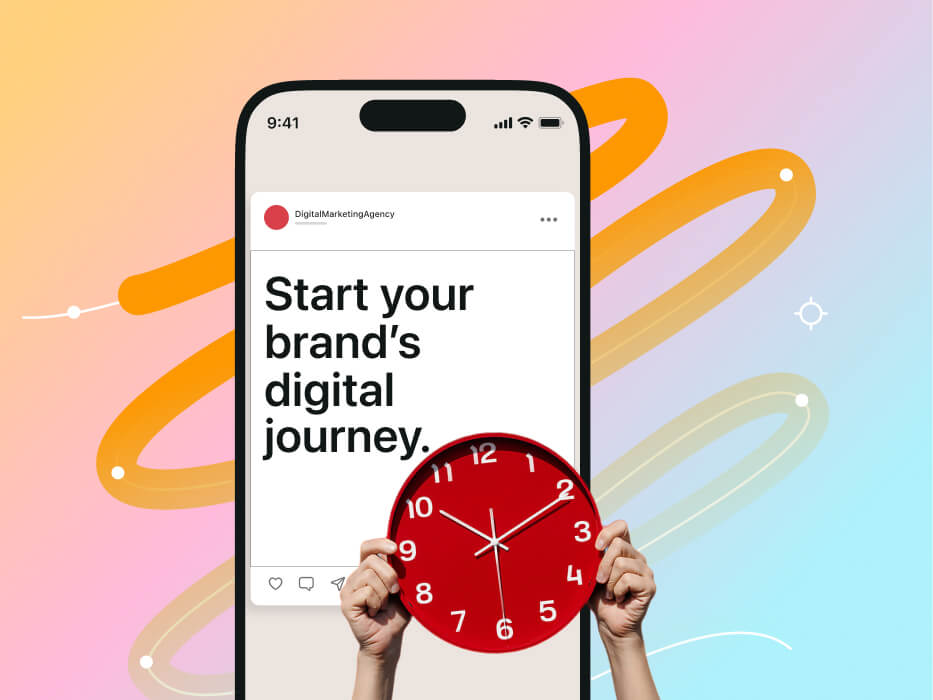
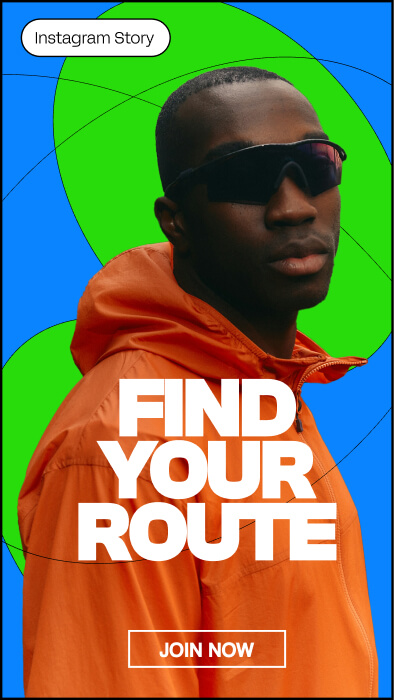
A consistent color palette lets the team replace approximate generated colors with approved brand values across the complete asset family.
The choice between a detailed raster image and structured vector artwork affects every later edit. Use the image and vector generation workflow guide to choose the right starting format for the brief.
For more guidance on generation, editing, Auto Trace, and production formats, visit the Linearity AI design guide .
Move from a focused brief to an editable, on-brand campaign that is ready for every social format.
Lock the message
Confirm the audience, claim, final copy, desired action, and required brand or legal details.
Explore the visual territory
Generate multiple concepts that express the same message through different imagery and composition.
Build the editable layout
Choose a direction, add real text, refine the visual, and organize the design for future changes.
Create the asset family
Adapt the approved design to each placement while keeping the hierarchy and campaign idea recognizable.
Keep final claims and wording outside the generated image, where they remain accurate and editable.
“Minimal editorial visual for a productivity report, abstract layers moving from scattered to organized, deep blue and electric coral palette, crisp geometric forms, premium technology aesthetic, generous empty space for headline and source”
Choose the concept that best solves the brief, not the one with the most visual detail. A useful direction should improve comprehension and remain editable.
Ask whether the visual reinforces the intended idea and emotional tone without introducing a conflicting story.
Look for a strong focal point, usable negative space, and a composition that can accommodate real typography.
Prefer directions that can be corrected, cropped, recolored, localized, and adapted across the required asset family.
Visual exploration becomes unfocused when the audience, claim, and desired action are still moving targets.
Score directions against clarity, brand fit, adaptability, and production effort as well as visual appeal.
Preserve editable type, brand elements, and layout structure so the asset can support future changes.
Turn product UI and brand context into editable store visuals.
Read the guideRecompose an editable design for a new format with AI.
Read the guideCreate editable localized campaign versions with AI.
Read the guidePlan, generate, refine, and adapt a connected social campaign.
Read the guideCreate feed, carousel, and story visuals without losing brand control.
Read the guideDevelop branded visuals for announcements, events, and campaigns.
Read the guideNo. This page focuses on generating and editing visual post designs. Captions and campaign copy should be developed and reviewed as a separate content workflow.
Prepare the audience, objective, final message, call to action, required format, and relevant brand constraints. These decisions make visual prompting more focused.
Yes. Vector generation in Linearity produces editable shapes, paths, colors, and layers. Raster imagery can also be resized, cropped, masked, and combined with editable layout elements.
Define which elements make the concept recognizable, then recompose those elements for each placement. Keep typography, color, graphic devices, and visual tone consistent.