Feed posts
Create a focused visual with room for one clear message and a recognizable brand cue.
An AI Instagram post generator helps turn a brief into editable visual directions for feed posts, carousels, and stories. Generate the starting artwork in Linearity, then refine the hierarchy, typography, cropping, and brand system before publishing.

An effective Instagram design communicates one idea quickly while remaining recognizable as part of a wider brand. AI is useful for exploring imagery, illustration, color, and composition, but it should not replace deliberate hierarchy or final typography.
Design the post as a system: establish a reusable visual direction, then adapt it for square or portrait feeds, carousel sequences, and vertical stories without forcing one crop into every placement.
Store approved colors, fonts, logos, and image rules in Linearity’s Brand Management system . AI can use those rules when it generates Instagram campaign visuals, helping marketers create quickly while designers retain control of the brand.
Linearity understands common Instagram and social media sizes . It can resize one approved campaign for feed posts, portrait placements, and stories while keeping the layout appropriate for each format—not simply stretching one finished image.
Keep source images, logos, illustrations, and reusable templates together in the digital asset management library . Designers can then refine AI results directly: change typography, apply an exact palette, replace imagery, or edit vector shapes down to individual nodes.
Create a focused visual with room for one clear message and a recognizable brand cue.
Build a connected cover and slide sequence using approved type, colors, logos, and reusable brand assets.
Resize the campaign to a true vertical layout, then check important content against interface overlays and safe areas.
Generate teasers, announcements, feature highlights, and follow-up posts from one recognizable visual system.
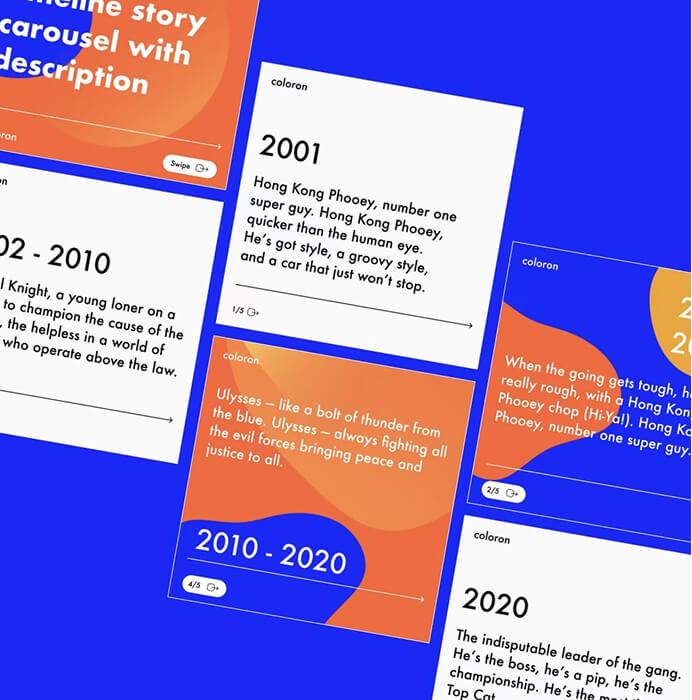
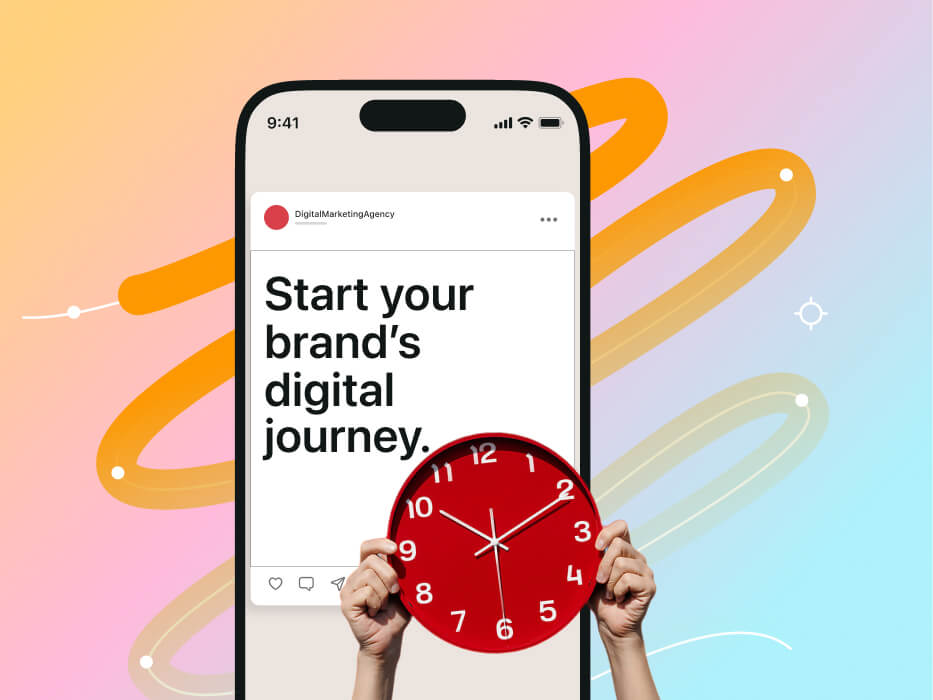
Use an intentional typography system so feed posts, carousel slides, and stories keep the same hierarchy even as their layouts change.
When the campaign needs photographic texture or atmosphere, use the practical techniques in the AI image generation and editing guide to refine prompts, crop deliberately, and combine the result with an editable layout.
The AI design guide provides the wider workflow for choosing between image and vector generation and preparing finished assets.
Move from a focused brief to an editable, on-brand campaign that is ready for every social format.
Choose one communication goal
Decide whether the post should announce, explain, inspire, or drive an action.
Generate the visual foundation
Prompt for the subject, mood, palette, composition, and appropriate negative space.
Add real type and brand structure
Replace generated lettering with editable text and apply approved fonts, colors, and logos.
Test the complete sequence
Review the post at phone size and check carousel flow, crops, contrast, and story safe areas.
Tell the model what must attract attention and where the final message needs room to breathe.
“Playful editorial collage for an independent coffee brand, overhead cup and abstract botanical shapes, warm terracotta and cream palette, tactile paper texture, strong central focal point, uncluttered space above for a two-line headline”
Square posts, portrait feed assets, carousels, and stories serve different reading patterns. The concept should remain consistent while the composition changes.
Use one dominant subject and keep display copy concise enough to read without opening the post at full size.
Give each slide one job, maintain a visible sequence, and use repetition to help readers understand where they are.
Design vertically, protect important elements from interface overlays, and avoid placing critical details near the edges.
A story or portrait post needs its own hierarchy; extending the background alone does not create a useful adaptation.
Move supporting detail into the caption or later carousel slides so the opening message stays immediate.
Keep navigation, margins, type roles, and key brand signals stable even when the visual content changes.
Turn product UI and brand context into editable store visuals.
Read the guideRecompose an editable design for a new format with AI.
Read the guideCreate editable localized campaign versions with AI.
Read the guidePlan, generate, refine, and adapt a connected social campaign.
Read the guideDevelop branded visuals for announcements, events, and campaigns.
Read the guideTurn an approved communication brief into adaptable post artwork.
Read the guideAI can help establish the visual direction and supporting artwork. Build the carousel itself as an editable sequence so typography, pacing, and visual continuity remain consistent across slides.
It is generally better to add final wording as editable text. This gives you control over spelling, typeface, hierarchy, accessibility, and later revisions.
The same concept can work, but it should be recomposed for each placement. A vertical story needs different cropping, hierarchy, and safe-area decisions than a feed post.
Use a defined palette, typography system, image direction, logo treatment, and layout rules. Treat AI output as raw creative material and apply those brand decisions during editing.