Company announcements
Give product news, milestones, partnerships, and operational updates a clear branded visual.
An AI Facebook post generator helps turn a campaign brief into editable visuals for announcements, events, communities, and feed content. Linearity lets you explore the artwork, then refine the message, contrast, cropping, and brand elements before publishing.
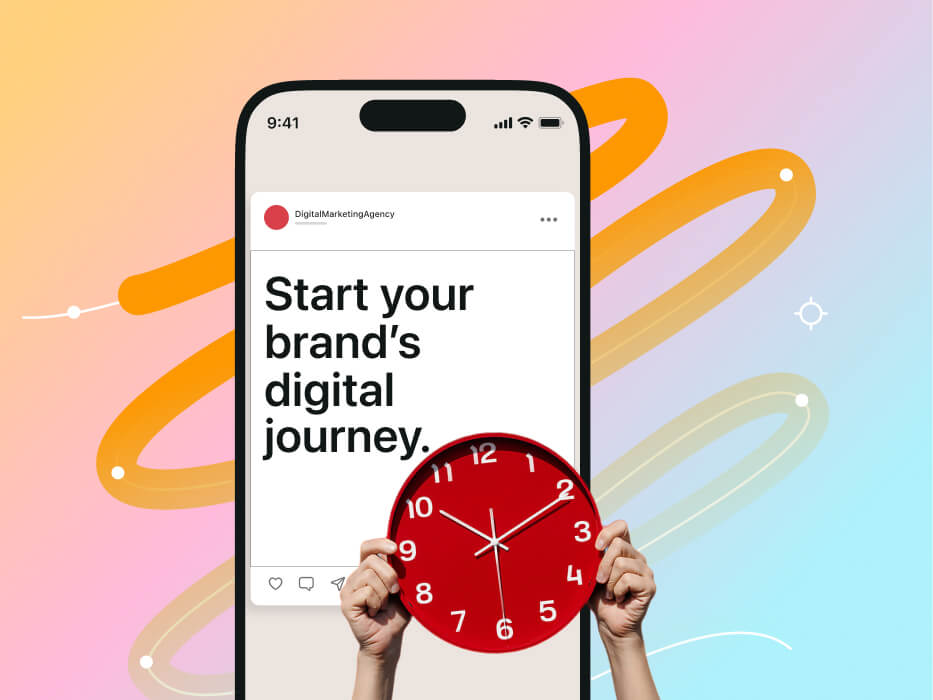
An AI Facebook post creator generates imagery or illustration from a prompt and helps establish a direction for a social design. It is most useful when the output is treated as material that can be edited, combined with real typography, and adapted to the campaign context.
Facebook content appears in different placements and alongside varying amounts of post copy. Keep the image focused, avoid baking essential wording into generated artwork, and make the central idea understandable even when the asset is viewed quickly.
Begin with your team’s approved rules in Linearity’s Brand Management system . Store the fonts, colors, logos, imagery, and layout guidance AI should follow, so recurring Facebook content remains recognizable without rebuilding the brand in every prompt.
Use the shared digital asset management library to find approved source files and finished assets. DAM means digital asset management: one place for organizing and reusing the images, templates, illustrations, and logos a campaign needs.
Generate the starting image or editable vector artwork, then let Linearity adapt the campaign to common social media formats . Designers can replace imagery, edit text, correct the palette, and adjust vector nodes before the post is published.
Give product news, milestones, partnerships, and operational updates a clear branded visual.
Create supporting assets for webinars, local events, community posts, and recurring programs.
Turn one approved idea into appropriately resized offer, seasonal, landing-page, and awareness assets.
Reuse an editable brand system for articles, explainers, customer stories, and educational series.

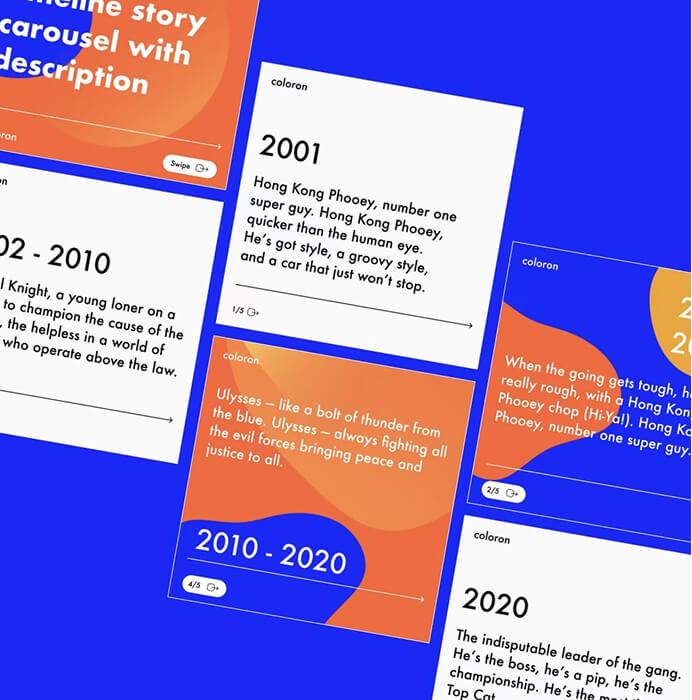
A clear design composition helps the image work beside post copy, link information, reactions, and other elements in a busy Facebook feed.
For campaign artwork that must remain scalable and easy to recolor, the AI vector generation and editing guide explains how generated paths, shapes, colors, and layers fit into a controlled design workflow.
Explore the complete process—from choosing a generation format to final export—in the Linearity AI design guide .
Move from a focused brief to an editable, on-brand campaign that is ready for every social format.
Separate message from artwork
Write the core post message first, then decide what the image must communicate without duplicating every word.
Generate a few visual routes
Explore literal, editorial, and abstract interpretations before choosing the most suitable direction.
Apply the brand system
Add approved type, colors, logos, and graphic devices as editable design elements.
Review the real context
Check the visual beside the post copy and verify cropping, contrast, legibility, and mobile viewing.
A focused prompt describes why the visual exists, not only what objects should appear in it.
“Optimistic editorial illustration for a small-business webinar announcement, diverse team collaborating around a table, simple geometric environment, navy and bright yellow palette, professional but approachable, open area on the left for event title”
Facebook posts must work in a busy feed and remain understandable when shared. Build the asset around the information viewers need first.
Place the visual hook and essential display message in the asset; keep context, links, and changing details in the post text.
Preview at small size, use strong contrast, and avoid fine details or long text blocks that disappear in the feed.
Make the source and subject recognizable even if the asset is reshared without all of its original surrounding copy.
Use the artwork for recognition and hierarchy; move explanatory detail into the accompanying copy.
Review the final post with its headline, description, and destination so repeated or conflicting messages can be removed.
Inspect faces, hands, products, symbols, and background text before the asset represents your brand publicly.
Turn product UI and brand context into editable store visuals.
Read the guideRecompose an editable design for a new format with AI.
Read the guideCreate editable localized campaign versions with AI.
Read the guidePlan, generate, refine, and adapt a connected social campaign.
Read the guideCreate feed, carousel, and story visuals without losing brand control.
Read the guideTurn an approved communication brief into adaptable post artwork.
Read the guideAI can generate the visual foundation. Final post copy, typography, brand application, accessibility checks, and placement-specific adjustments still require deliberate editing.
Keep the image focused on the primary visual idea and only essential display copy. Put supporting details, context, and longer calls to action in the accompanying post text.
Yes, but recompose it for the new placement instead of simply stretching or cropping it. Preserve the campaign idea while adjusting hierarchy and framing.
Check factual and visual accuracy, brand consistency, representation, contrast, cropping, text legibility, and whether you have the right to use all included material.