GPT Image 2.6 is now in Linearity
Generate faster with GPT Image 2.6 Flare or create detailed final visuals with Sunburst, now available in Linearity on web, Mac, iPad, and iPhone.
OpenAI's newest image models, GPT Image 2.6 Flare and GPT Image 2.6 Sunburst, are available in Linearity starting today, on the web and in our apps for Mac, iPad and iPhone. Just describe what you need, and Linearity uses them to create your images. Flare gets you an image in seconds, Sunburst gives you the detail for your final visuals, and every image goes straight into an editable, on-brand design.
What's new: two GPT Image 2.6 models in Linearity
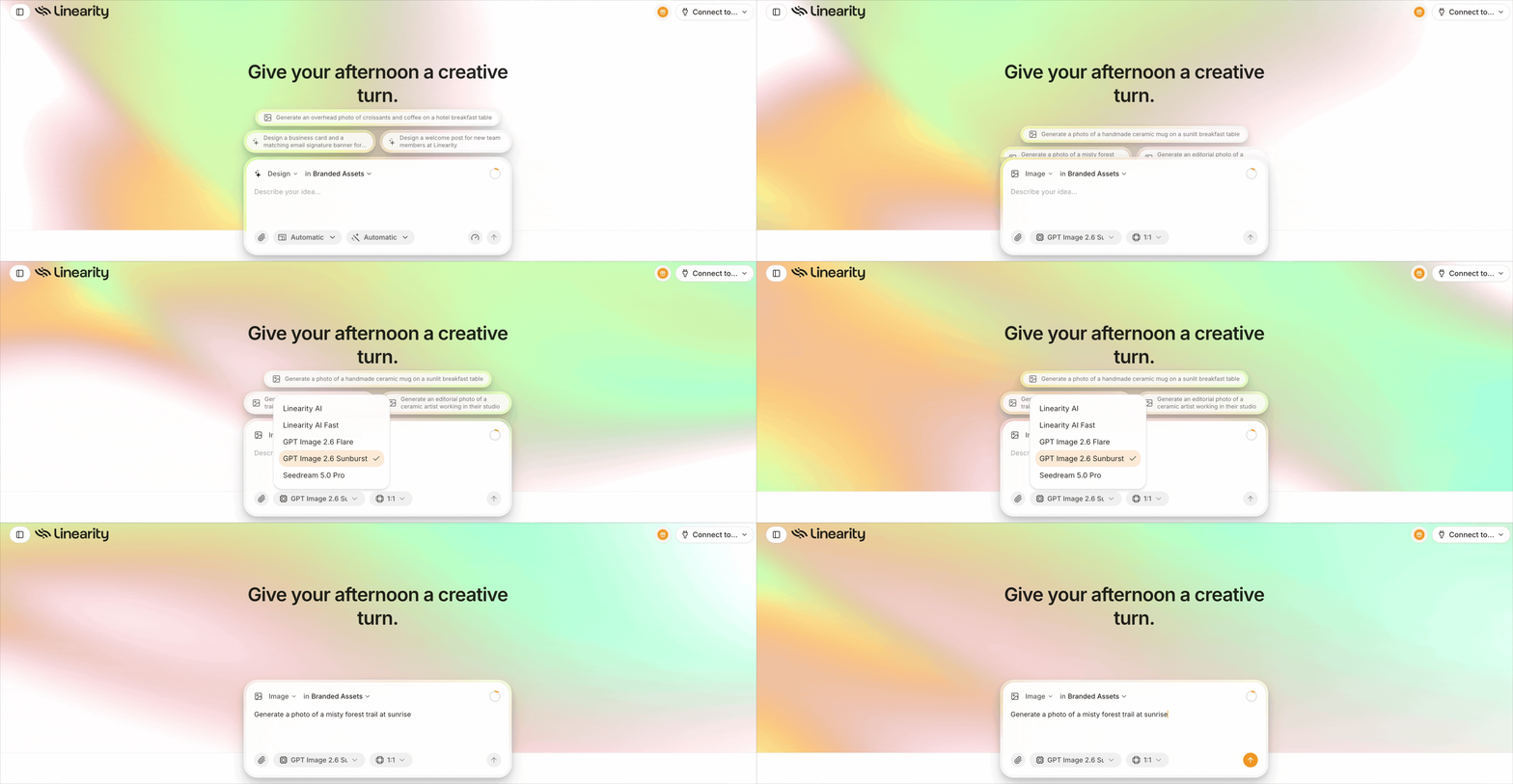
Choose GPT Image 2.6 Flare or Sunburst directly in Linearity.
- Two new models in Image mode: GPT Image 2.6 Flare and GPT Image 2.6 Sunburst.
- Flare is the new default. It's OpenAI's fastest image model yet, returning images in as little as six seconds.
- Sunburst for final visuals. Choose it when quality matters most, and when you want results to stay consistent as you edit.
- Available everywhere you design. Use them in Linearity on the web and in the native apps for Mac, iPad and iPhone, or generate from ChatGPT or Claude through the Linearity connection.
What is GPT Image 2.6? OpenAI’s new image models explained
GPT Image 2.6 is the model family behind ChatGPT Images 2.6, which OpenAI announced on November 4, 2026. In ChatGPT, the update adds animated GIFs and reusable reference images. OpenAI released two new models that generate images up to 50% faster than before:
- Flare is built for speed. It's the model for exploring, iterating and producing everyday visuals quickly.
- Sunburst is built for quality. It brings sharper detail and keeps results consistent when you edit and regenerate.
Flare vs Sunburst: which model to use when
Faster generation changes how you work, not just how long you wait. When an image takes seconds, you can try ten directions instead of settling for the second one. Having two models lets you match the tool to the stage of the work.
| GPT Image 2.6 Flare | GPT Image 2.6 Sunburst | |
|---|---|---|
| Built for | Speed | Quality and consistency |
| Generation time | As little as six seconds (per OpenAI) | Slower than Flare |
| Use it for | Moodboards, first concepts, quick variations, everyday social visuals | Hero images, product scenes, campaign key visuals |
| When editing | Fast iterations | Consistent results across edits |
A simple workflow that uses both: explore with Flare, pick the strongest direction, then regenerate the final version with Sunburst.
Create your next image in Linearity
How to use GPT Image 2.6 in Linearity
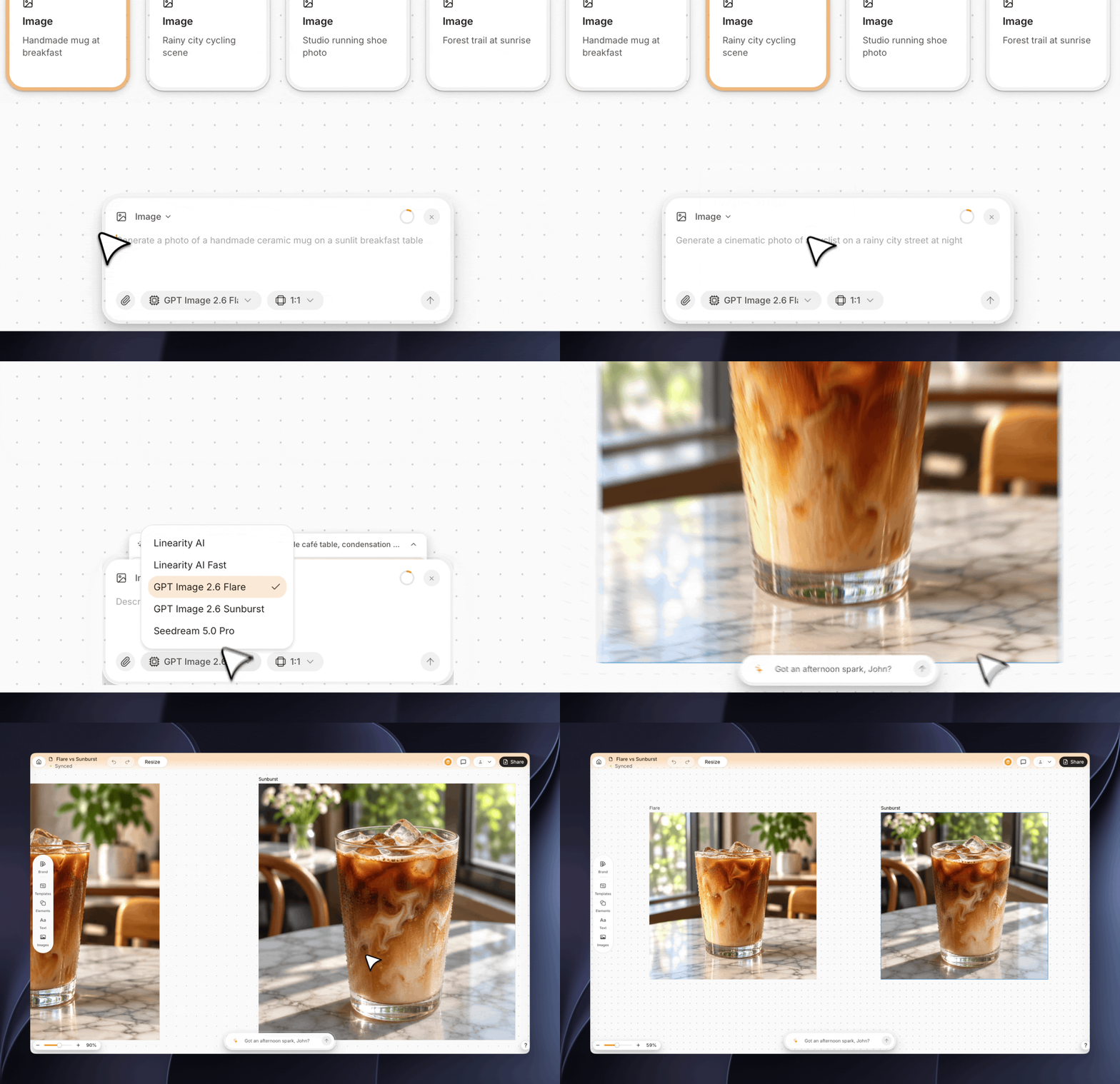
Compare images generated from the same prompt with GPT Image 2.6 Flare and Sunburst.
Choose the mode and model yourself
- Open Linearity on the web or in the app for Mac, iPad or iPhone, and start a new design.
- Switch to Image mode.
- Choose GPT Image 2.6 Flare or GPT Image 2.6 Sunburst from the model menu.
- Describe the image you want.
Turn your image into an editable, on-brand design
A generated image is rarely the finished asset. It still needs a headline, a logo, the right size for each channel and colors that match your brand. That's where Linearity differs from generating in a chat app:
- Place it in an editable layout. Drop the image into a design with live text, your logo and your brand colors. Every element stays editable.
- Refine without starting over. Reprompt, crop, mask or regenerate just the image while the rest of the design stays put.
- Stay on brand. Your brand design guide applies to every layout, so the type and colors around the image always match.
- Use it everywhere. Turn one design into posts, Stories, banners and slides with AI Design Resize, and adapt it for other markets with AI Design Translate.
“Iced coffee in a glass on a marble café table, condensation droplets, morning light through a window, shallow depth of field, product photo”
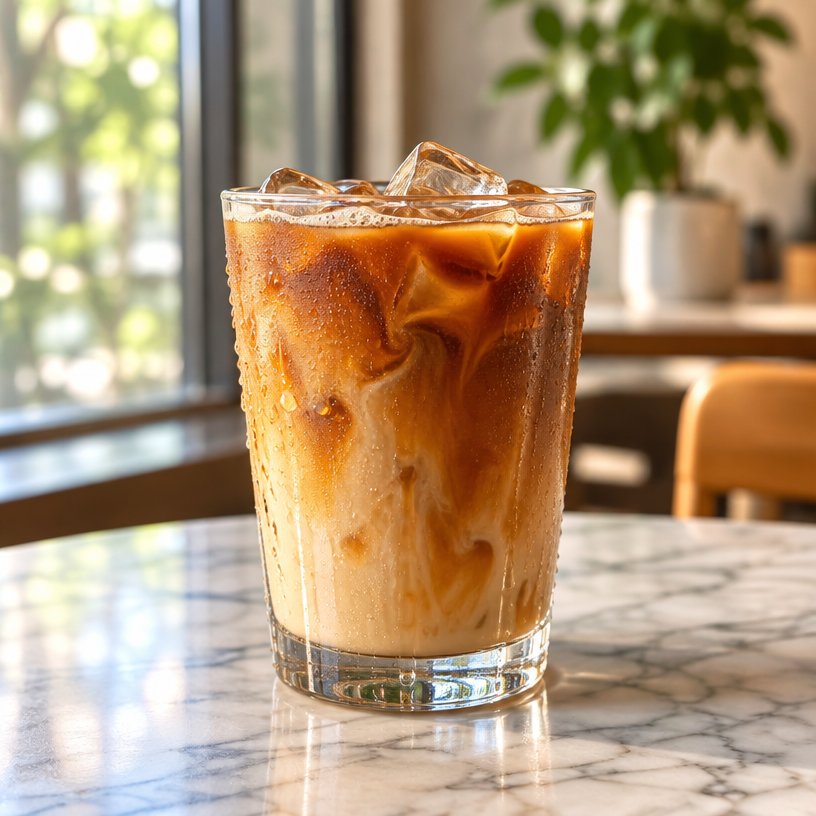
GPT Image 2.6 Flare: Iced coffee on a marble café table.
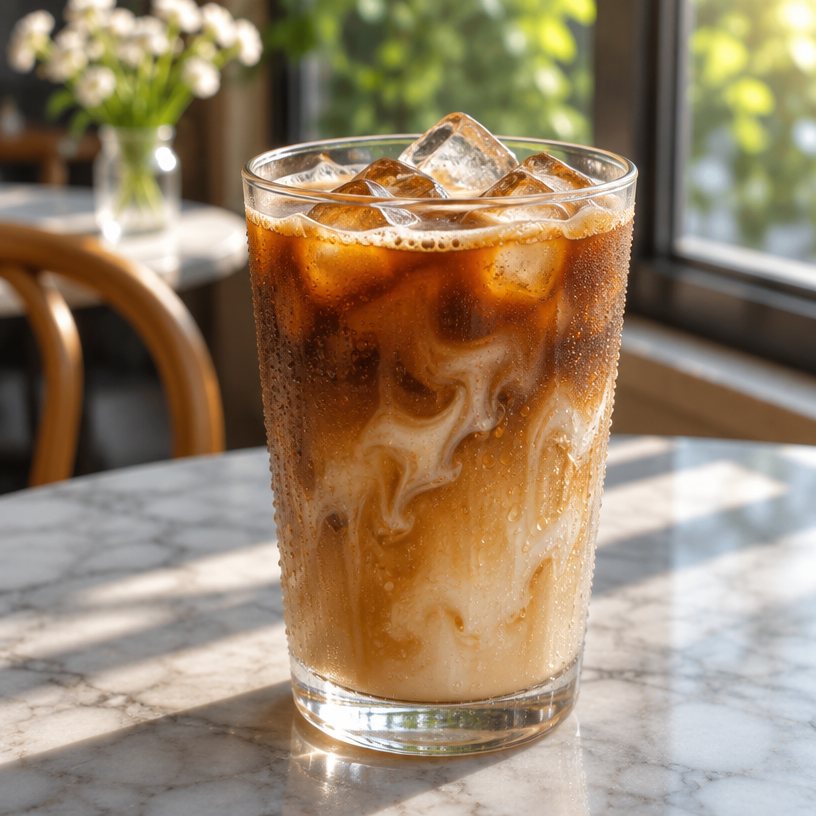
GPT Image 2.6 Sunburst: Iced coffee on a marble café table.
“A neon sign that reads ‘Open Late’ above a small ramen shop on a rainy Tokyo street at night, reflections on wet pavement”
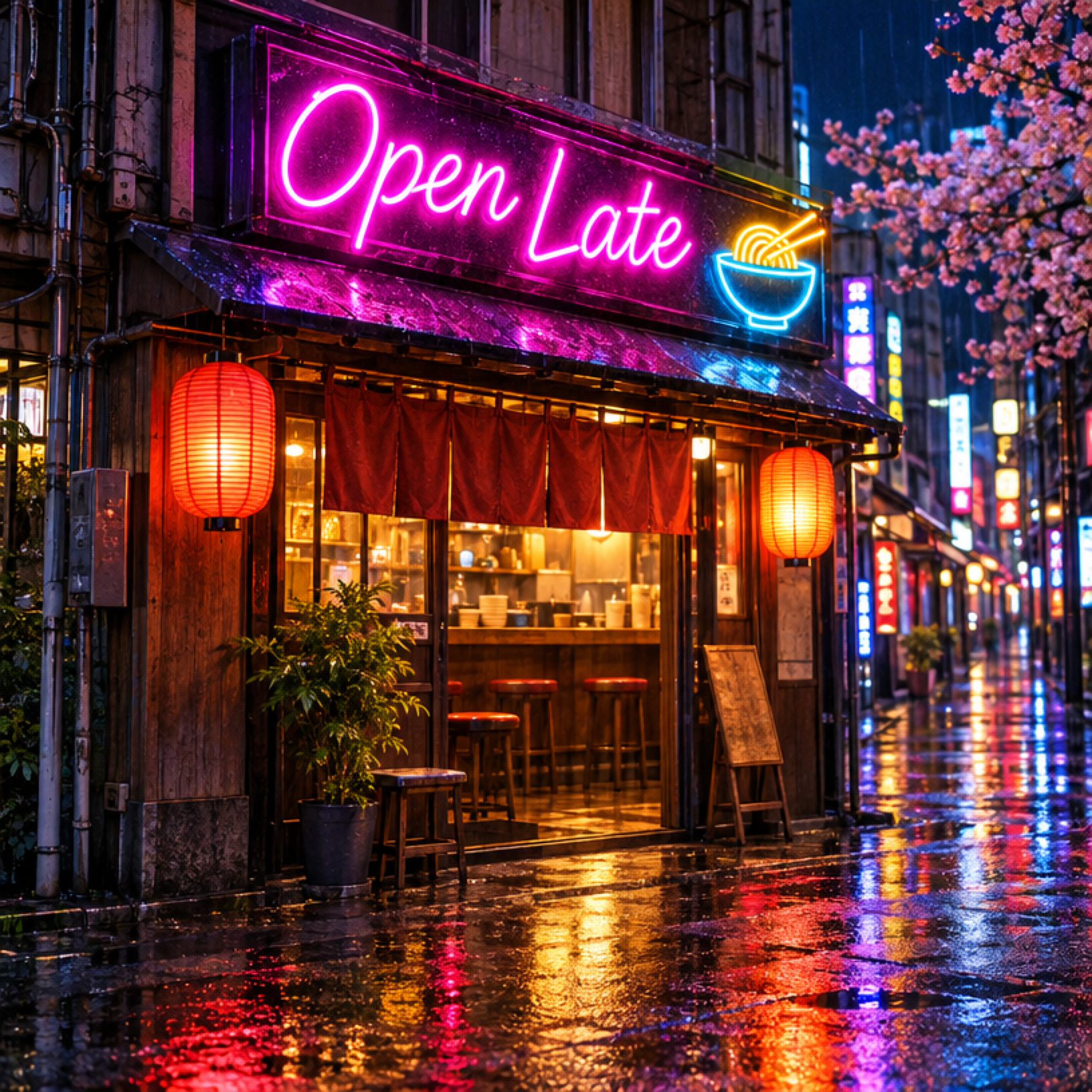
GPT Image 2.6 Flare: Open Late neon sign above a ramen shop.
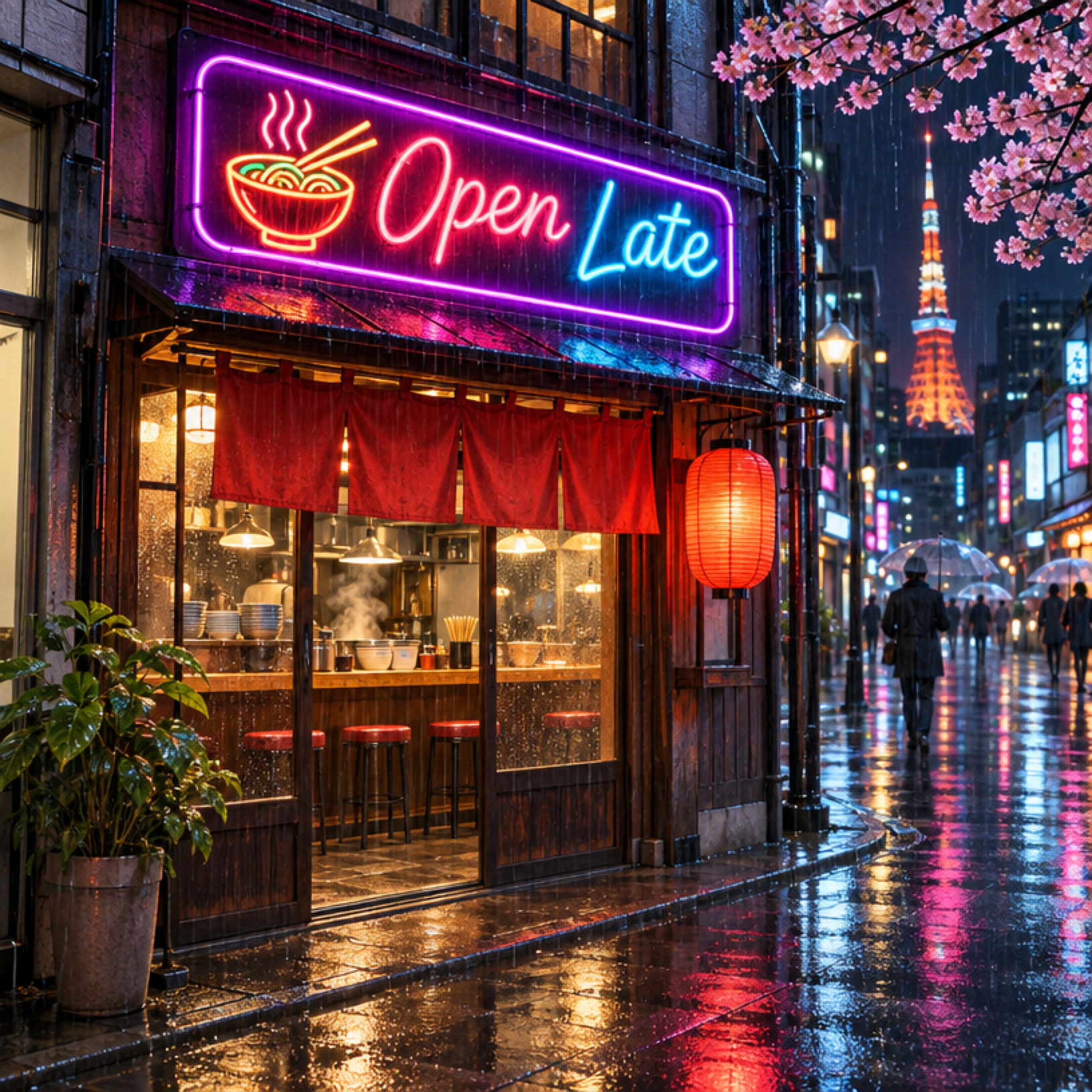
GPT Image 2.6 Sunburst: Open Late neon sign above a ramen shop.
“Close-up portrait of a ceramic artist’s hands shaping clay on a wheel, dust in the light, warm studio tones”

GPT Image 2.6 Flare: Ceramic artist shaping clay on a pottery wheel.

GPT Image 2.6 Sunburst: Ceramic artist shaping clay on a pottery wheel.
“Retro travel poster for ‘Lisbon’: tram on a hill, sunset colors, bold flat illustration style”

GPT Image 2.6 Flare: Retro Lisbon travel poster.
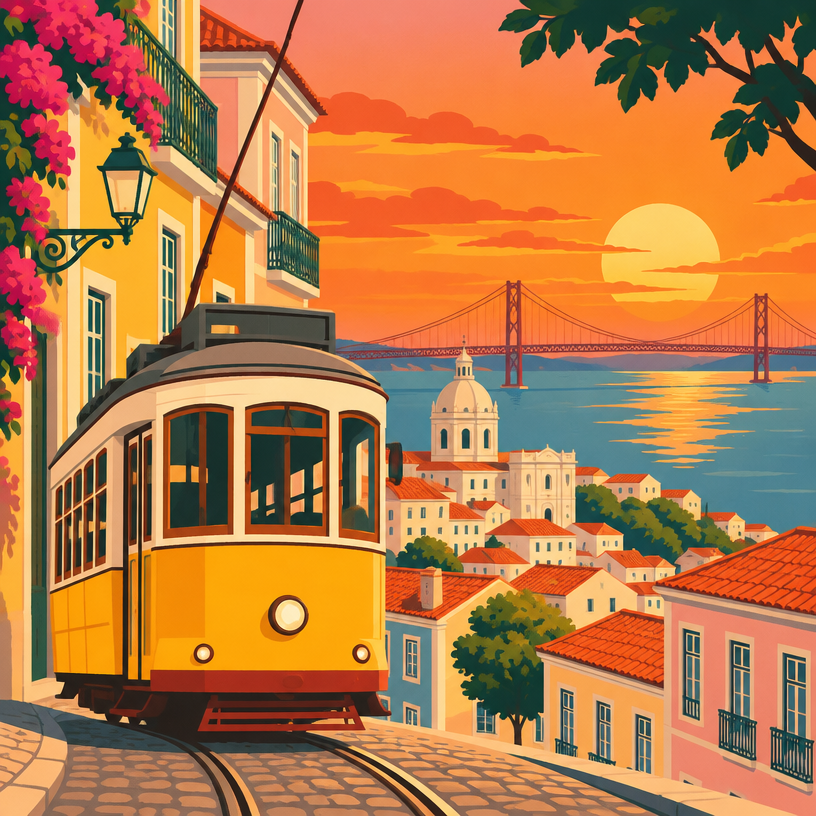
GPT Image 2.6 Sunburst: Retro Lisbon travel poster.
Not sure when to generate an image and when to generate vectors? Our guide to image vs vector generation explains the difference.
Generate from ChatGPT or Claude
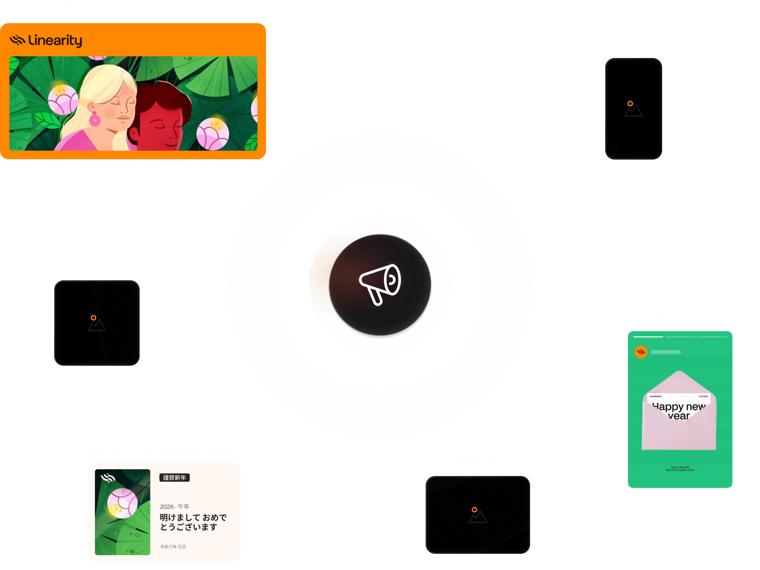
If you work in ChatGPT or Claude, connect Linearity to your AI assistant and ask it to create the image and the design for you. The result lands in your Linearity workspace, fully editable.
What's changed since GPT Image 2.5
| GPT Image 2.5 | GPT Image 2.6 | |
|---|---|---|
| Model options | One model | Two models: Flare (fast) and Sunburst (quality) |
| Speed | Baseline | Up to 50% faster, according to OpenAI |
| In ChatGPT | Image generation and editing | Adds animated GIFs and reusable reference images |
Frequently asked questions
GPT Image 2.6 is OpenAI's latest image generation model family, released in November 2026. It comes in two versions: Flare, for fast generation, and Sunburst, for higher quality and more consistent edits.
Yes. Both Flare and Sunburst are available in Linearity's Image mode on the web and in the native apps for Mac, iPad and iPhone. Flare is the default model.
Flare prioritizes speed, with images in as little as six seconds according to OpenAI. Sunburst prioritizes quality and keeps results consistent across edits.
OpenAI says the new models generate images up to 50% faster, and the split into Flare and Sunburst lets you choose between speed and quality.
GIFs are a ChatGPT feature in Images 2.6. In Linearity, you can animate your designs with Linearity Move.
You can start for free with welcome credits. See pricing for plan details.

App of the Day
6.1K ratings
Get Started for free

Design in Curve.
Create sharp, scalable designs with intuitive tools for logos, illustrations, and professional branding.

Animate in Move.
Effortlessly create animations for social media, online ads, and motion graphics.
Trusted and used by leading brands


