Seedream 5.5 is now in Linearity: every image, fully editable
Generate realistic images with Seedream 5.5 or use Make editable to separate any image into individual, editable layers in Linearity.
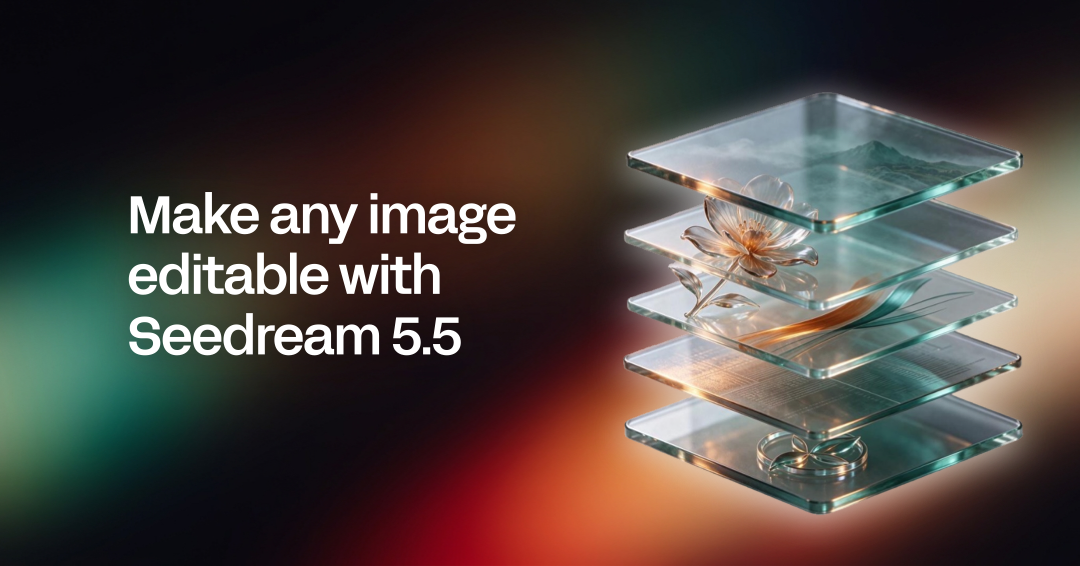
Seedream 5.5, ByteDance's newest image model, is now in Linearity. Use it to generate realistic images with crisp text, or select Make editable on any image to take it apart into separate layers: the subject, the background, other elements and text. Move, resize or replace any part without starting over. Make editable is available on the web today and coming soon to our apps for Mac, iPad and iPhone.
What's new: Seedream 5.5 in Linearity
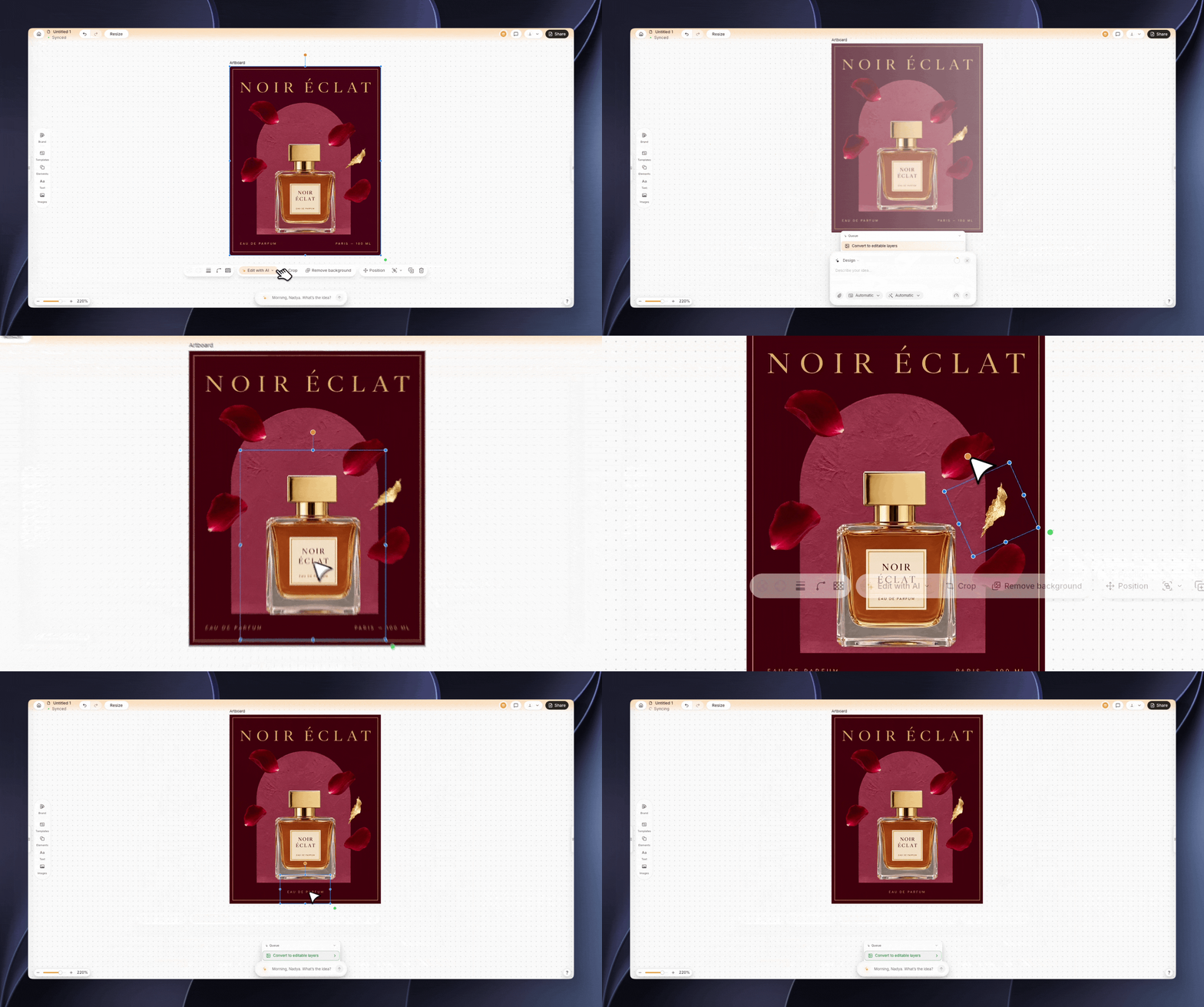
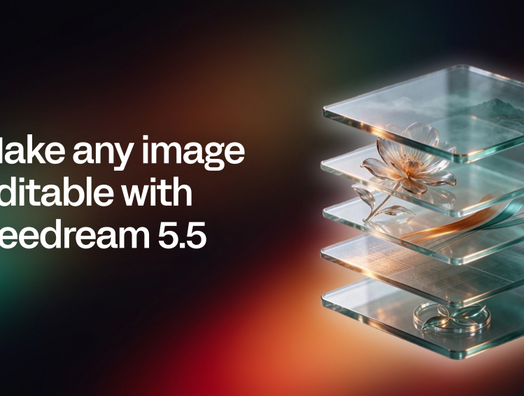
Make editable separates an image into individual layers that can be selected and changed.
- Make any image editable. Linearity now uses Seedream 5.5 to split an image into separate, editable layers.
- Every part on its own layer. The subject, the background, other elements and text each land on their own layer in your design.
- Generate with Seedream 5.5. Pick it in Image mode for realistic photos and readable text.
- Available on the web now. Make editable is coming soon to the native apps for Mac, iPad and iPhone.
What is Seedream 5.5? ByteDance's new image model explained
Seedream 5.5 is the image model ByteDance's Seed team announced on November 9, 2026. It brings:
- More stable editing. It keeps unedited parts of an image unchanged, even across many rounds of edits.
- Native transparency. It can create images with full or partial transparent backgrounds, so elements work as standalone assets.
- More accurate text. It renders small, dense text more reliably than the previous version.
- More realistic results. It handles lighting, materials and skin texture more naturally.
In Linearity, you can use Seedream 5.5 in two ways: to generate new images, and to take existing images apart into clean, editable layers.
From flat image to editable layers
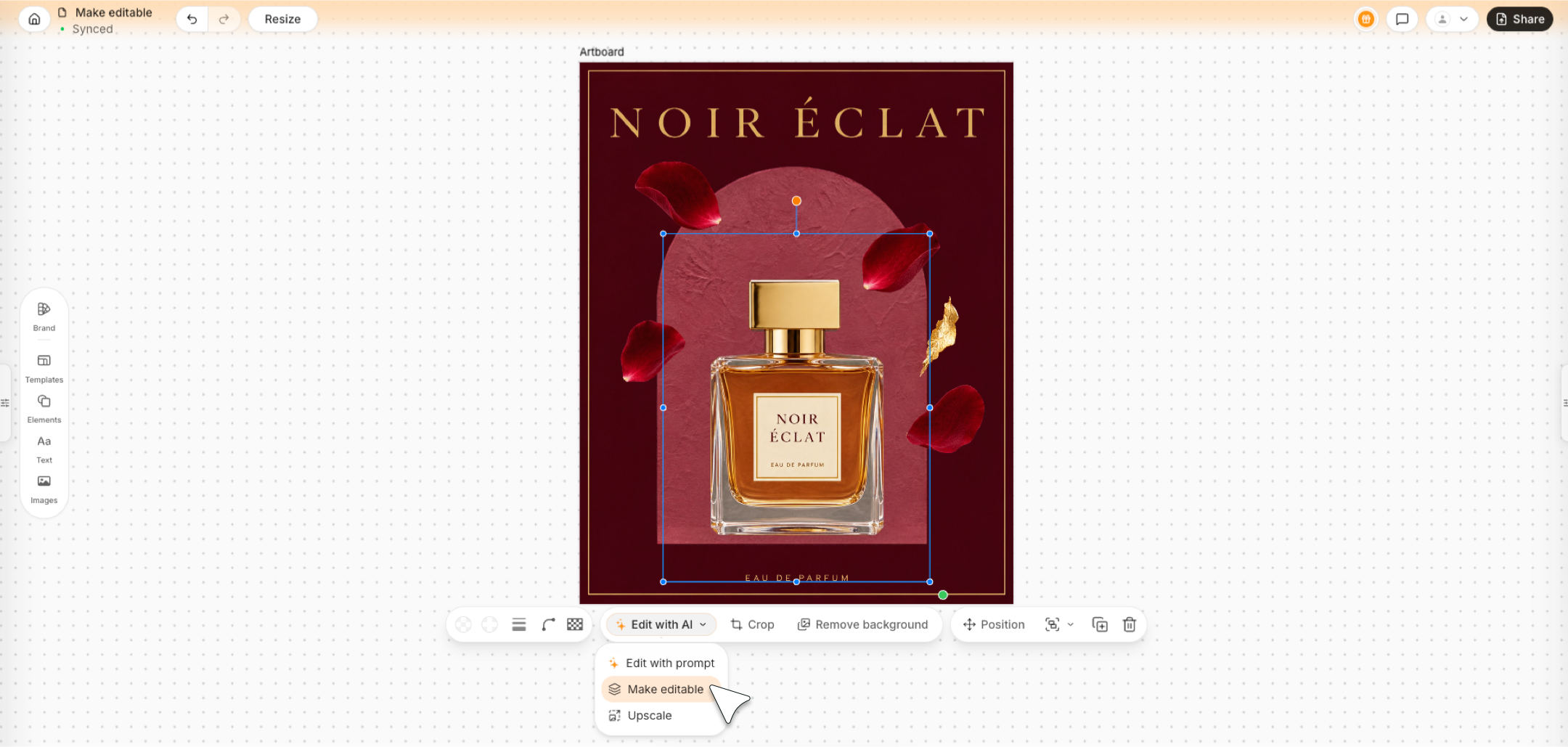
Select an image and choose Make editable to separate its subject, background, text, and other elements into layers.
Most images are flat. A product, a headline and a background are all baked into one layer of pixels, so changing one detail means regenerating or redrawing the whole thing.
Select an image and choose Make editable, and Linearity separates it into its parts and places each one on its own layer in your design. You can then move, resize, recolor or replace each part on its own, while the rest of the image stays as it was.
Turn any image into an editable design
How to make an image editable in Linearity
- Open Linearity on the web and add an image to your design, or generate one.
- Select the image and choose Make editable.
- Linearity splits the image into separate layers.
- Select any layer to move, resize, recolor or replace it.
Make editable is coming soon to the apps for Mac, iPad and iPhone.
How to generate images with Seedream 5.5
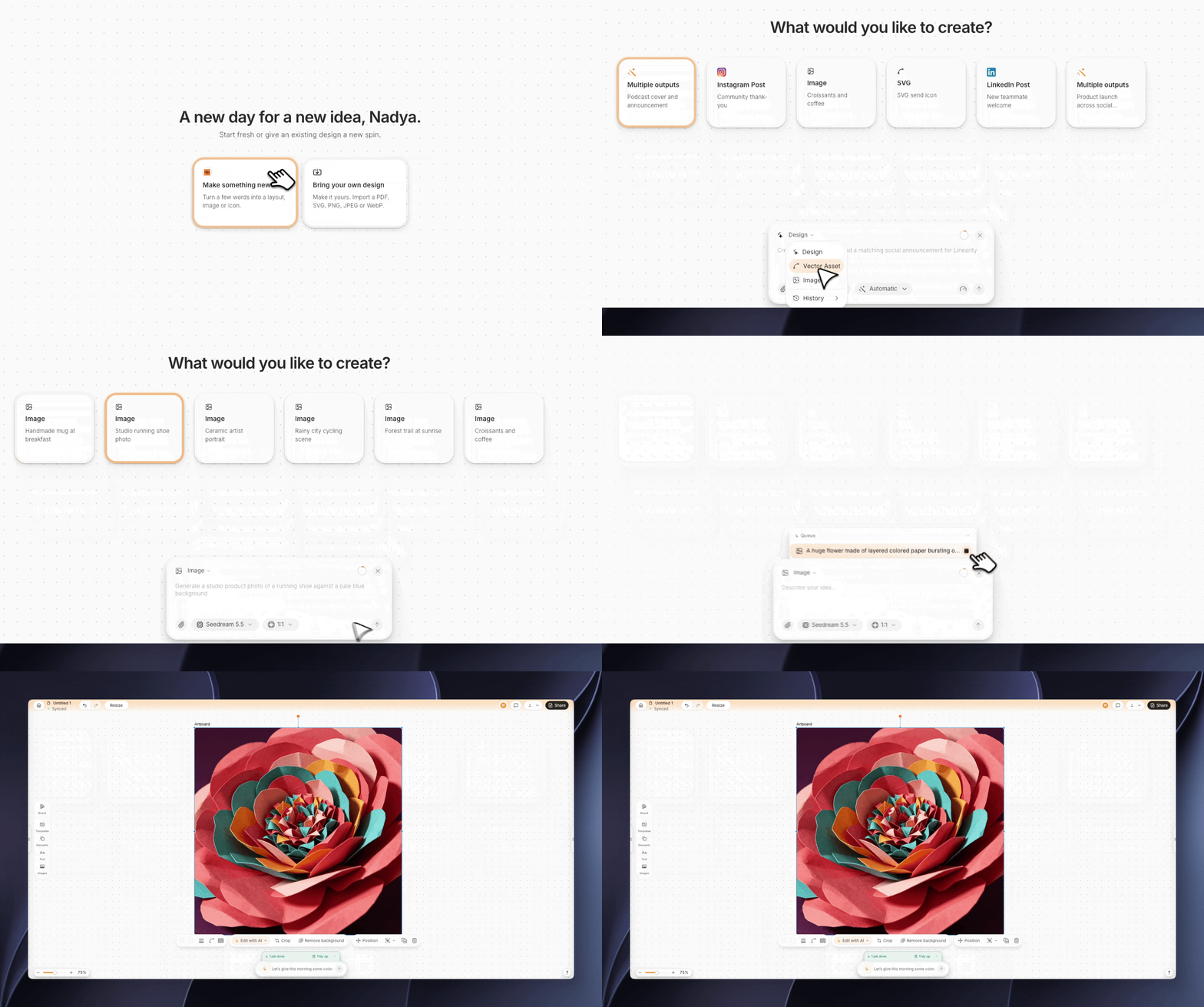
Start a new image in Linearity, then choose Seedream 5.5 for realistic results and clear text.
Write a prompt and Linearity picks the right mode for you. To use Seedream 5.5 specifically, switch to Image mode and choose Seedream 5.5 from the model menu. Use it when you want realistic photos, natural lighting or clear text in the image, then drop the result straight into your design.
What you can do with editable layers
- Rearrange a layout. Move the subject, resize the background or make room for a new headline.
- Swap parts. Replace a product, a background or a logo without redrawing the whole image.
- Reuse old assets. Turn a flat flyer, screenshot or poster into a design you can work with again.
- Keep it on brand. Add your logo, fonts and colors, then resize it for every format or translate it for other markets.
Seedream 5.5 and Make editable FAQ
The Make editable tool turns a flat image into separate, editable layers in your design, such as the subject, the background, other elements and text.
Yes. Switch to Image mode and choose Seedream 5.5 from the model menu.
Seedream 5.5 is ByteDance's newest image model, released in November 2026. It focuses on stable editing, transparent backgrounds, accurate text and realistic results.
Make editable is available on the web today and is coming soon to the native apps.
It works with generated images and images you upload. Images with clear, separate elements give the best results.
You can start for free with welcome credits. See pricing for plan details.

App of the Day
6.1K ratings
Get Started for free

Design in Curve.
Create sharp, scalable designs with intuitive tools for logos, illustrations, and professional branding.

Animate in Move.
Effortlessly create animations for social media, online ads, and motion graphics.
Trusted and used by leading brands


