

Linearity vs Canva.
Prompt it, or pick a template.
Canva starts from a template you adapt. Linearity starts from your brief: describe the design and get it in your brand, as a file you can edit.
Canva starts from a template. Linearity starts from your brief.

Prompt any design
Describe the post, ad, poster or slide you need. There is no template to hunt for or bend into shape.

Made for your brand
Every design is generated inside your brand kit: your logo, colors, fonts and tone of voice.

Editable down to the layer
The result is a design file with layers, live text and vector shapes, not a flat picture.

Every format and market
Resize one design for each channel and translate it for each market.
Describe it. Get a design you can edit.
No template to find and no blank canvas. A prompt returns a finished layout, and you change anything by hand or by asking.
Solstice
Autumn blend is here.
Small-batch roast, back for a limited time.
Order now
Describe it. One sentence in, a finished design out: your logo, fonts, colors and tone, already applied.
Brand management that does the work.
- Logo, colors, fonts and tone of voice on the first draft
- Refine the brand with AI as it changes
- One shared kit for the whole team

Aa Roobert
Developer-first, precise, confident

Every part stays editable.
- Retype a headline or move a logo by hand
- Make editable splits a flat image into layers
- Paths, nodes and a pen tool in Linearity Curve

Kiln & Co
Throw your frist pot.
- A typo you cannot fix
- Not your font
- Not quite your orange
One design, every format and market.
Resize a design for each channel and translate it for each market. In Canva, Magic Resize and Translate are paid-plan features.

Stride
Summer drop
The Aero 2 is here.
Shop now
Stride
Summer drop
The Aero 2 is here.
Shop now
Stride
Summer drop
The Aero 2 is here.
Shop now
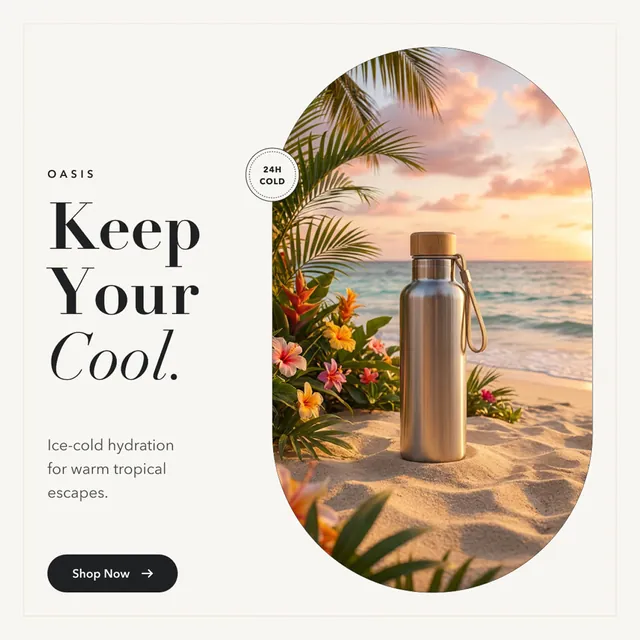
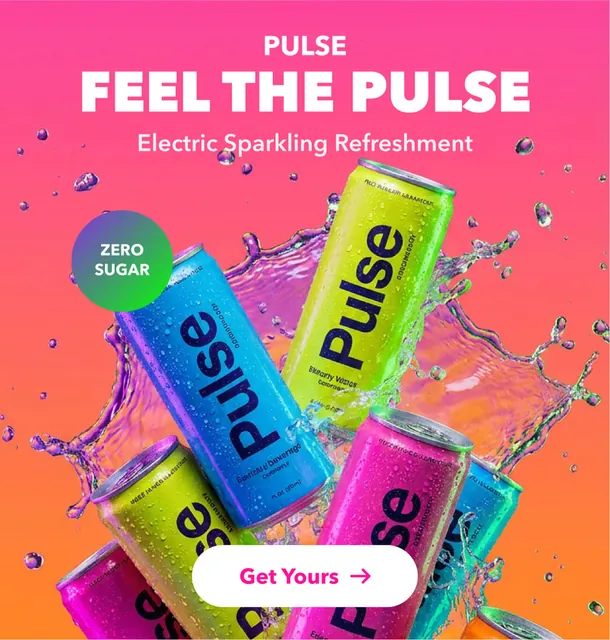
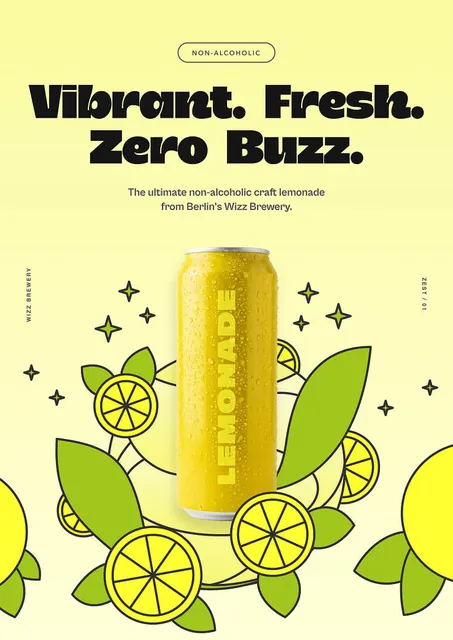
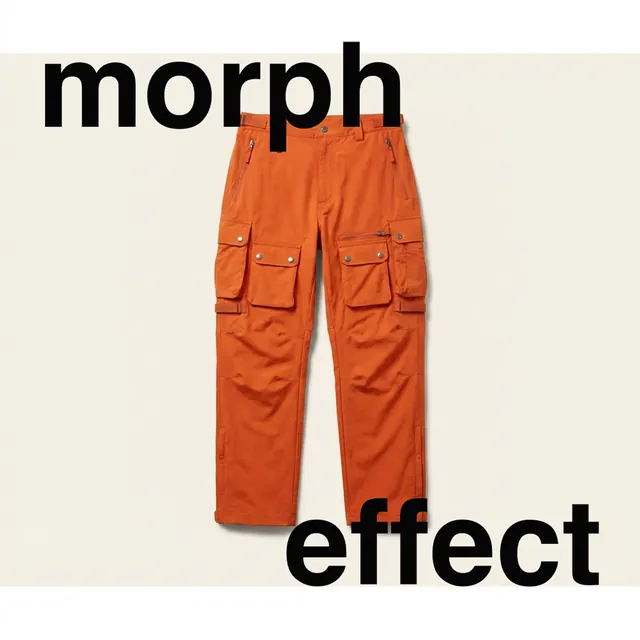
Made from one prompt each.
Real outputs from Linearity. Every one is an editable file.








Design where the team already talks.
# marketing
Maya
@Linearity hiring post for a senior designer, LinkedIn size
Linearity App
Here is a first version in the Fieldnote brand.
Fieldnote
We're hiring
Senior Designer
Berlin or remote
Apply now
Maya
make the headline shorter
Linearity App
Done. Shortened the headline and kept the layout.
Linearity vs Canva, feature by feature.
Where each product stands today.
| Features | Linearity | Canva |
|---|---|---|
| Starting a design | ||
| Design from a prompt Describe it and get an editable layout back. | Yes | Partly: Canva AI, on a monthly AI allowance |
| Generated inside your brand kit Logo, colors, fonts and tone of voice from the first draft. | Yes | Partly: Brand Kit and Brand Templates, applied by you |
| Brand kit set up from your website | Yes | Partly: Not documented by Canva |
| Templates when you want one | Yes | Yes |
| Stock photos and icons built in Unsplash photos and Icons8 icons in Linearity. | Yes | Yes |
| Use from ChatGPT and Claude A connector the assistant can call. | Yes | Yes |
| Editing | ||
| Edit vector paths and nodes Change the shape itself, not just its size and color. | Yes | Partly: Vector elements; uploaded SVGs only resize or recolor |
| Pen tool with Bézier curves In Linearity Curve, on Mac and iPad. | Yes | Partly: Draw tool is freehand |
| Split an image into layers Make editable, in Linearity on the web. | Yes | Partly: Magic Layers, on the AI allowance |
| Background removal Included in Linearity's Free plan. | Yes | Partly: Paid plans |
| Trace an image into vector paths Auto Trace, in Linearity Curve. | Yes | Partly: Not documented; Canva points to Affinity |
| SVG export | Partly: Paid plans | Partly: Paid plans |
| Brand | ||
| Brand kit with logos, colors and fonts | Yes | Partly: 1 on Free, 5 on Pro, 100 on Business |
| Brand controls and approvals | Yes | Partly: Business and Enterprise |
| Every format and market | ||
| Resize a design to other formats | Yes | Partly: Magic Resize, paid plans |
| Translate a design | Yes | Partly: Paid plans, 100+ languages |
| Motion | ||
| Animation presets In Linearity Move. | Yes | Yes |
| Lottie export Animation as code, from Linearity Move. | Yes | Partly: Not among Canva's download formats |
| Platforms | ||
| Runs in the browser on any computer | Yes | Yes |
| Mac and iPad apps | Yes | Yes |
Canva details as published on canva.com and affinity.studio on 24 November 2026. Sources: Canva pricing, Add and edit shapes, Draw in Canva, Download file types, Brand Kit, Resize designs, Translate designs, AI Connector, Affinity .
When each one fits.
Canva fits when
You like to browse and adapt.
- You enjoy starting from a template gallery
- Most of what you make is one-off and informal
- Documents and whiteboards live in the same tool
Linearity fits when
You know what you need and want it in your brand.
- You would rather describe a design than search for a template
- Everything has to come out on brand without checking it by hand
- You need to correct details yourself: text, paths, layers
- One campaign has to ship in many formats and languages
Questions about Linearity and Canva
Is Linearity a Canva alternative?
Yes. Instead of adapting a template you describe what you need, and Linearity generates it in your brand as a file you can edit, resize and translate. Templates, stock photos and icons are there when you want them.
Is Canva vector based too?
Yes, Canva's shapes and many of its elements are vector. The difference is how far you can edit them: Canva's help centre states that uploaded SVG shapes can be resized and recolored, but their corners, strokes and outline cannot be changed. Linearity edits paths and nodes directly.
Do I need templates in Linearity?
No. A prompt returns a finished layout in your brand, so there is nothing to search for or adapt. Templates are there if you want a starting point, all free. Canva is built the other way round: you start from its template library.
Can I move a Canva design into Linearity?
Export it from Canva as a PDF or an SVG and import that file into Linearity, where its text, images and shapes become editable. SVG export from Canva needs a paid Canva plan.
Which is better for a team with no designer?
Linearity is built for that team: the brand kit carries the logo, colors, fonts and tone of voice, so a prompt from anyone comes out on brand. In Canva the same team picks a template and applies the brand to it.
Does Linearity run on Windows?
Yes. Linearity runs in the browser on any computer, Windows included. Linearity Curve and Linearity Move are native apps for Mac and iPad.
How do the AI limits compare?
Canva groups its AI tools into Standard, Premium and Ultra tiers that share a monthly allowance: limited on Free, ten times more on Pro and twenty times more on Business, with an AI Pass add-on above that. Canva does not publish the allowance as a number. Linearity uses credits: the Free plan starts with welcome credits and each paid plan states its credits per month on the pricing page.
How do prices compare?
Both have a free plan. Canva sells Pro for one person and Business per person, and no longer offers Canva Teams to new customers. Linearity has Pro, Studio, Business and Enterprise plans, which differ mainly in monthly AI credits, brand kits and team features. Prices vary by country, so check each company's pricing page.
Can Linearity replace Canva?
Yes. Linearity covers the same everyday work, with templates, stock photos, icons, resizing and translation, and adds designs generated from a prompt in your brand. Teams that switch bring their existing Canva designs along as PDF or SVG, keep working on them in Linearity, and do not go back.
How Linearity compares to other tools
Describe a design. See it in your brand.
Editable, on-brand designs from a prompt. Free to start.
Free to start. No credit card required. See pricing