Social media size charts, drawn to scale
The pixel size of every format on nine platforms. Pick a platform for its full chart, safe areas and cropping rules.
- Instagram: feed post, vertical1080 × 1350 · 4:5
- Facebook: cover photo851 × 315 · 2.7:1
- X (Twitter): header1500 × 500 · 3:1
- LinkedIn: cover / banner1584 × 396 · 4:1
- YouTube: video thumbnail1280 × 720 · 16:9
- Pinterest: standard pin1000 × 1500 · 2:3
All frames are drawn at the same scale
Sizes by platform
| Platform | Main formats | ||
|---|---|---|---|
| Instagram dimensions | Feed post, vertical 1080 × 1350 px | Feed post, extended vertical 1080 × 1440 px | Feed post, square 1080 × 1080 px |
| Facebook dimensions | Cover photo 851 × 315 px | Shared image 1200 × 630 px | Story 1080 × 1920 px |
| X (Twitter) dimensions | Header 1500 × 500 px | Post image 1200 × 675 px | Card image 800 × 418 px |
| LinkedIn dimensions | Cover / banner 1584 × 396 px | Post image 1200 × 627 px | Article cover 1920 × 1080 px |
| YouTube dimensions | Video thumbnail 1280 × 720 px | Channel art / banner 2560 × 1440 px | End screen 1920 × 1080 px |
| Pinterest dimensions | Standard pin 1000 × 1500 px | Long pin 1000 × 2100 px | Board cover 800 × 450 px |
| Twitch dimensions | Channel banner 1920 × 480 px | Offline banner 1920 × 1080 px | Stream thumbnail 1920 × 1080 px |
| Discord dimensions | Server banner 960 × 540 px | Server splash 1920 × 1080 px | Server icon 512 × 512 px |
| Etsy dimensions | Listing image 2700 × 2025 px | Shop banner (big) 3360 × 840 px | Shop banner (mini) 1200 × 160 px |
Resize one design into every size
Make the design once. Linearity re-fits the layout to each format instead of stretching it, and every version is its own editable file. The original stays untouched.
Resize a design for every format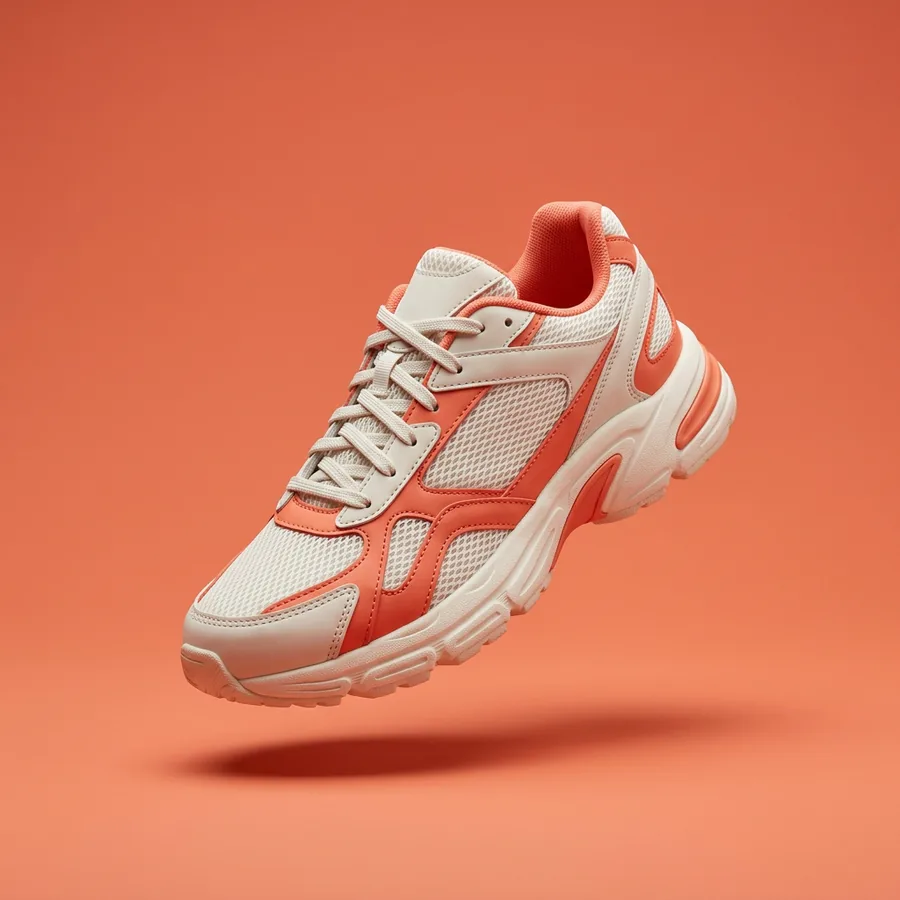
Stride
Summer drop
The Aero 2 is here.
Shop now
Stride
Summer drop
The Aero 2 is here.
Shop now
Stride
Summer drop
The Aero 2 is here.
Shop now
Start from a prompt
Name the format and the size in your prompt. Linearity returns an editable design in your brand.
Free to start. No credit card required.
Sizes and export: questions
More in the social media image sizes guide and the Instagram size guide.
Does DPI matter for social media images?
No. What matters for social media is pixel dimensions, not DPI. A 1080 × 1080 px image at 72 ppi and one at 300 ppi are identical on screen. The DPI setting only matters for print.
Which file format should I export for social media?
Export JPEG at 80 to 90% quality for photographic content, and PNG for anything with a logo, a transparent element or a flat graphic.
Which color profile should I use?
Export in sRGB. Most social platforms convert to sRGB on upload, so uploading in sRGB avoids a color shift during that conversion.
Can one design be resized for several platforms?
Yes. In Linearity, one design can be resized into social, ad, presentation, print and App Store formats. Each version is a new editable design, and your original stays untouched.