

Linearity vs Higgsfield.
The picture, or the finished design.
Higgsfield generates and edits images. Linearity turns the same prompt into a design in your brand, with a headline you can retype and shapes that stay vector.
Higgsfield makes the picture. Linearity makes the design.

The same image models
GPT Image, Seedream and Nano Banana are in both. Image quality is not where they differ.

Live text, not repainted text
The headline is real type in your font. Change it by typing, not by generating again.

Your brand, applied
Logo, colors, fonts and tone of voice come from your brand kit, not from a line in the prompt.

Every format and market
The same design is recomposed for each channel and language, so nothing drifts between versions.
The same models, already inside.

Made with Linearity Vector 1
Retype the headline. Do not regenerate it.
- Live text in your own fonts
- Move, resize or replace any part by hand
- Text stays text and shapes stay vector

Kiln & Co
Throw your frist pot.
- A typo you cannot fix
- Not your font
- Not quite your orange
On brand without pasting hex codes.

Aa Roobert
Developer-first, precise, confident

One design, every format and market.
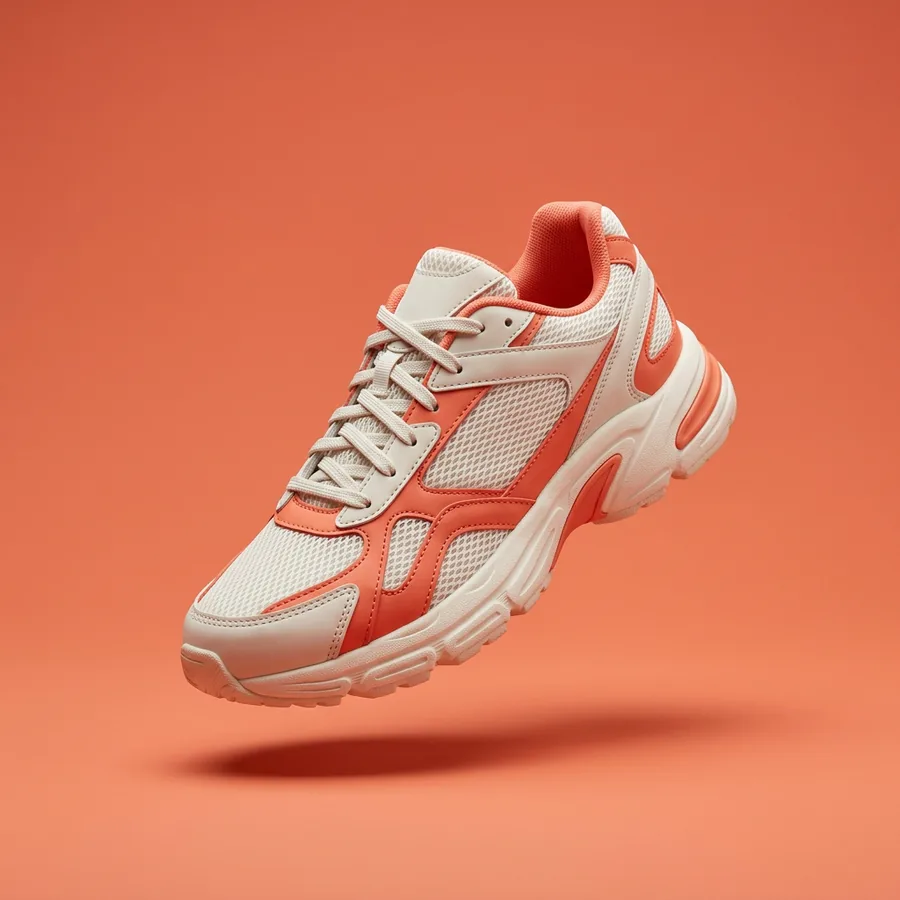
Higgsfield adapts an ad by generating it again for each size or language. Linearity recomposes the same editable design, so the versions match.
Stride
Summer drop
The Aero 2 is here.
Shop now
Stride
Summer drop
The Aero 2 is here.
Shop now
Stride
Summer drop
The Aero 2 is here.
Shop now
Linearity vs Higgsfield, feature by feature.
For still marketing images, as of today.
| Features | Linearity | Higgsfield |
|---|---|---|
| Generating | ||
| Images from a prompt | Yes | Yes |
| Choice of image models GPT Image, Seedream and Nano Banana in both. | Yes | Partly: 15+ models |
| A full layout from a prompt Headline, image, logo and button, arranged. | Yes | Partly: Generates the image |
| Vector logos and icons As SVG paths you can edit. | Yes | Partly: SVG from one model, in preview |
| AI video | Partly: Coming soon | Yes |
| Editing | ||
| Live, editable text Retype a headline instead of regenerating. | Yes | Partly: Text is regenerated as pixels |
| Layers you can move by hand | Yes | Partly: In Higgsfield Layers, a paid editor |
| Split a flat image into layers Make editable, in Linearity on the web. | Yes | Yes |
| Background removal | Yes | Yes |
| Brand | ||
| Brand kit with logos, colors and fonts | Yes | Partly: Hex or RGB codes in the prompt |
| Brand kit set up from your website | Yes | Partly: No brand kit on its pages |
| Where you work | ||
| Use from Claude and ChatGPT A connector the assistant can call. | Yes | Yes |
| Every format and market | ||
| Resize a finished design to other formats | Yes | Partly: Regenerated per size, through a Claude skill |
| Translate a design | Yes | Partly: Regenerated per language, through a Claude skill |
Higgsfield details as published on higgsfield.ai on 24 November 2026. Sources: AI image, Layers, SVG output, Canvas, Ad Resizer, Ad Localizer, MCP, Apps .
When each one fits.
Higgsfield fits when
The image or the video is the whole deliverable.
- You need AI video, which Linearity does not make
- You want one consistent character across many shots
- You are exploring looks across fifteen or more image models
Linearity fits when
The image has to become a finished, on-brand asset.
- The asset needs a headline, a logo and a call to action
- Text has to stay editable after it is generated
- Everything has to match your brand without checking by hand
- One campaign ships in many formats and languages
Questions about Linearity and Higgsfield
Is Linearity a Higgsfield alternative?
For still marketing assets, yes: posts, ads, banners and posters that need a headline, a logo and your brand. For AI video, not today: video is what Higgsfield is best known for, and in Linearity it is announced as coming soon.
Which one makes better images?
Several of the image models are the same in both, including GPT Image, Seedream and Nano Banana, so for those the picture itself is comparable. Higgsfield offers more models. The difference is what the picture becomes: in Linearity it sits in a layout with live text and your brand.
Can I edit the text in a Higgsfield image?
Yes, by regenerating it. In Higgsfield Layers you detect the text, type a replacement and generate, and the result is a new image layer. In Linearity the headline is live text, so you click it and retype, in your own font.
Can I use an image from Higgsfield in Linearity?
Yes. Add the image to a design in Linearity, then set type, logo and brand around it. Make editable can also split it into separate layers.
How does brand consistency differ?
Higgsfield lets you give exact hex or RGB color codes in the prompt; its pages describe no brand kit. Linearity keeps a brand kit with your logo, colors, fonts and tone of voice, built from your website, and generates every design inside it.
Does Higgsfield have layers too?
Yes. Higgsfield Layers splits a flat image into layers you can move, hide or edit with a prompt, and exports them as PNG files. Linearity's layers are a design file: text stays text and shapes stay vector, and the file opens in Linearity Curve on Mac and iPad.
How do prices compare?
Both have a free tier and paid plans built on credits. Prices and allowances change and vary by country, so check each company's pricing page.
How Linearity compares to other tools
Describe a design. See it in your brand.
Editable, on-brand designs from a prompt. Free to start.
Free to start. No credit card required. See pricing