Get a head start with
Free Templates
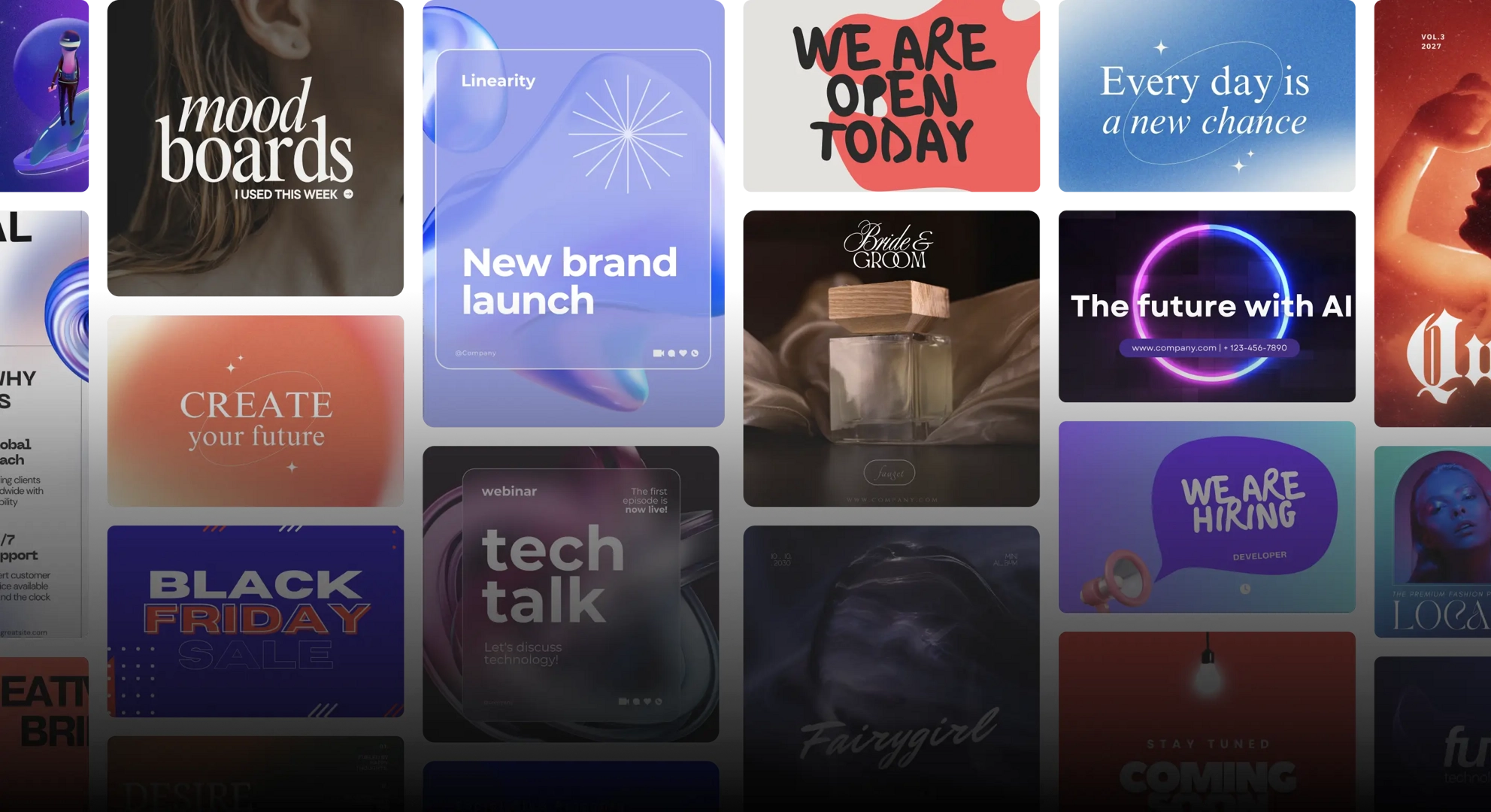
Browse a curated library of versatile templates and adapt them effortlessly to your needs.
 Habits Inspiration Instagram Post Template
 Design Studio Showreel Animation
 Data Visualisation Animation
 Data Comparison Infographic Animated Template
 Creative Agency Advertisement
 Financial Growth Infographic Animation Template
 Promotional Animation Template
 Business Presentation Animation Template
 Creative Agency Showreel
 Award Ceremony Animation Template


Can't find it? Describe it.
Describe a post, an ad or a slide. Linearity's AI design generator returns a real file in your brand, not a flat image. Every layer stays editable.
 Cross-Functional Collaboration Presentation Template
 Future Graph Presentation Template
 Brand Message Presentation Template
 Creative Proposal Presentation Template
 Presentation Opening Slide Template
 Sales Proposal Presentation Template
 Creative Strategy Presentation Template
 Hydration Slides
 Tech Solutions Presentation Template
 Minimalist Presentation Template
Trusted and used by leading brands


How it works
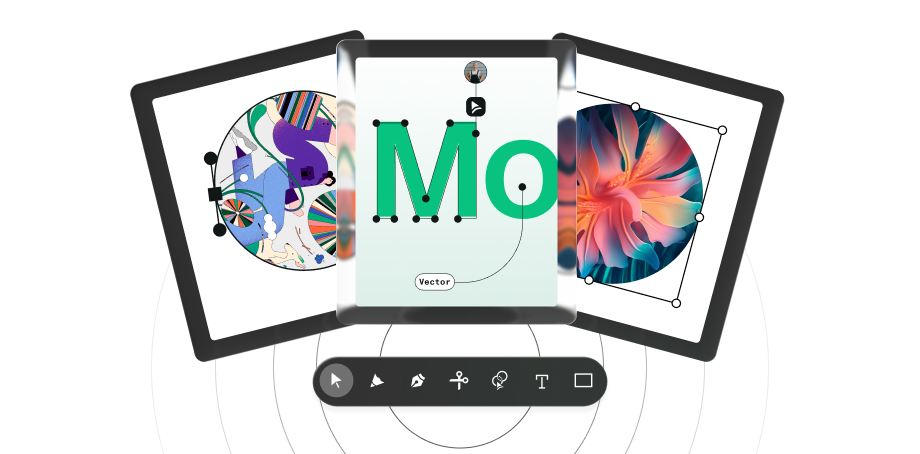
Move is made for quick, professional animation. Bring illustrations, logos, and marketing graphics to life for social content, product explainers, and campaigns without complex timelines.
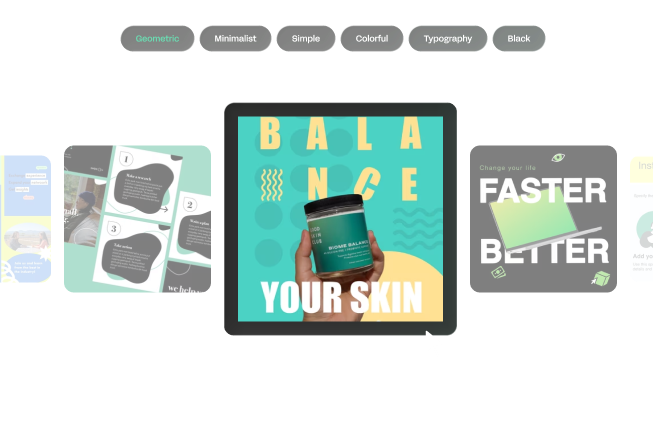
Choose a Template
Whether you’re building a brand, a campaign, or a product, Curve gives you the power to design without limits on iPad, Mac & iPhone.
Edit in Curve
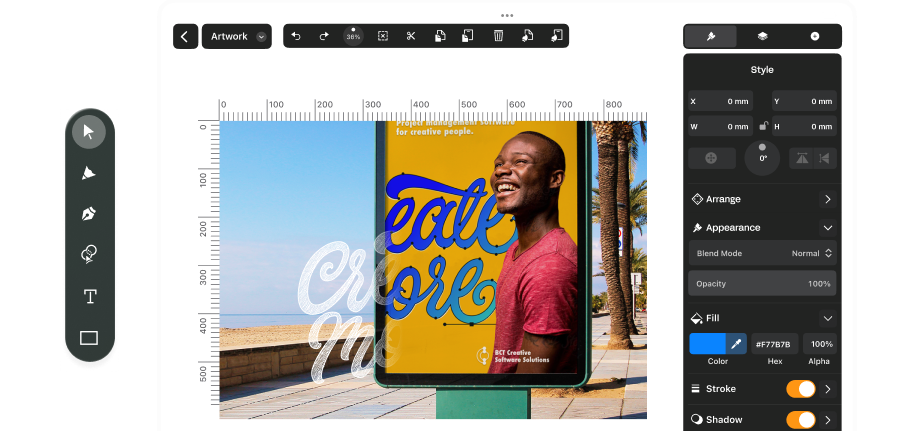
Open the template in Linearity Curve on Mac or iPad. Customize everything—text, colors, images, layouts, and vector shapes—with fully editable layers.
Make It Yours
Adjust branding, add graphics, swap photos, fine-tune typography, or extend the layout. Curve keeps everything sharp and resolution-independent.
Export or Share
Export your design in any format you need: PNG, JPG, SVG, PDF, or directly into Linearity Move for animation. Share or publish instantly.





Loved by creatives

Curve made my branding work smoother. I built a full logo system, posters, and social assets in days. The tools are precise, fast, and easy to use.

Amelia Carter
Brand Designer

Move is perfect for quick animation. I create motion graphics for campaigns and client decks that look polished. It saves time compared to heavier software.

Ravi Patel
Motion Designer

The learning curve was short. Within a week I was sketching, refining, and exporting client-ready illustrations. Curve feels intuitive yet gives me control.

Jonas Müller
Marketing Creative

I used to juggle multiple apps for marketing visuals, but Curve replaced them all. It’s fast, reliable, and flexible for social ads and print. One tool saves me hours each week.

Hana Kim
Illustrator

Curve and Move together are a game-changer. I design in Curve and animate in Move without losing time or quality. The integration keeps my workflow seamless.

Clara Rossi
Creative Director
Everything you need to get started
Level up your creative flow with tutorials, templates, and guides made for creatives using Linearity.
User Guides
Step-by-step guides to help you master the basics and explore advanced features — on both Mac and iPad.
Design Tips & Stories
Discover creative techniques, feature deep-dives, and inspiration from real designers using Linearity.
Templates
Create faster with ready-to-edit designs for branding, social posts, and motion graphics.
Tutorials
Learn faster with step-by-step tutorials for design, illustration, and animation.
Frequently Asked Questions
Have more questions? Visit our help center.
What are Linearity templates?
Linearity templates are ready-made designs that you open and edit in Linearity. The library has more than 3,000 templates for social media, business, education and events, plus animated templates.
Can I edit a template?
Yes. Every template has fully editable layers. You can change the text, colors, images, layout and vector shapes.
Which formats and sizes are available?
Templates are grouped into Social Media, Business, Education, Events templates and Animated templates. Social Media includes Instagram posts and stories, YouTube thumbnails and covers, LinkedIn posts and covers, Facebook covers, X headers and podcast covers. Business includes posters, slides, business cards and online ads. Each template page shows the size of the design.
How do I use a template?
Choose a template and select Open template to download the file. Open it in Linearity Curve on Mac or iPad, make your changes, then export or share the result.
Can I apply my own brand to a template?
Yes. You can adjust the branding of any template: add your own graphics, swap the photos, change the colors and fine-tune the typography.
Can I generate a design with AI instead of starting from a template?
Yes. Linearity's AI design generator turns a prompt into an editable, on-brand social post, ad or slide. Try the AI design generator.
Which file formats can I export?
You can export PNG, JPEG, PDF and SVG. You can also send a design to Linearity Move to animate it.
App of the Day40K+ ratings
Get Started for free

Design in Curve.
Create sharp, scalable designs with intuitive tools for logos, illustrations, and professional branding.
Download Now
Animate in Move.
Effortlessly create animations for social media, online ads, and motion graphics.
Download NowTrusted and used by leading brands