AI poster maker
Describe the event, the date and the mood. Get a finished poster with live type you can retype, in a file that scales to any print size.
Posters generated in Linearity from one prompt each
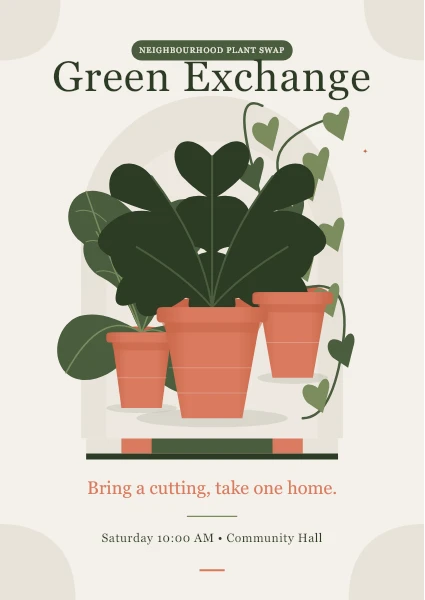
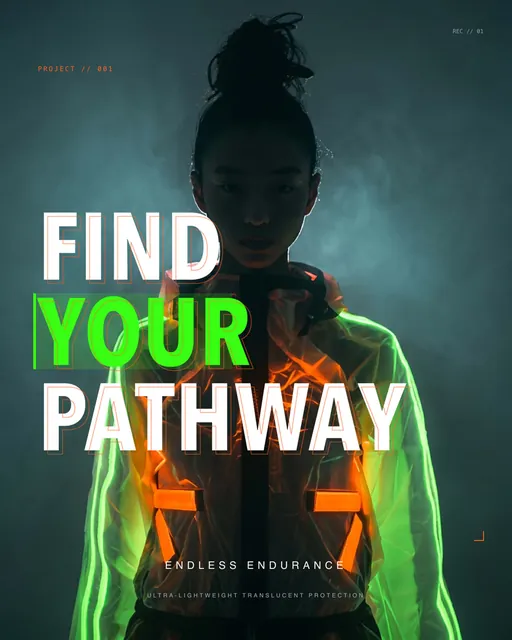
A poster is mostly type. Keep it editable.

Kiln & Co
Throw your frist pot.
- A typo you cannot fix
- Not your font
- Not quite your orange
What people make with it
How to make a poster with AI
- Step 1:
Describe the event
Name, date, place, and the one line people should remember.
- Step 2:
Generate the poster
Name the size, such as A3, or leave it to Linearity.
- Step 3:
Edit the type and layout
Retype details, move elements, swap the artwork.
- Step 4:
Export for print
PDF for the printer, PNG for sharing.


Example prompt
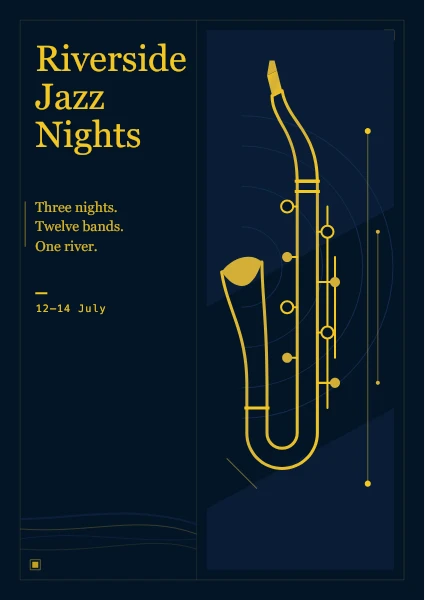
“Create an A3 poster for a summer jazz festival called Riverside Jazz Nights, 12 to 14 July, with a bold illustrated saxophone, deep blue and gold colors, and the line Three nights. Twelve bands. One river.”Try this prompt
What makes a poster work
- The event name is the largest thing on the page.
- Date and place are real text, checked for typos.
- Nothing important sits in the outer few millimetres.
- One message first
- Readable from afar
- Details last
More AI tools
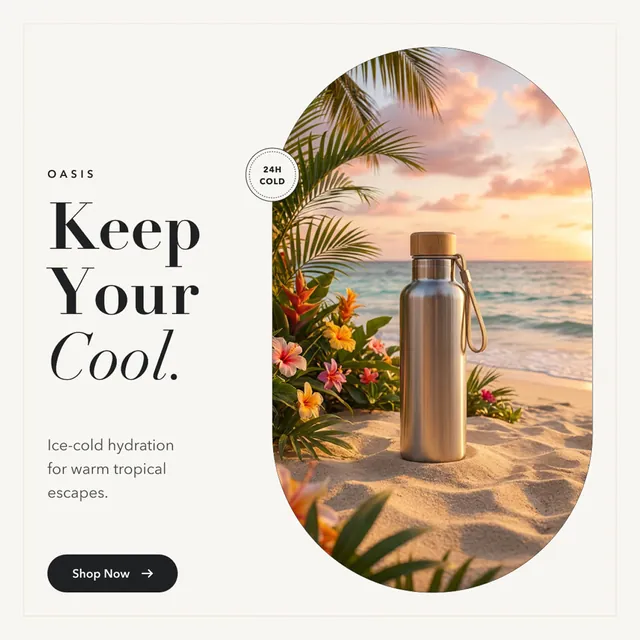
Social posts
Posts for every channel, from one prompt.
App Store screenshots
A full screenshot set from your app's own screens.Slides
Decks from Claude or ChatGPT, in your brand.
Stride
Summer drop
The Aero 2 is here.
Shop now
Stride
Summer drop
The Aero 2 is here.
Shop now
Resize
One design, recomposed for every format.Stride
Summer drop
The Aero 2 is here.
Shop now
Stride
夏の新作
Aero 2 登場。
今すぐ購入
Translate
The same design in another language.
Vector 1
The Linearity model that lays out every design.

AlsoInstagram postsFacebook postsPost designsLogosYouTube thumbnails
Questions about the poster maker
What sizes can I make?
Name a size in the prompt, such as A3, A2 or US Letter, or give pixel dimensions. Because the poster is a vector layout, it can also be resized to other formats afterwards.
Can I change the text after the poster is generated?
Yes. Headlines, dates and details are live text on their own layers. Click and retype them; the rest of the poster stays as it was.
Is the poster print-ready?
The layout is vector, so it stays sharp at any size. PDF export is part of the paid plans. Ask your printer whether they need bleed or a specific color profile, and add those before sending the file.
Can I use my own photos and logo?
Yes. Add your own images to the design, and set up a brand kit so your logo, colors and fonts are used from the first draft.
Is the poster maker free?
You can start for free with welcome credits. Each generation uses credits, and paid plans include a monthly allowance.