AI YouTube thumbnail maker
Describe the video and get a 1280 × 720 thumbnail with a headline you can retype. Keep one look across the channel by reusing the file.
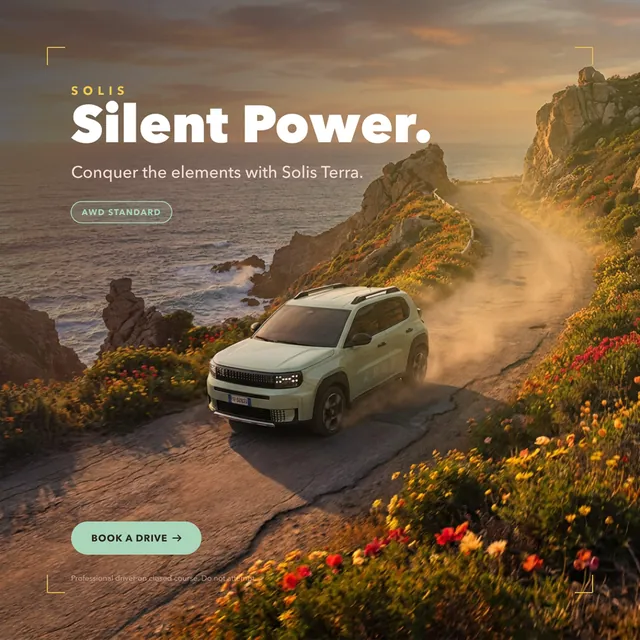
YouTube thumbnails generated in Linearity from one prompt each
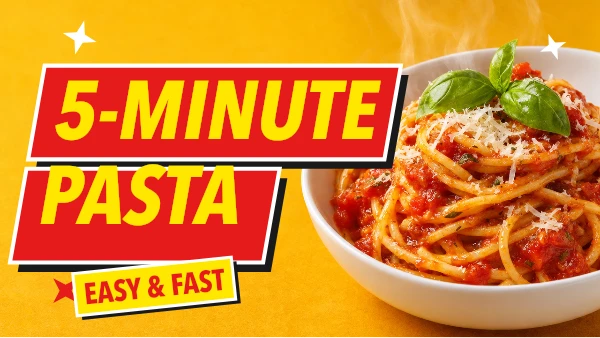

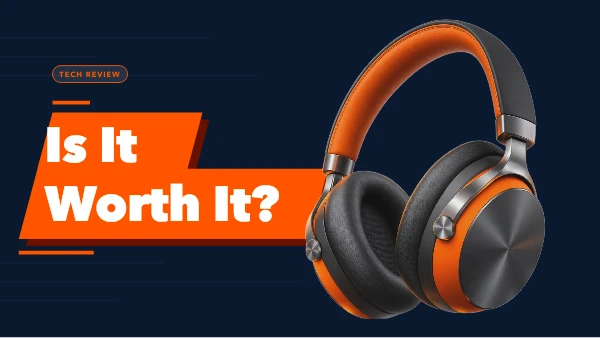
Made to be read at postage-stamp size
YouTube sizes and safe zonesFree thumbnail templatesImage resizer
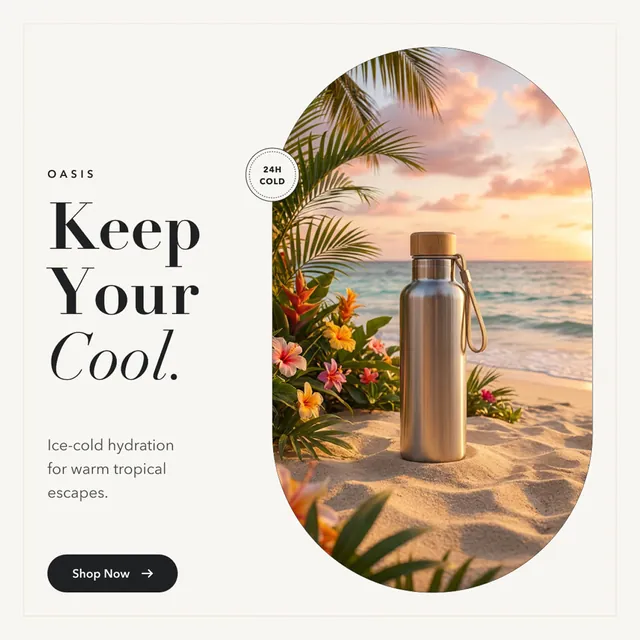
Made with Linearity Vector 1
What people make with it
How to make a YouTube thumbnail with AI
- Step 1:
Describe the video
The subject, and a headline of four words or fewer.
- Step 2:
Generate the thumbnail
Linearity sets it up at 1280 × 720.
- Step 3:
Edit the headline and layout
Retype, resize or move anything by hand.
- Step 4:
Export and upload
PNG or JPEG, under YouTube's 2 MB limit.


Example prompt
“Create a YouTube thumbnail for a cooking channel video titled 5-Minute Pasta with the headline 5-MINUTE PASTA in big bold type, a plate of spaghetti, bright red and yellow colors”Try this prompt
What makes a thumbnail get the click
- The headline reads at 120 pixels wide.
- Nothing important sits bottom right, under the duration label.
- It looks like it belongs to your channel.
- Four words or fewer
- One subject
- High contrast
More AI tools
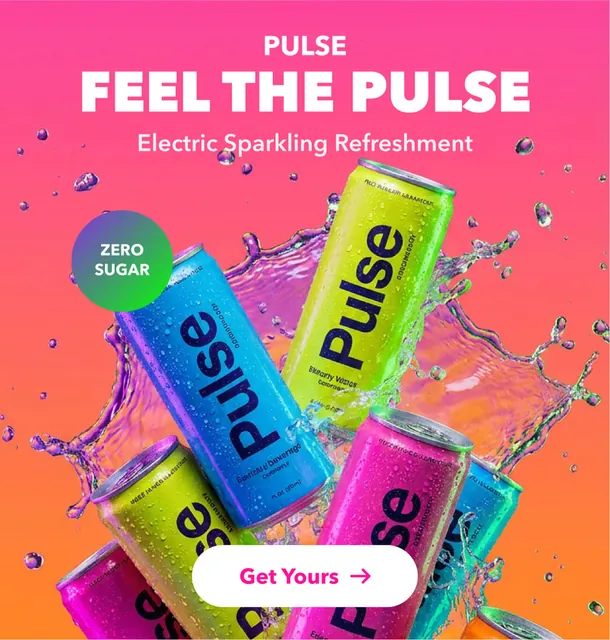
Social posts
Posts for every channel, from one prompt.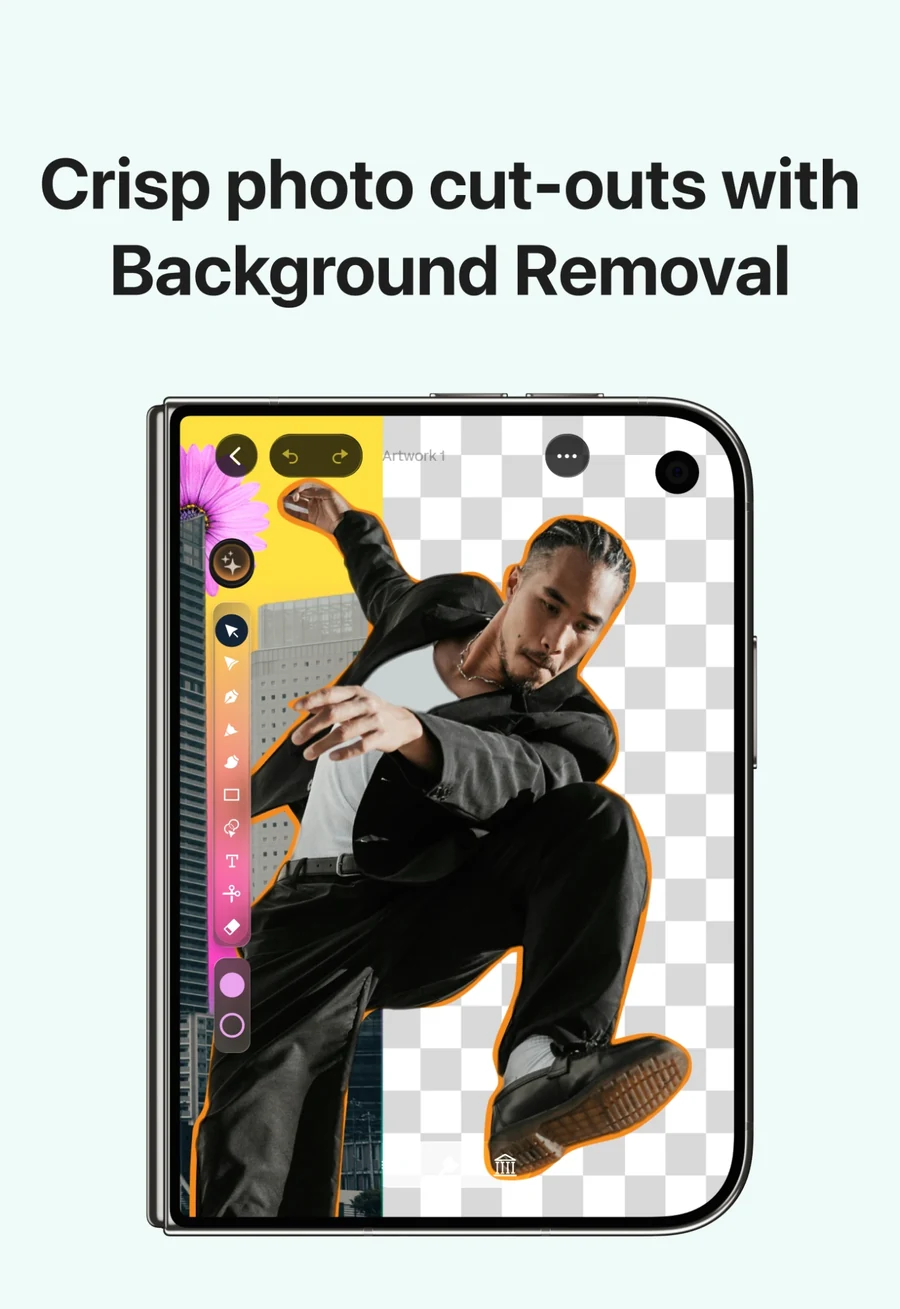
App Store screenshots
A full screenshot set from your app's own screens.Slides
Decks from Claude or ChatGPT, in your brand.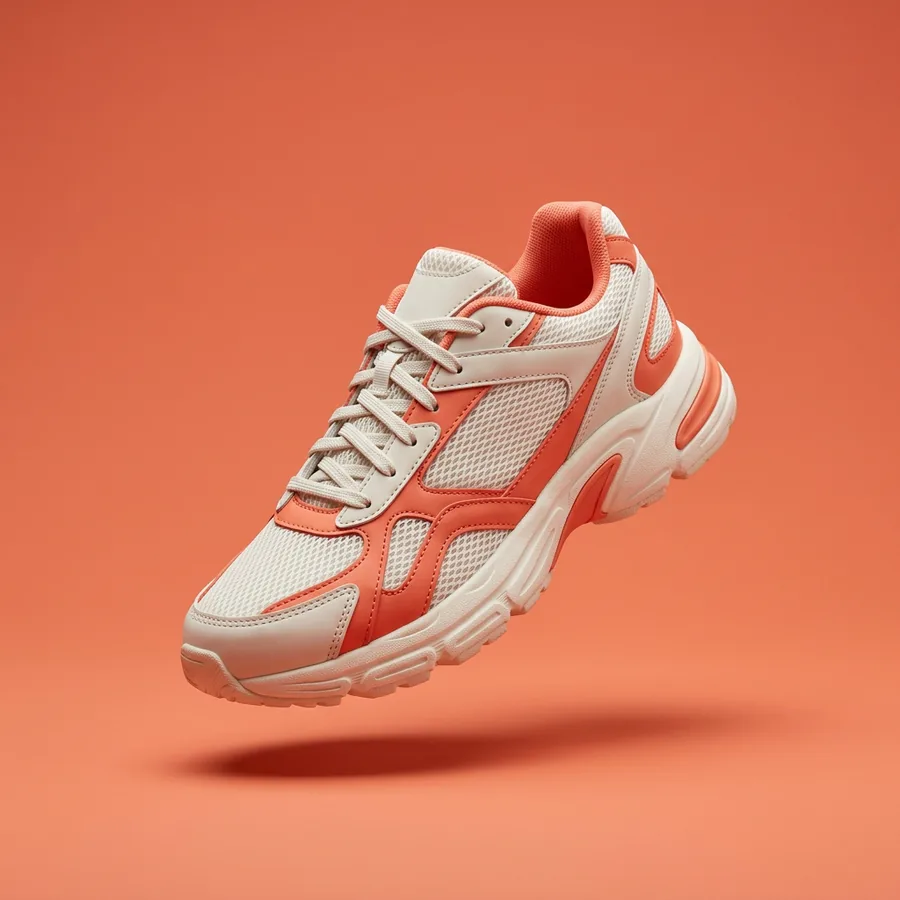
Stride
Summer drop
The Aero 2 is here.
Shop now
Stride
Summer drop
The Aero 2 is here.
Shop now
Resize
One design, recomposed for every format.Stride
Summer drop
The Aero 2 is here.
Shop now
Stride
夏の新作
Aero 2 登場。
今すぐ購入
Translate
The same design in another language.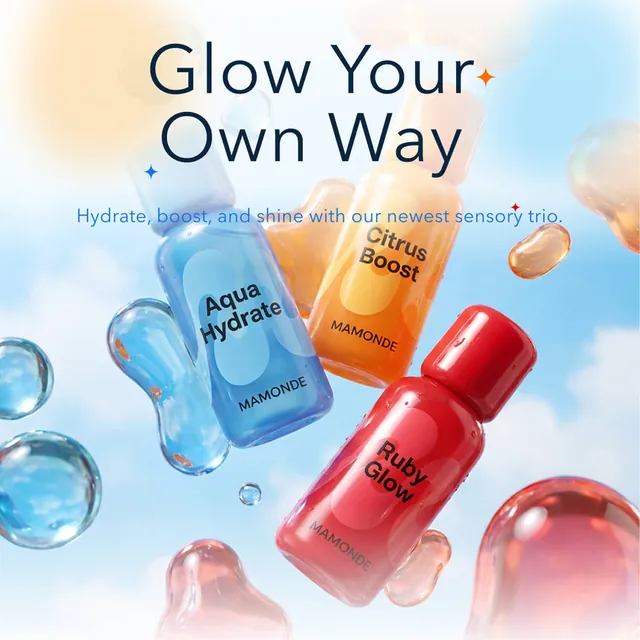
Vector 1
The Linearity model that lays out every design.

Questions about the YouTube thumbnail maker
What size is a YouTube thumbnail?
1280 × 720 pixels, a 16:9 ratio, with a minimum width of 640 pixels. Linearity sets the canvas to that size when you ask for a YouTube thumbnail.
Can I reuse a thumbnail for the next video?
Yes. The headline is live text and the picture is its own layer, so you can duplicate the file, retype the title and swap the image while the look stays the same.
Can I put my own face or screenshot in it?
Yes. Add your own image to the design. Background removal can cut you out of a photo so you can place yourself over the artwork.
Which file format should I upload?
JPEG or PNG. YouTube accepts files up to 2 MB, so a JPEG is usually the safer choice for a photographic thumbnail.
Is the thumbnail maker free?
You can start for free with welcome credits. Each generation uses credits, and paid plans include a monthly allowance.