AI logo generator
Describe the business and get logo directions as vector shapes, not pictures of logos. Every path, color and letter stays editable.
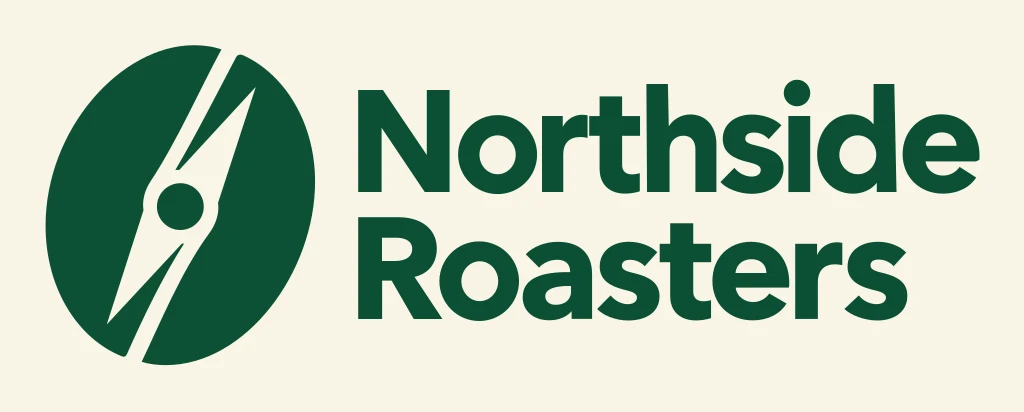
Three logos generated in Linearity for made-up businesses
A logo you can keep working on

Kiln & Co
Throw your frist pot.
- A typo you cannot fix
- Not your font
- Not quite your orange
What people make with it
How to make a logo with AI
- Step 1:
Describe the business
What it does, who it is for, and one idea for the mark.
- Step 2:
Generate a few directions
Switch to Vector mode and compare several results.
- Step 3:
Edit the paths and type
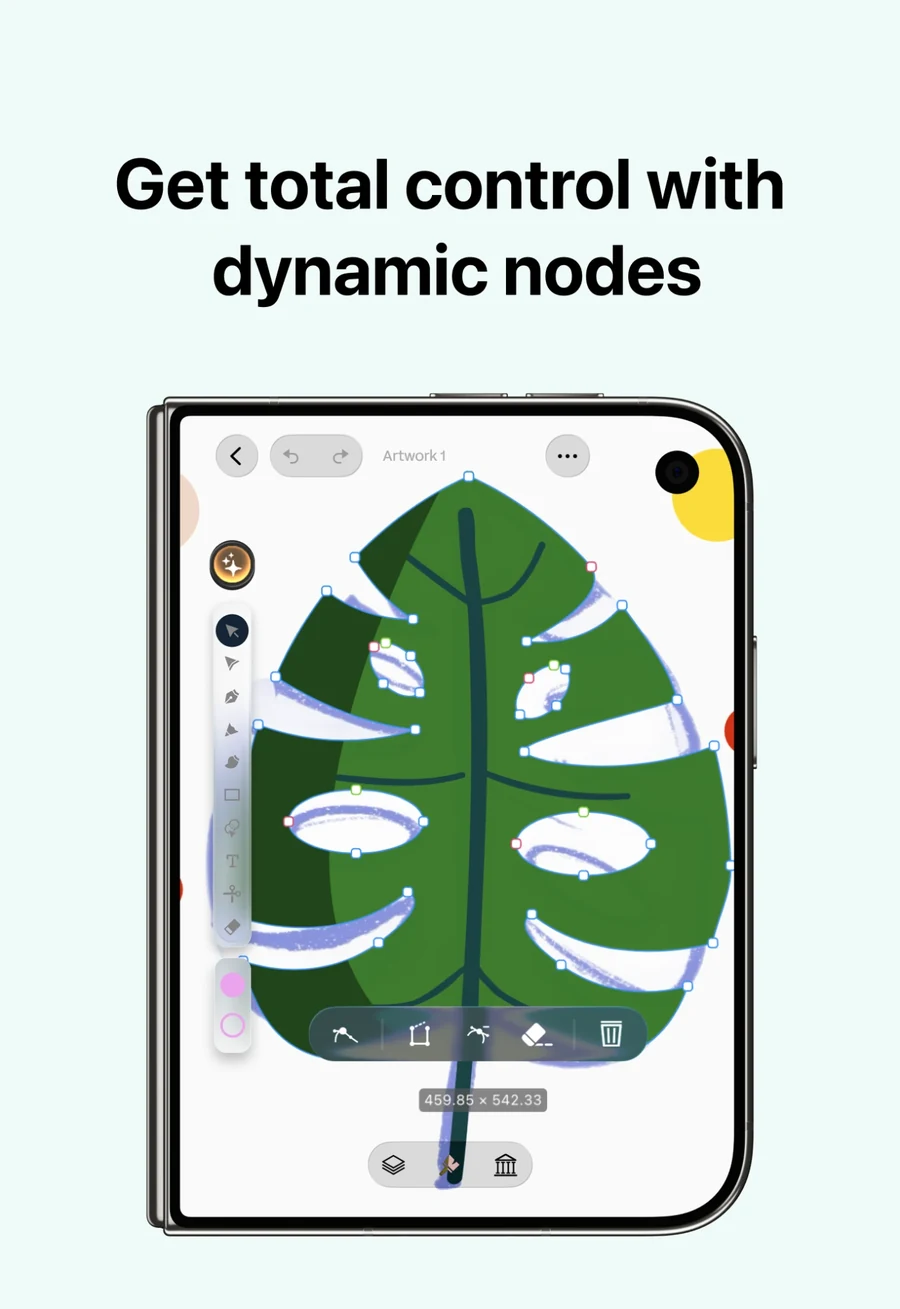
Move nodes, change colors, set the name in your font.
- Step 4:
Export for print and web
SVG for scale, PNG for everyday use.


Example prompt
“Logo for a specialty coffee roaster called Northside Roasters: a simple geometric mark of a coffee bean combined with a compass needle, flat, two colors, deep green and cream, no gradients, with the wordmark set beside it in a clean sans serif”Try this prompt
What makes a generated logo usable
- Two colors at most, and no gradients.
- The name is live text in a font you are licensed to use.
- It still reads in black on white.
Vector paths, shapes and nodesColor contrast checkerAI design guide
- Reads at 32 pixels
- Works in one color
- Real paths
More AI tools
Social posts
Posts for every channel, from one prompt.
App Store screenshots
A full screenshot set from your app's own screens.Slides
Decks from Claude or ChatGPT, in your brand.
Stride
Summer drop
The Aero 2 is here.
Shop now
Stride
Summer drop
The Aero 2 is here.
Shop now
Resize
One design, recomposed for every format.Stride
Summer drop
The Aero 2 is here.
Shop now
Stride
夏の新作
Aero 2 登場。
今すぐ購入
Translate
The same design in another language.
Vector 1
The Linearity model that lays out every design.

AlsoInstagram postsFacebook postsPost designsPostersYouTube thumbnails
Questions about the logo generator
Are the logos vector files?
Yes. Vector mode generates shapes and paths rather than pixels, so a logo can be edited node by node and scaled to any size without losing sharpness.
Can I edit the logo after it is generated?
Yes. Change the colors, move or delete shapes, and retype the name. You can also open the file in Linearity Curve on Mac or iPad for pen tool and shape builder work.
Can I export the logo as SVG?
Yes. SVG and PDF export are part of the paid plans; PNG export is available on every plan. See the pricing page for details.
Is the logo generator free?
You can start for free with welcome credits. Each generation uses credits, and paid plans include a monthly allowance.
Can I trademark a logo made with AI?
That depends on your country's law and on how much of the final mark is your own work, so check with a trademark professional. Also search for similar existing marks before you commit to one: a generated logo is not checked against registered trademarks.