New to Linearity Curve?
Whether you're a seasoned designer exploring a new tool or a complete beginner taking your first steps into the world of marketing design, we've got your back!


Setting up your Workspace
Bring all your documents together in one secure space and enjoy a seamless design experience across all your Apple devices.

Safeguard your files with Linearity Cloud
Seamlessly sync your files across all devices, and access and edit your files anytime, anywhere, whether you're online or offline.
Explore more in our User Guide



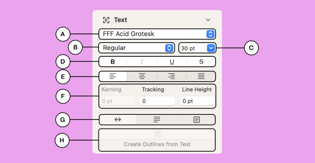
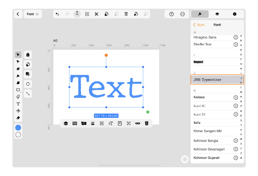
Getting started with Linearity Curve
Start your design journey with our 101 Vector Design Course.
This video tutorial series covers Linearity Curve’s important tools, functionalities, operations, and gestures on iPad. By the end of the course, you'll have a solid foundation and the confidence to create stunning visuals.
Get ready for Linearity Move
Want to turn your static assets into eye-catching animations? With Linearity Move, all it takes is a single click.
Be among the first to try out our new and innovative motion graphics tool.
And it's not all!

Inside linearity
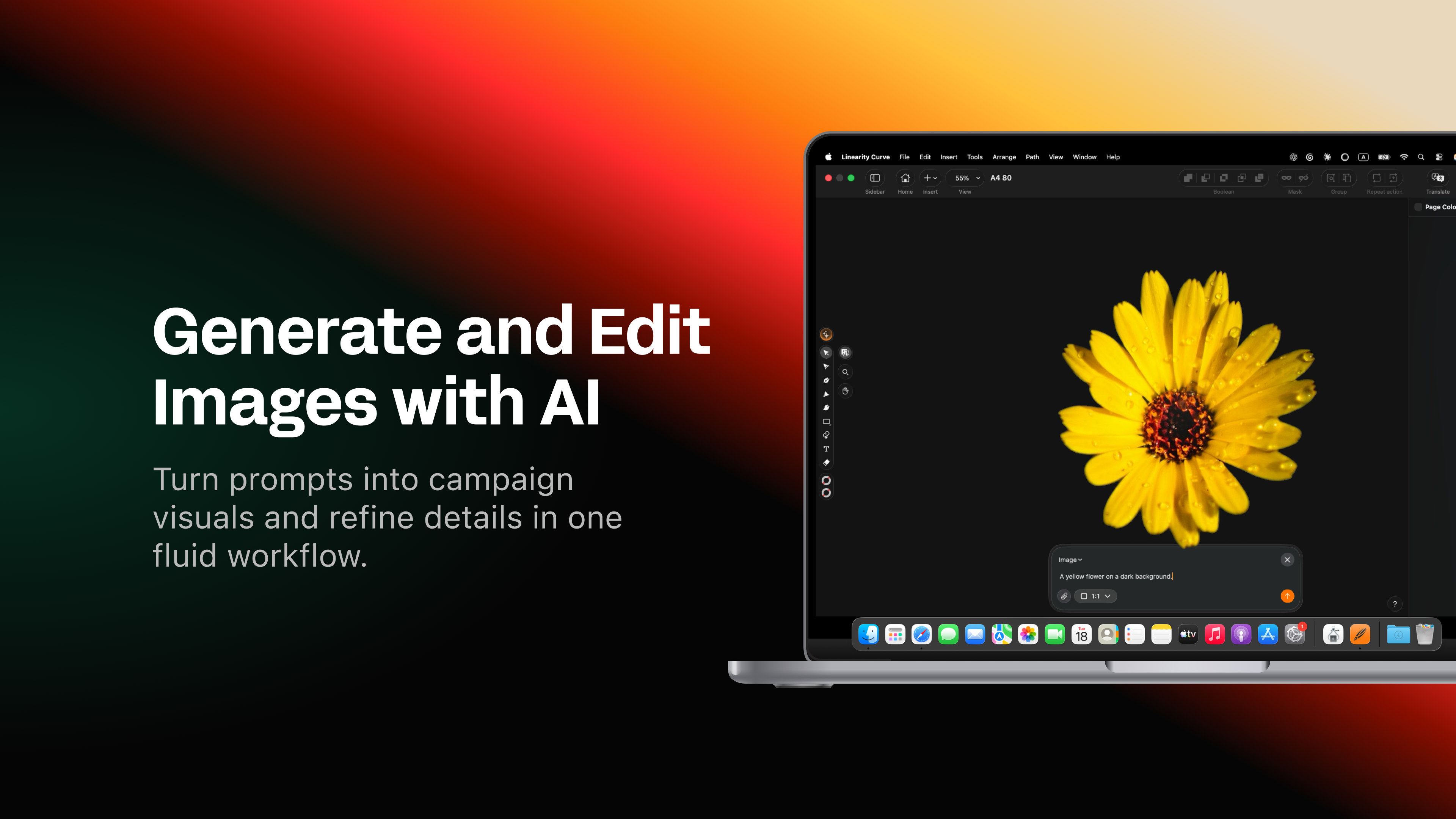
How to generate and edit images with AI in Linearity
By Nadya Kunze
Inside linearity
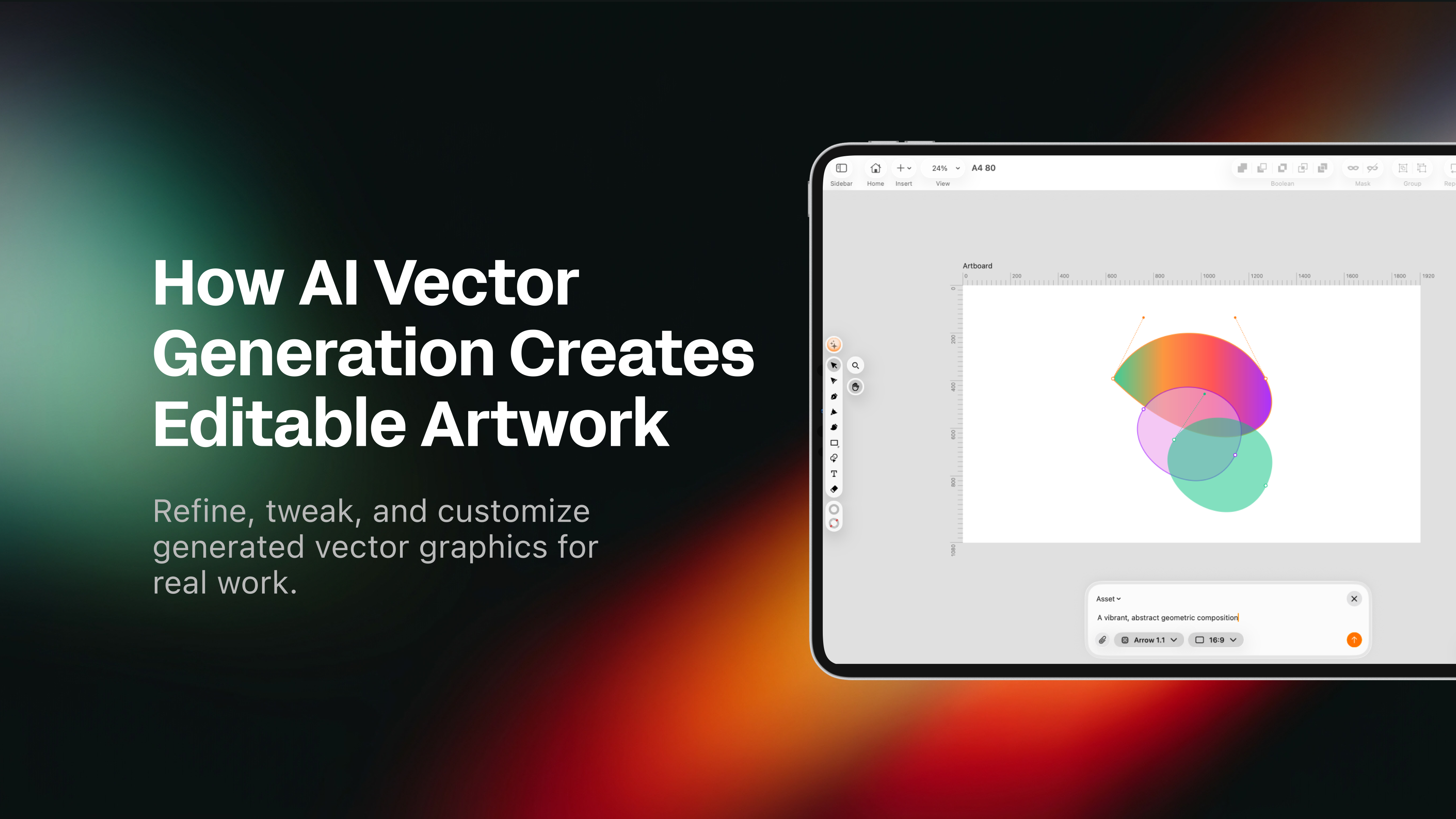
How AI vector generation creates editable artwork
By Nadya Kunze
Animation Resources

Animation for beginners: How to get started & which software to use
By Valentina Perezalonso
:quality(75))